Clipboard History Mini
Save everything you copy and reuse any item with one click.
 Anything Search
Find any file as fast as you can type.
A local index returns results in milliseconds, even with over a million files. Free forever core search, with a one-time Pro upgrade.
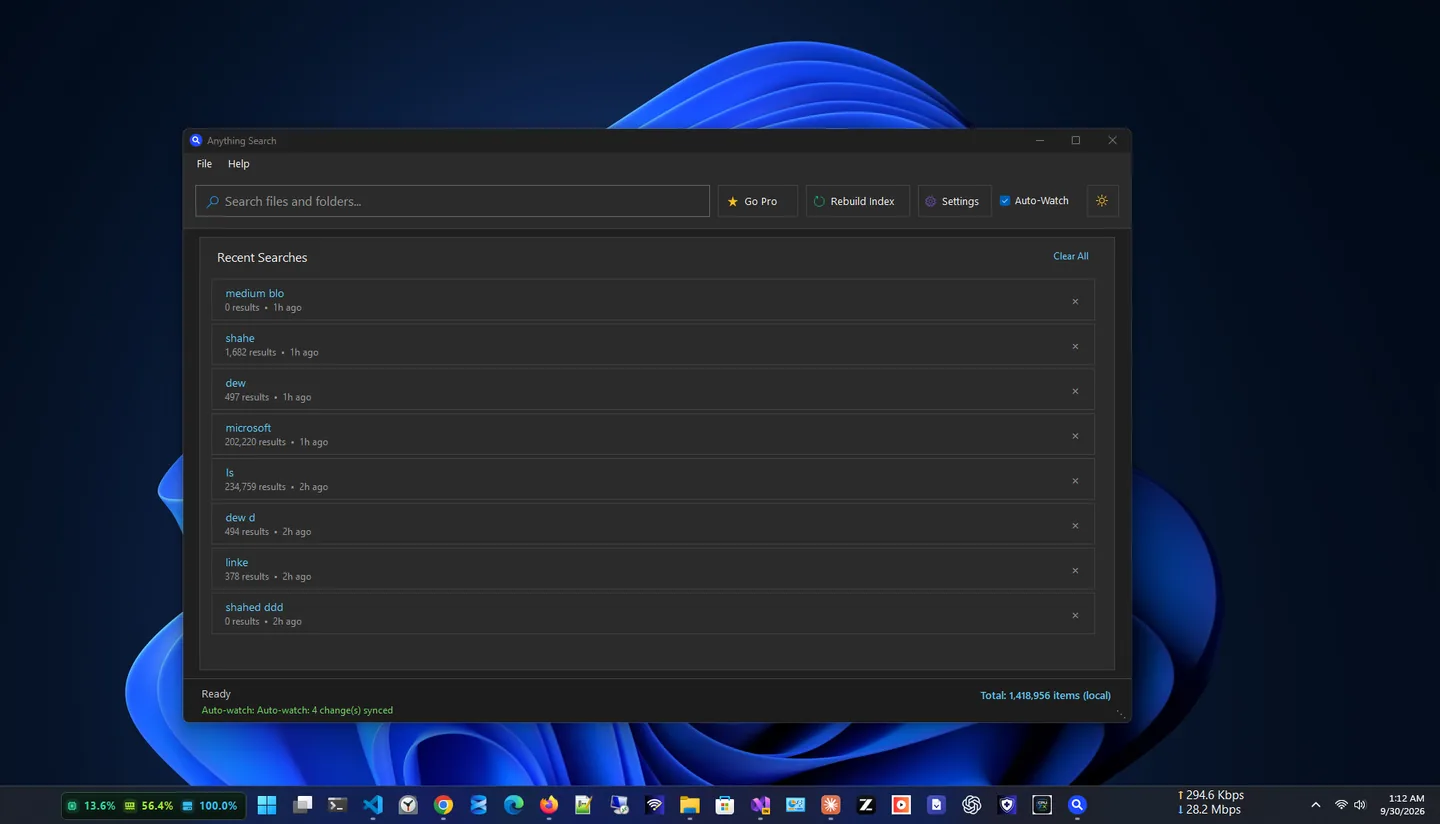
Anything Search is a lightning-fast file search tool for Windows 10 and 11. It indexes every file and folder on your computer (over a million items) in under two minutes, then returns results in milliseconds as you type.
Searches query a local index instead of scanning your drives, so results appear before you finish typing. Auto-Watch keeps the index in sync as files are created, renamed or deleted, and recent searches are one click away.
Your index lives entirely on your device: no cloud, no uploads and no account. Every core search feature is free forever; a one-time Pro upgrade removes ads and adds lifetime updates and priority support.
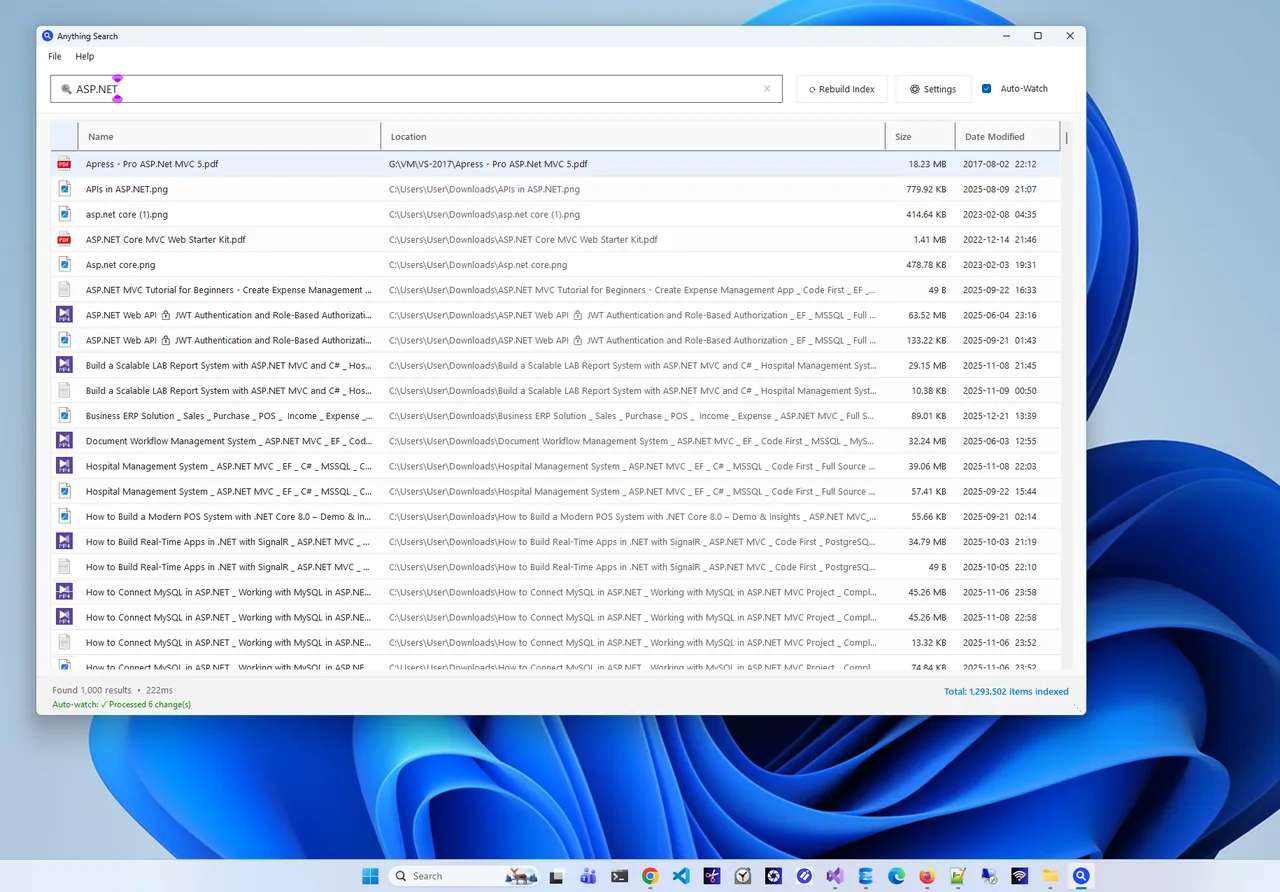
Search results
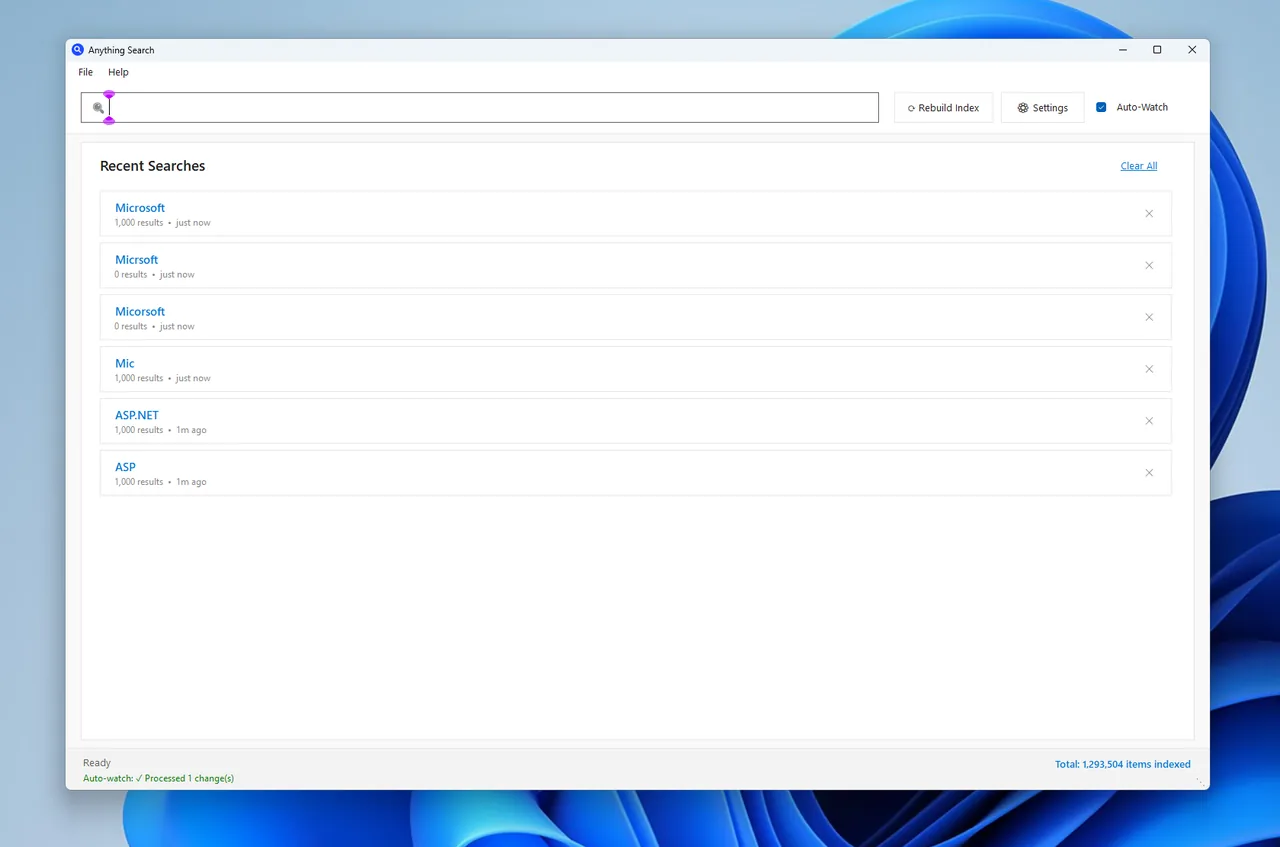
Recent searches
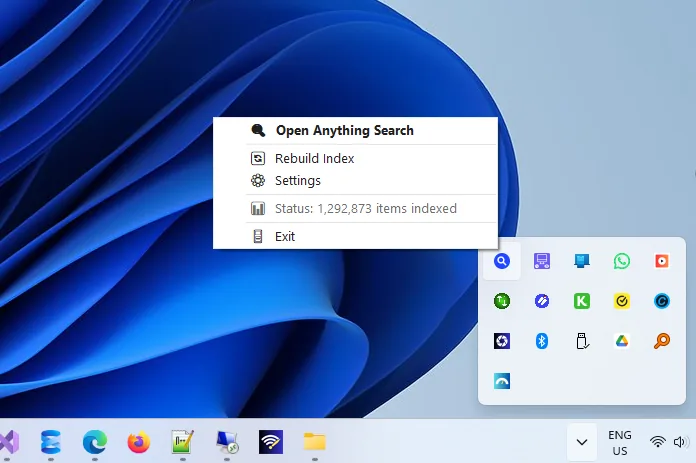
System tray
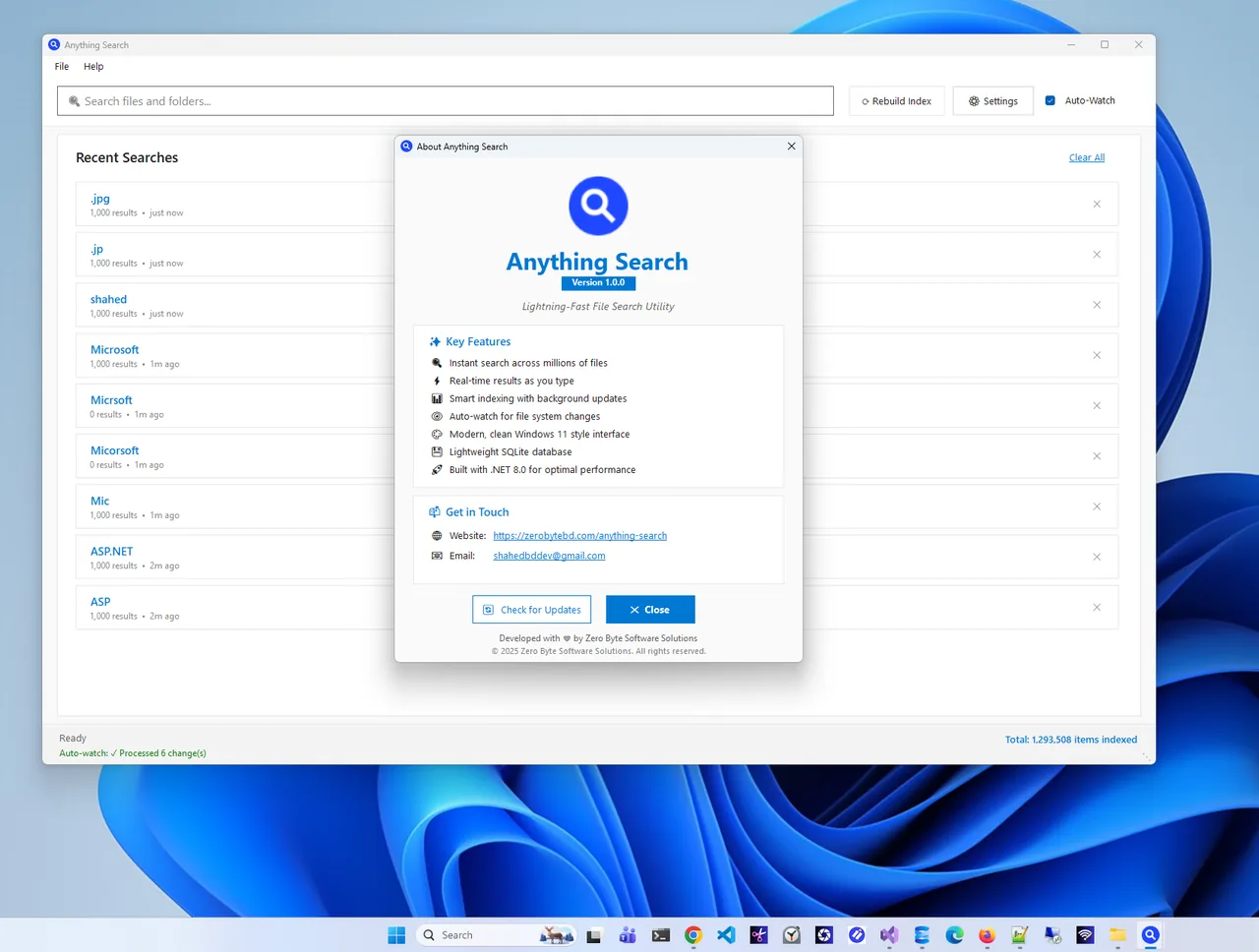
Features
Core search is free forever.
Results appear in milliseconds as you type.
First index in under 2 minutes, in resumable background passes.
New, renamed and deleted files update automatically.
Re-run past searches in one click.
Open, reveal in Explorer, copy path or name.
Always available without cluttering the taskbar.
| Feature | Free $0 | Pro $9.99 one-time |
|---|---|---|
| Instant search and indexing | ✓ | ✓ |
| Auto-Watch real-time sync | ✓ | ✓ |
| Recent searches and right-click actions | ✓ | ✓ |
| No ads | – | ✓ |
| Lifetime updates | – | ✓ |
| Priority support | – | ✓ |
All purchases are handled by the Microsoft Store. Prices in USD; your Store may show local pricing.
Get Anything Search free from the Microsoft Store.
The first index builds in the background in about two minutes.
Start typing a file or folder name; results appear instantly.
Double-click to open, or right-click to reveal in Explorer.
Windows Search indexes content and only some locations by default, so finding a file by name elsewhere can mean waiting for a live scan. Anything Search indexes every file and folder name into a local database, which is why it can answer as you type, across all drives.
Have copies everywhere? Try Duplicate Finder ZX. More help is coming in our Windows guides.
Yes. Every core search feature is free forever. A one-time Pro upgrade removes ads and adds lifetime updates and priority support.
It indexes over a million items in under two minutes on most systems and returns results in milliseconds.
Yes. Auto-Watch updates the index automatically when files are created, renamed or deleted.
No. It is fully offline; file names, paths and searches never leave your PC.
No. Pro is a one-time purchase through the Microsoft Store.
Yes. It is DPI-aware from 100% to 200% and follows your dark or light theme.
Save everything you copy and reuse any item with one click.
Merge, split, compress, watermark and protect PDFs, fully offline.
Find and remove duplicate files safely; every delete goes to the Recycle Bin.

Read and edit Markdown with GitHub-style rendering, tabs and outline.
