
PC Health Optimizer
Health score, junk cleaner, startup manager and registry fixer.
 Duplicate Finder ZX
Find duplicates fast. Remove them safely.
A three-stage scan finds exact duplicates on a 1 TB drive in minutes, ranked by wasted space. Every delete goes to the Recycle Bin.
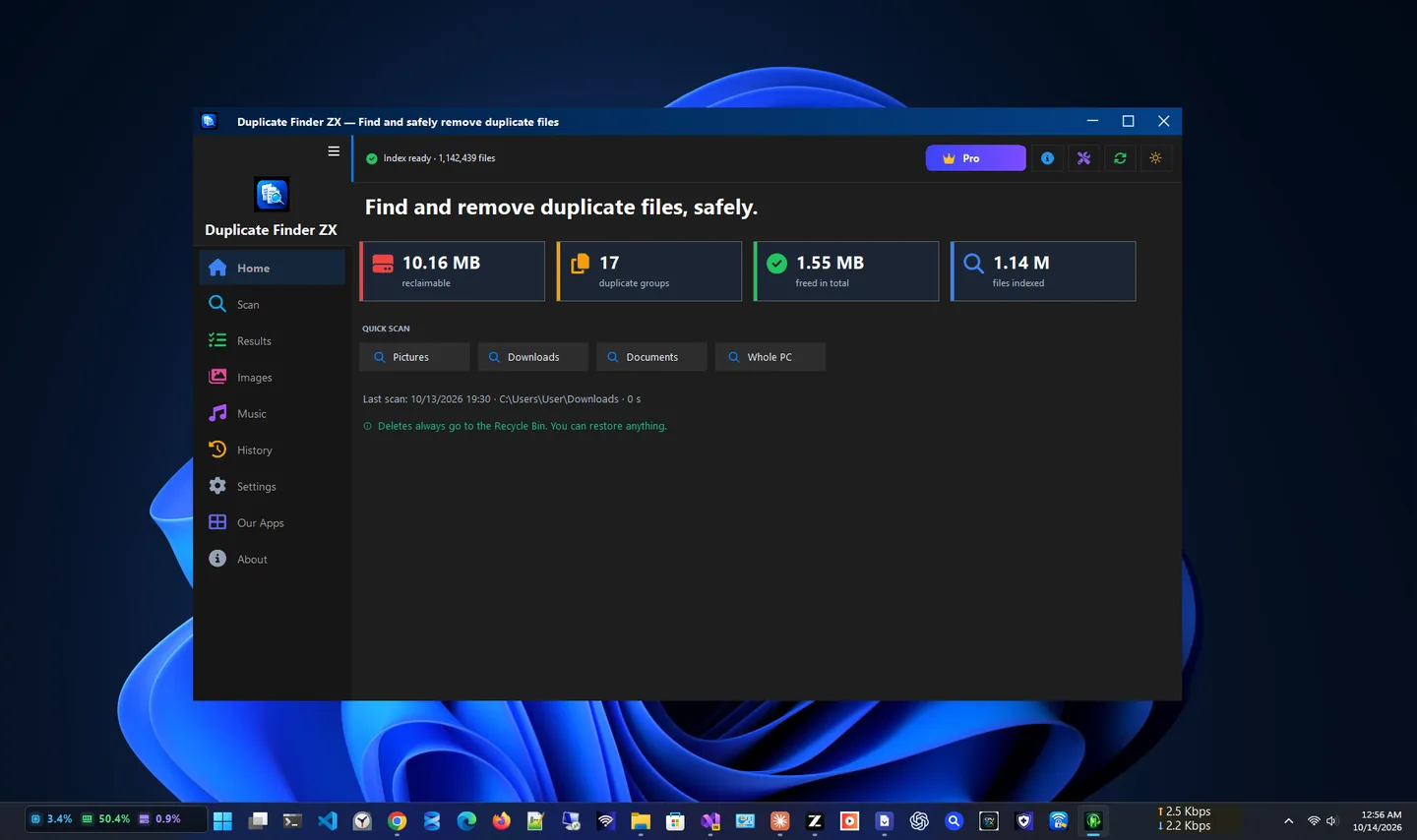
Duplicate Finder ZX is a free duplicate file finder for Windows 10 and 11. It scans a 1 TB SSD in under five minutes, groups every exact duplicate by wasted space, and lets you review and remove copies safely: every delete goes to the Recycle Bin, never permanently.
A three-stage engine groups files by size, compares a quick partial hash, then confirms matches with a full hash, so results are exact. A hash cache makes repeat scans finish in under 30 seconds, and you can pause, resume or cancel at any time.
Everything runs locally, with no account, no cloud and no telemetry. Go Pro once to add similar image detection, auto-select rules, exclusion rules, saved presets and CSV export, yours for life with no subscription.
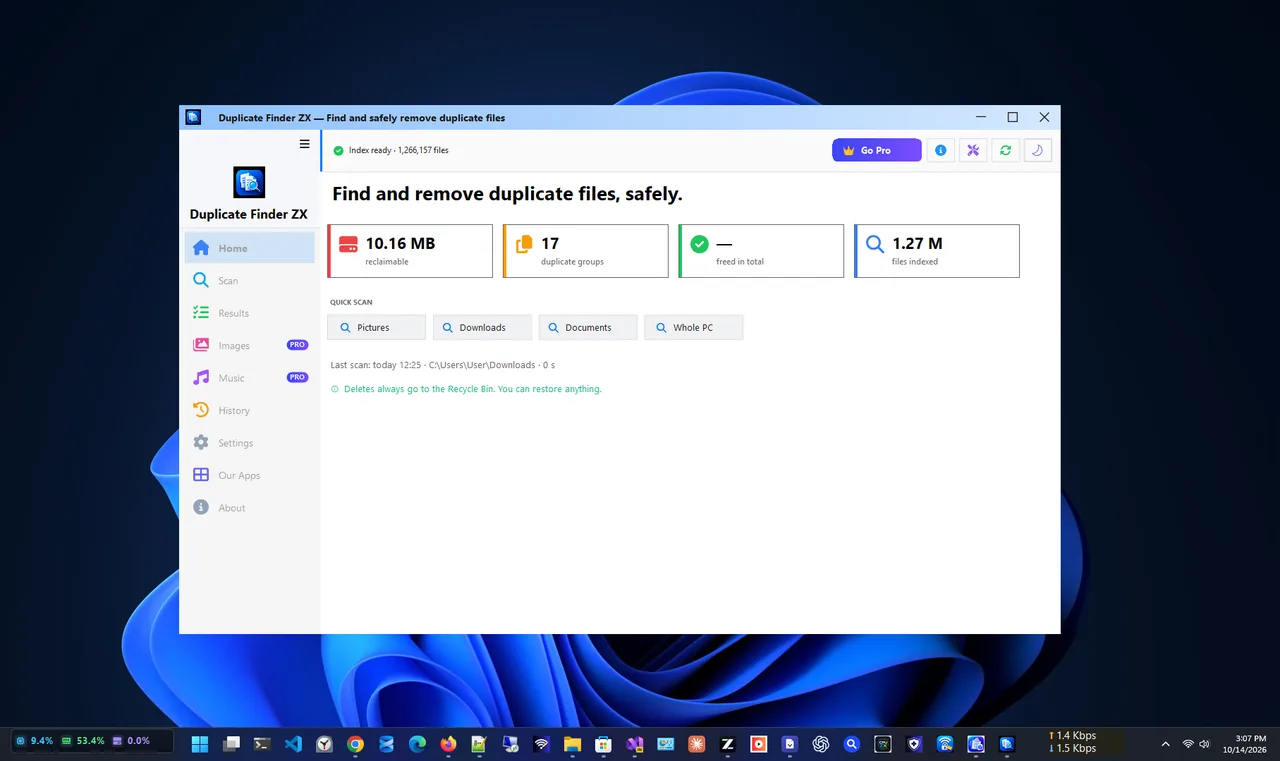
Light theme
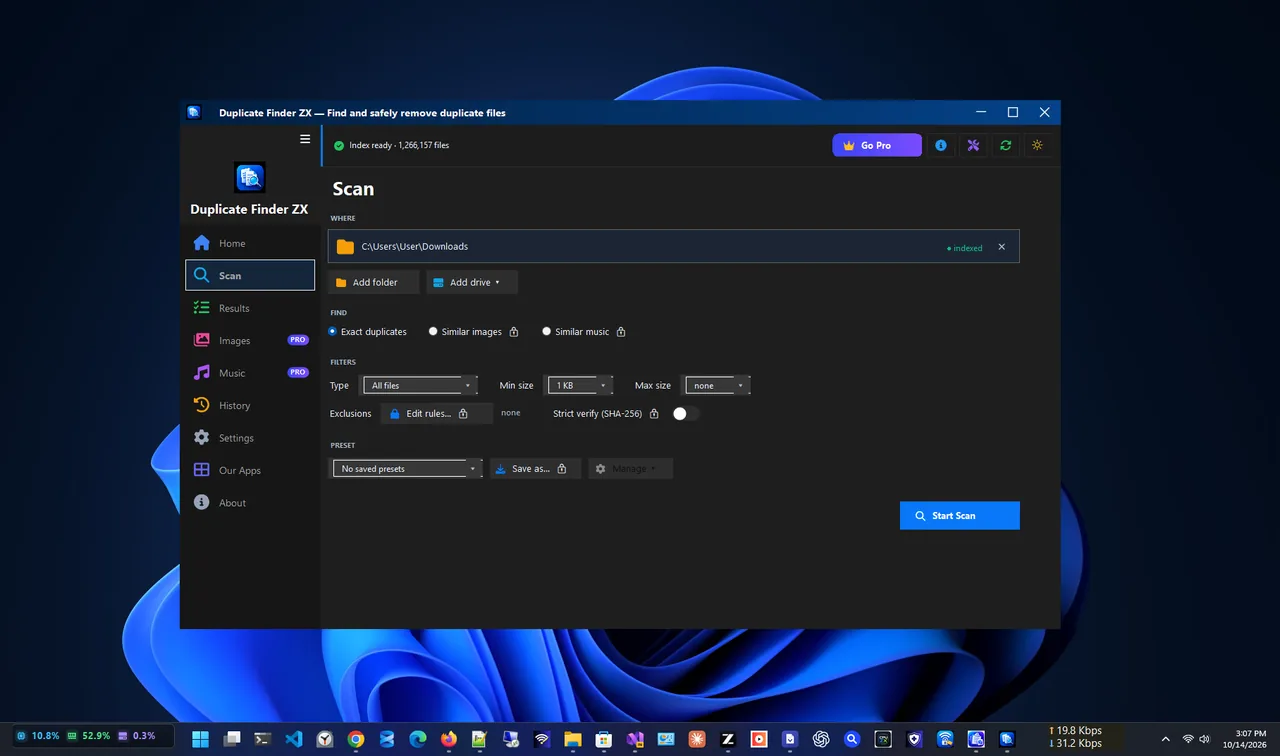
Scan setup
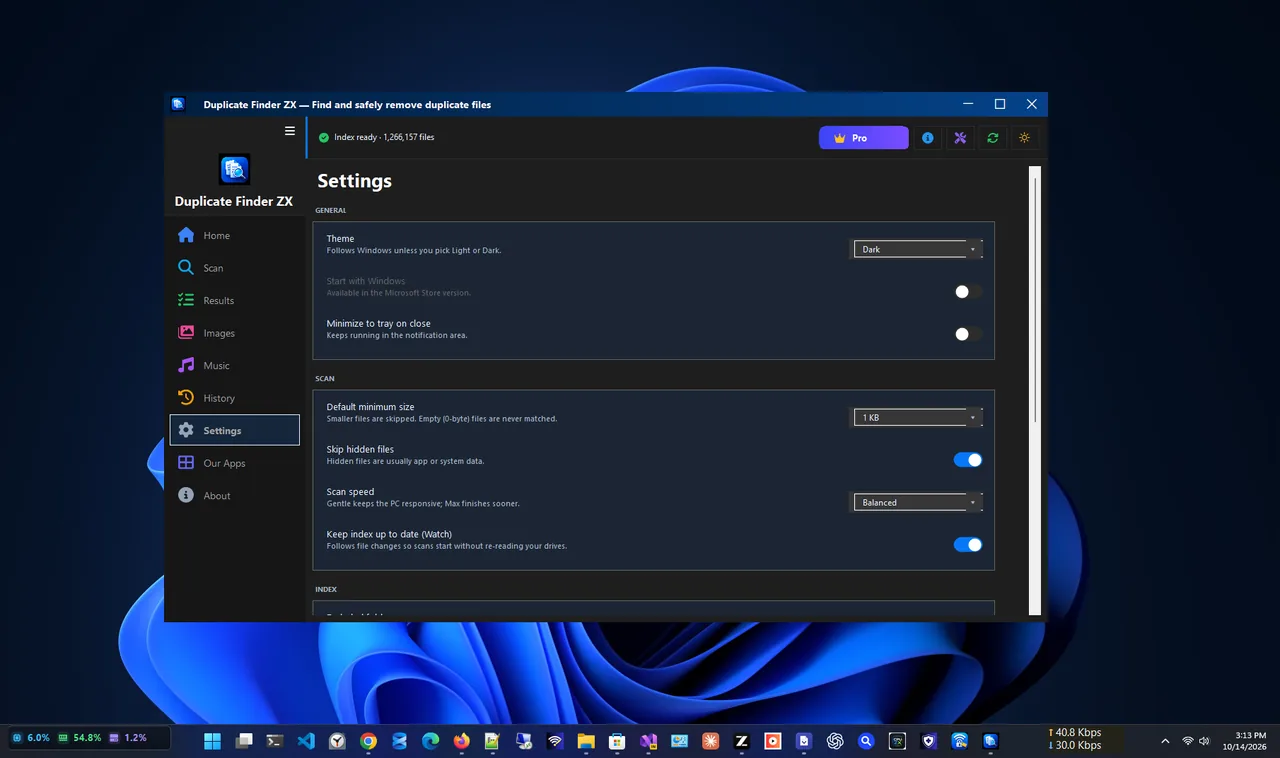
Settings
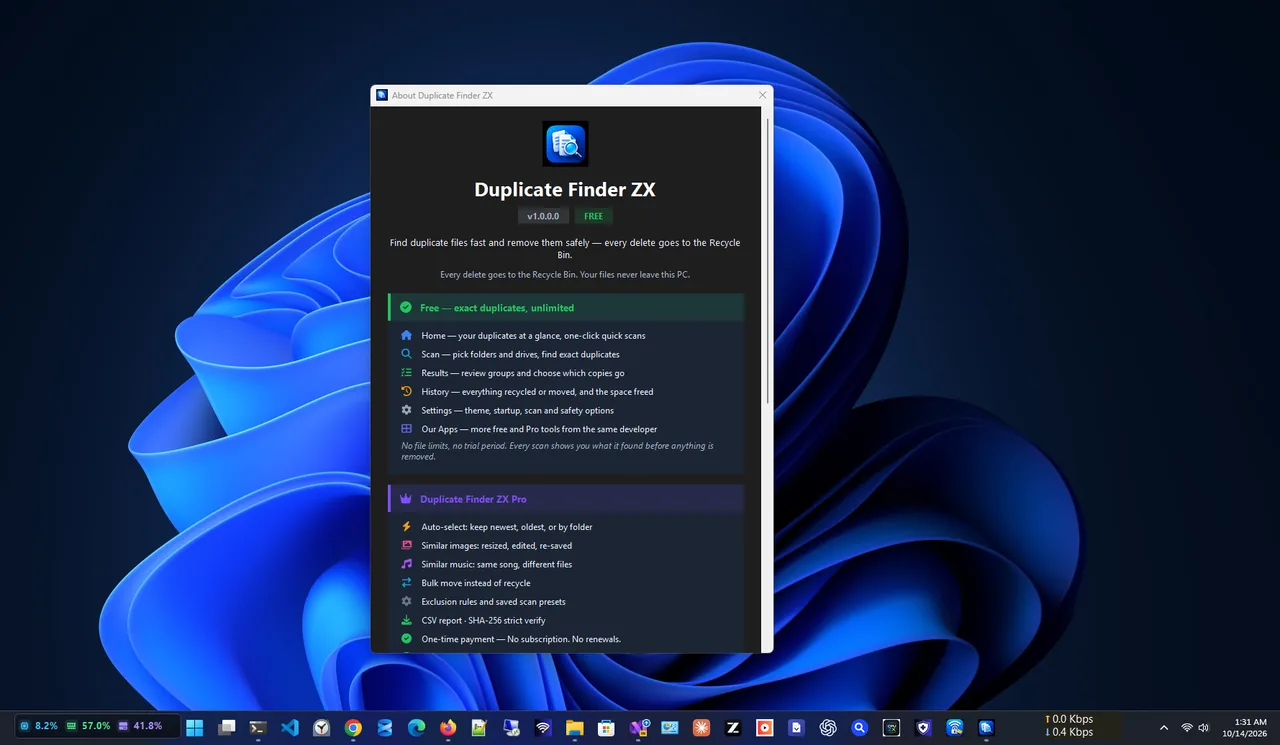
Features
Scanning and cleaning are free, with no limits.
Three-stage hashing finds true duplicates quickly.
Biggest savings first, with a preview pane and live totals.
One click for Pictures, Downloads, Documents or the whole PC.
No permanent delete anywhere; a group always keeps one copy.
Control the scan and see partial results while it runs.
Every file the app touches is logged locally.
| Feature | Free $0 | Pro $14.99 one-time |
|---|---|---|
| Exact duplicate scan | ✓ | ✓ |
| Review, preview and remove to Recycle Bin | ✓ | ✓ |
| Quick scan presets and filters | ✓ | ✓ |
| Similar image detection | – | ✓ |
| Auto-select rules | – | ✓ |
| Exclusion rules and saved presets | – | ✓ |
| CSV export | – | ✓ |
All purchases are handled by the Microsoft Store. Prices in USD; your Store may show local pricing.
Get Duplicate Finder ZX free from the Microsoft Store.
Pick folders or a quick scan like Pictures or Downloads, and set file types.
Groups are sorted by wasted space; preview files before you select.
Selected copies go to the Recycle Bin, and one copy is always kept.
Comparing file names is not enough: the same photo can have two names, and two different files can share one. A reliable duplicate file finder compares content. Duplicate Finder ZX first groups files by size, then compares a quick partial hash, and only then confirms with a full hash, so it is both fast and exact.
For junk files and caches, try PC Health Optimizer. More help is coming in our Windows guides.
Yes. Scanning and cleaning are free with no limits. Go Pro is an optional one-time purchase for advanced features.
No. Every removal goes to the Recycle Bin, and a duplicate group can never have all its copies selected.
It scans a 1 TB SSD in under five minutes, and warm rescans finish in under 30 seconds thanks to a hash cache.
Yes, with Go Pro: similar image detection finds near-duplicate photos at strict, normal or loose sensitivity.
No. There is no network connection during scanning, no account and no telemetry; everything stays on your PC.
No. Go Pro is a single one-time payment through the Microsoft Store.
Health score, junk cleaner, startup manager and registry fixer.

Find any file on your PC in milliseconds, right as you type.

Monitor CPU, RAM, drive health, GPU and temperatures in one place.

Resize one photo or hundreds at once with presets and instant export.
Find and remove duplicate files on Windows 11 and 10 safely: why File Explorer is not enough, how to scan, review and remove copies to the Recycle Bin.
