
IP Address App
Your public IP, ISP, location and network tools like ping and DNS lookup.
 WiFi Password Viewer
Your saved Wi-Fi passwords, one click away.
See the passwords of Wi-Fi networks your PC has joined, share them with a QR code, and check nearby networks.
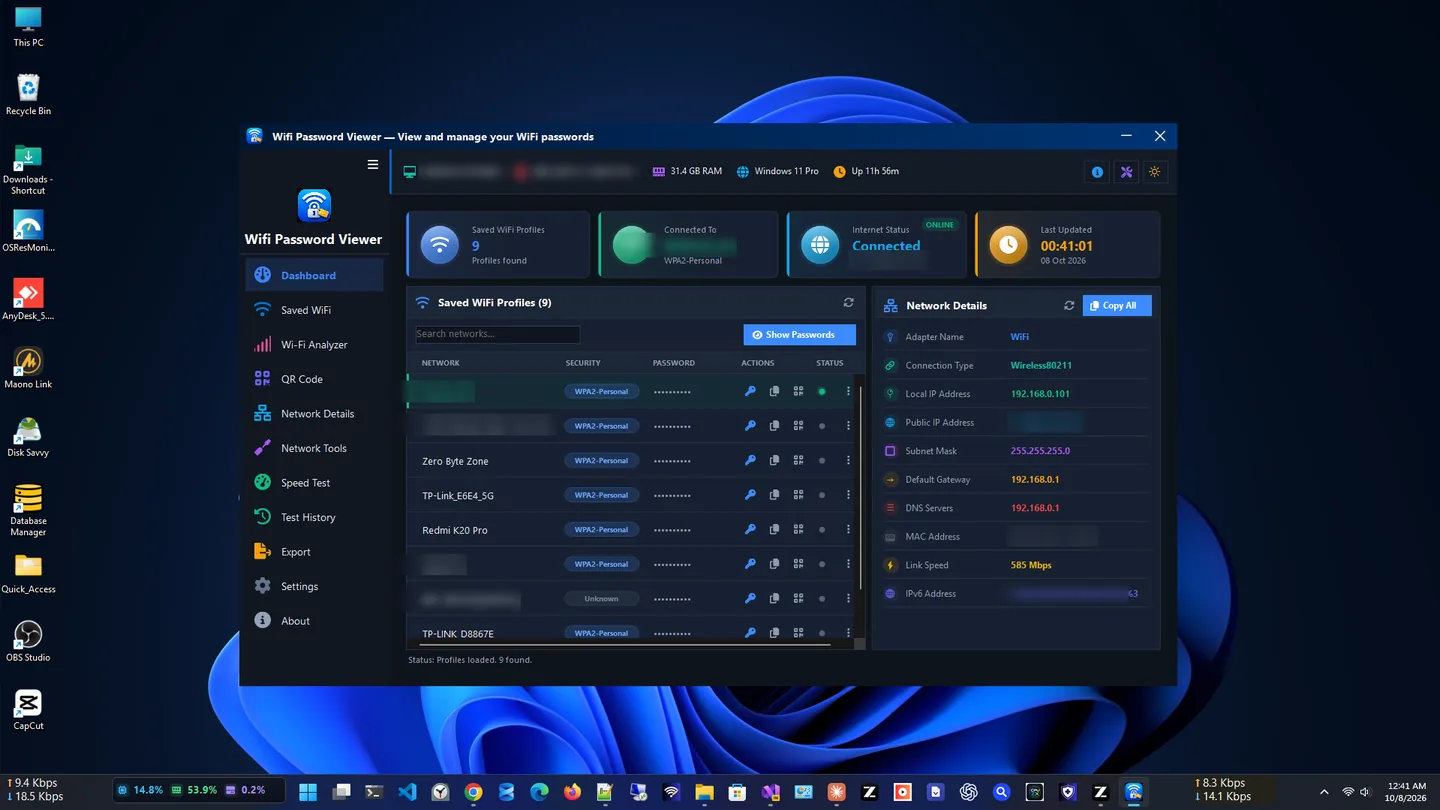
WiFi Password Viewer shows the passwords of Wi-Fi networks that Windows has already saved on your PC, in one clean list. It is the quickest way to recover a forgotten password when a new phone, laptop or guest needs to join your network.
Share any saved network with a scannable QR code, explore nearby wireless networks, and check adapter details. Built-in utilities let you run an internet speed test and use ping, DNS lookup and traceroute when the connection misbehaves.
Everything runs locally on your PC; your data is never uploaded. You can also export your Wi-Fi profiles to CSV, TXT or JSON for backup or documentation.
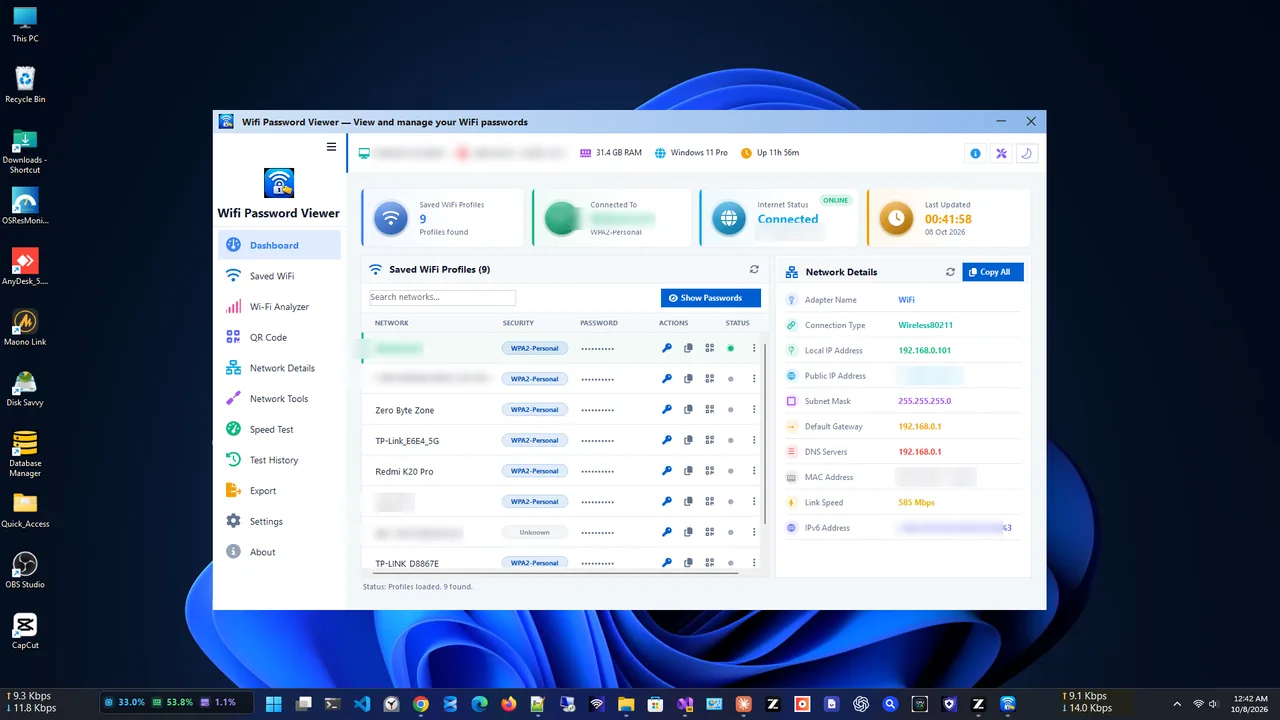
Saved networks
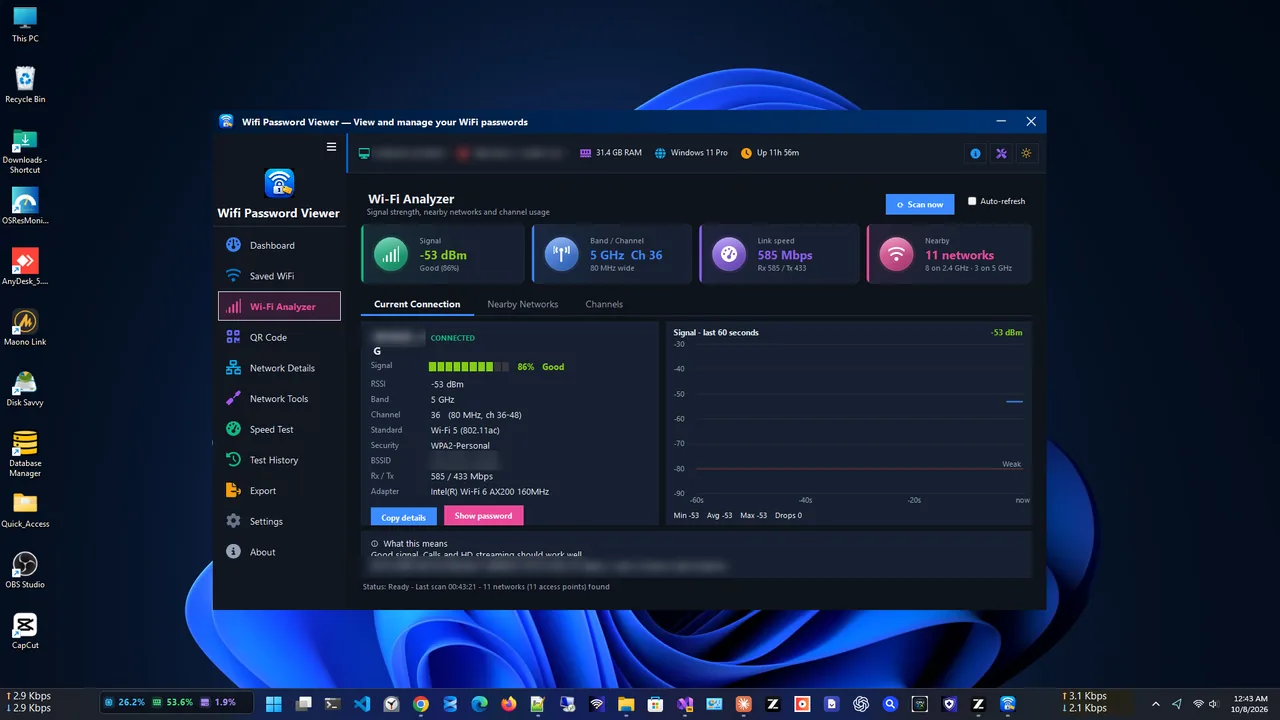
Wi-Fi analyzer
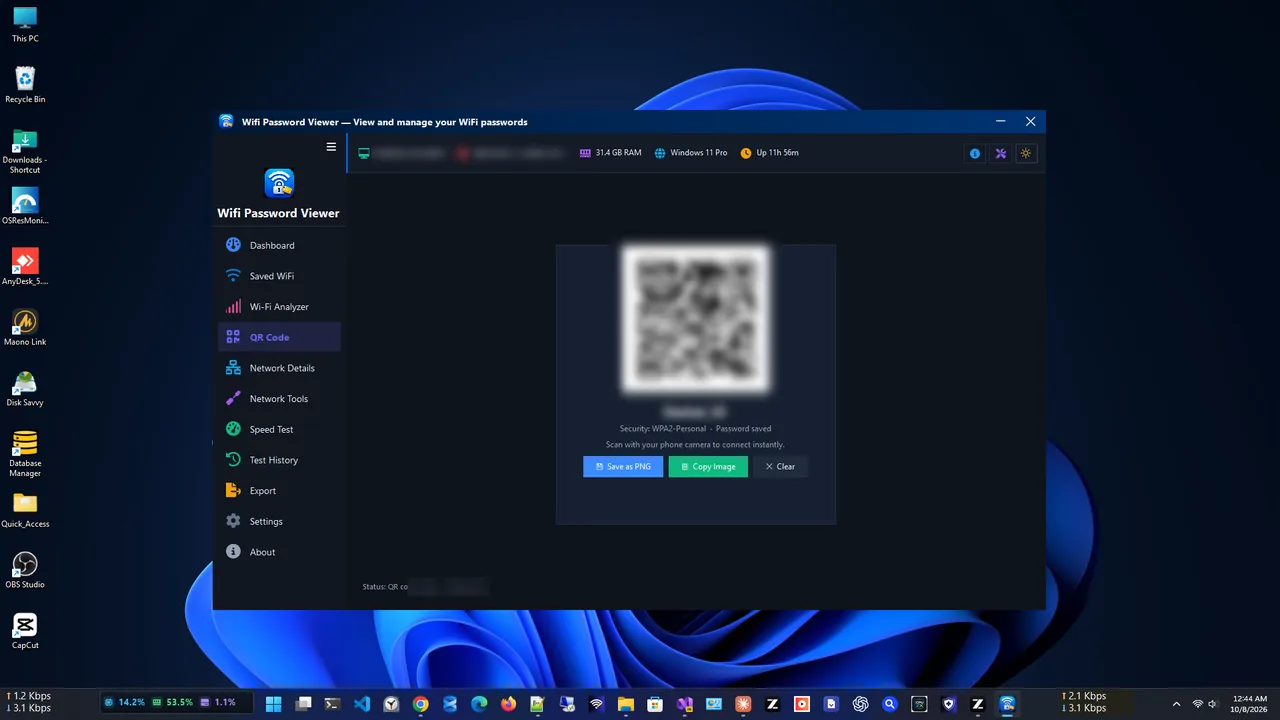
Share with a QR code
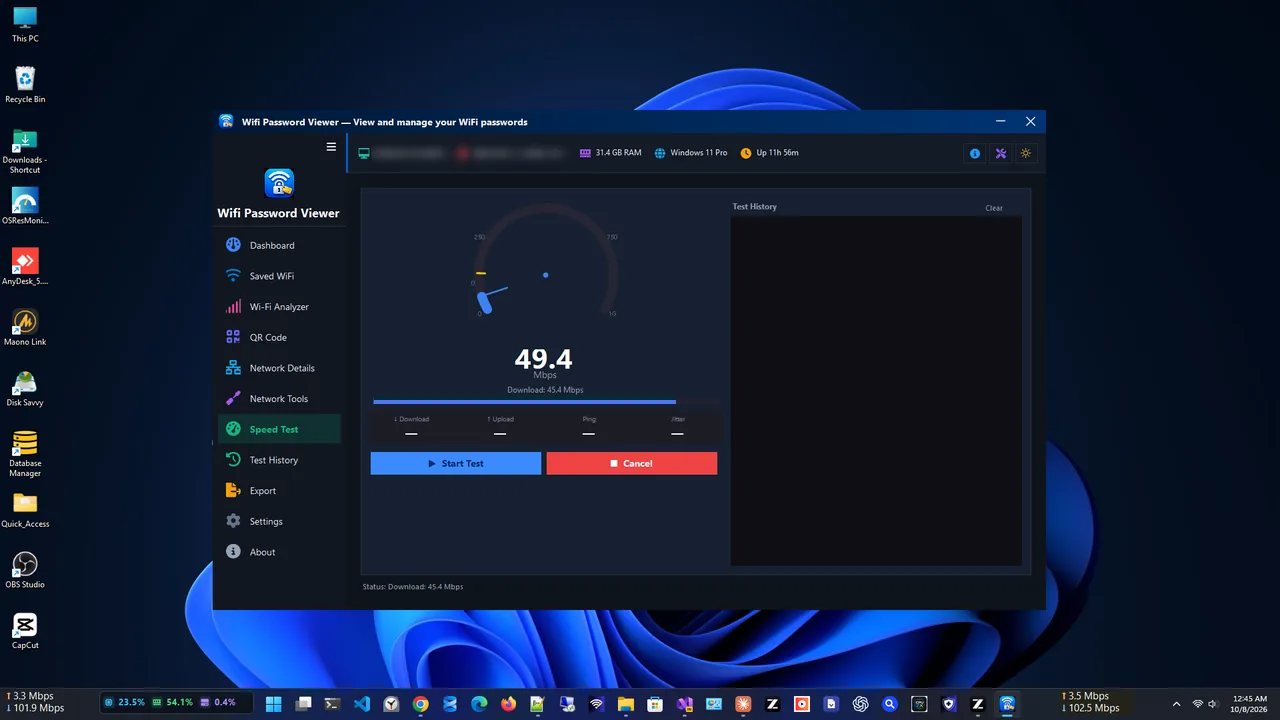
Speed test
A clean Windows app for everything around your Wi-Fi.
Passwords for every network stored by Windows, in one list.
Let phones and tablets join by scanning a code.
See the wireless networks around you.
Check your connection without leaving the app.
Ping, DNS lookup and traceroute built in.
Save Wi-Fi profiles to CSV, TXT or JSON.
Get WiFi Password Viewer free from the Microsoft Store.
The app lists the Wi-Fi networks this PC has joined before.
Select a network to show its saved password.
Show the QR code so another device can join by scanning it.
Every time your PC joins a Wi-Fi network and you choose to connect automatically, Windows saves a profile with the network name and its security key. Windows Settings can show the password for the network you are connected to, but finding older networks means typing commands. WiFi Password Viewer reads those saved profiles and lists them all in one place.
It only shows networks your own PC has already joined, so it is a recovery tool for your networks, not a way into anyone else’s.
Want to know your IP or test your connection? See IP Address App and Test Net Speed, or browse our Windows guides.
Yes. WiFi Password Viewer is free in the Microsoft Store.
Only the Wi-Fi networks that Windows has already saved on this PC, the networks you have connected to before.
All operations run locally and your data is never uploaded to external servers.
Select the network and show its QR code. Most phone cameras can scan it to join the network.
Yes. Export your profiles to CSV, TXT or JSON.
Yes. It is built for Windows 10 and Windows 11.
Your public IP, ISP, location and network tools like ping and DNS lookup.

Internet speed test with ping, jitter, saved history and network tools.

Full network monitoring: live speed, usage history and per-app connections.

See live download and upload speed on your desktop, always on top.

The best net speed meter apps for Windows 11 & 10 compared: live widgets, speed tests, data plans and per-app bandwidth. Which one fits you?
Check data usage on Windows 11 per network and per app, set a monthly data limit, and get warned before you go over your cap.
See which apps use internet on Windows 11 and 10 right now: Task Manager, Resource Monitor, data usage in Settings, and a live per-app monitor.
