
Anything Search
Find any file on your PC in milliseconds, right as you type.
 PDF HQ
Every PDF tool you need, without uploading a file.
Merge, split, compress, convert, watermark and protect PDFs, all on your PC. No uploads, no account, no ads.
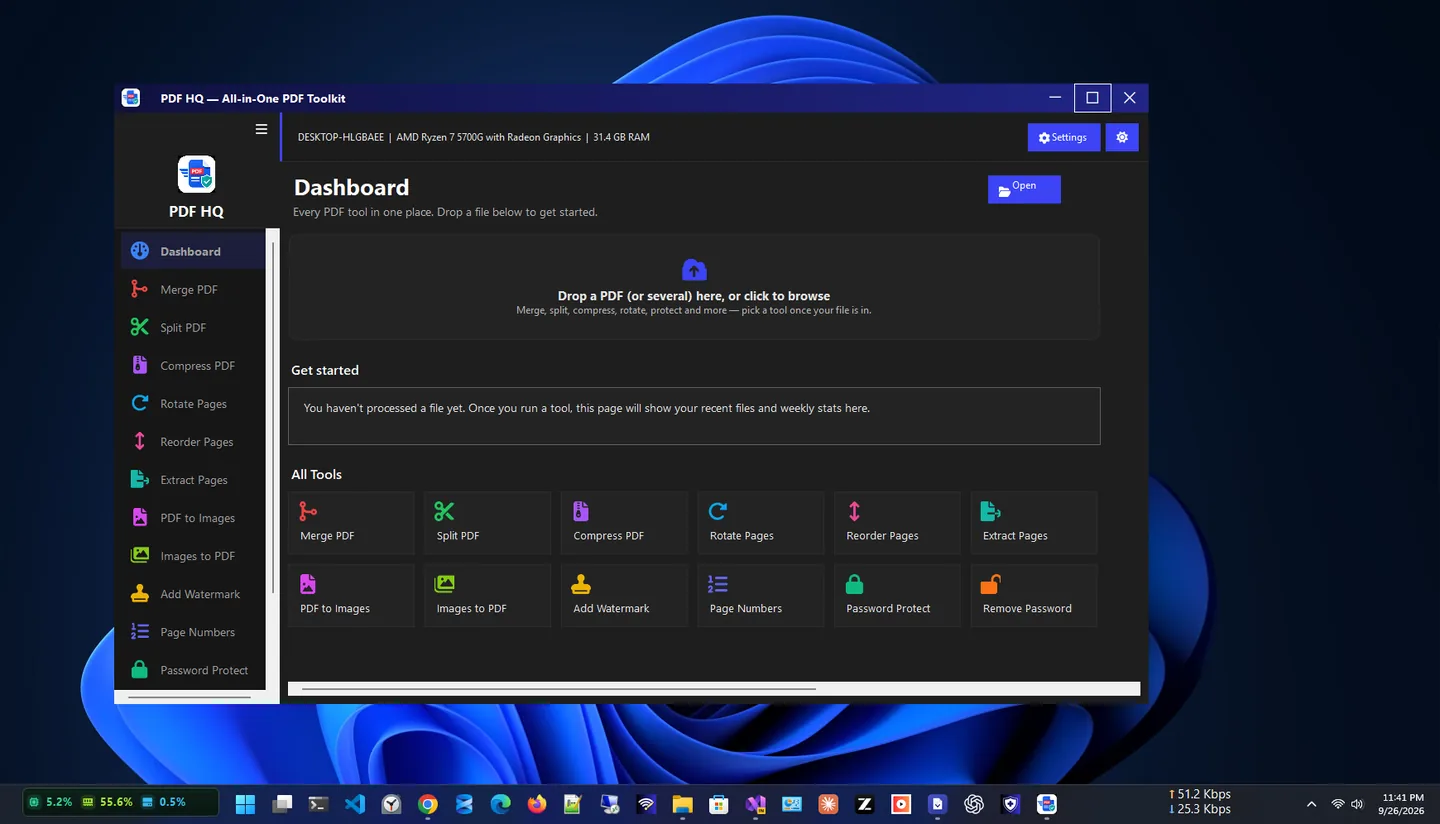
PDF HQ is a complete offline PDF editor and toolkit for Windows 10 and 11. Merge, compress, split, rotate, reorder, watermark, password-protect and convert PDFs, all without uploading a single file.
Merge files with per-file page ranges, rearrange pages visually with undo, and split by ranges, page count, equal parts or bookmarks. Convert PDFs to images and images to PDF, add page numbers and watermarks with live preview, and lock files with AES-256 encryption.
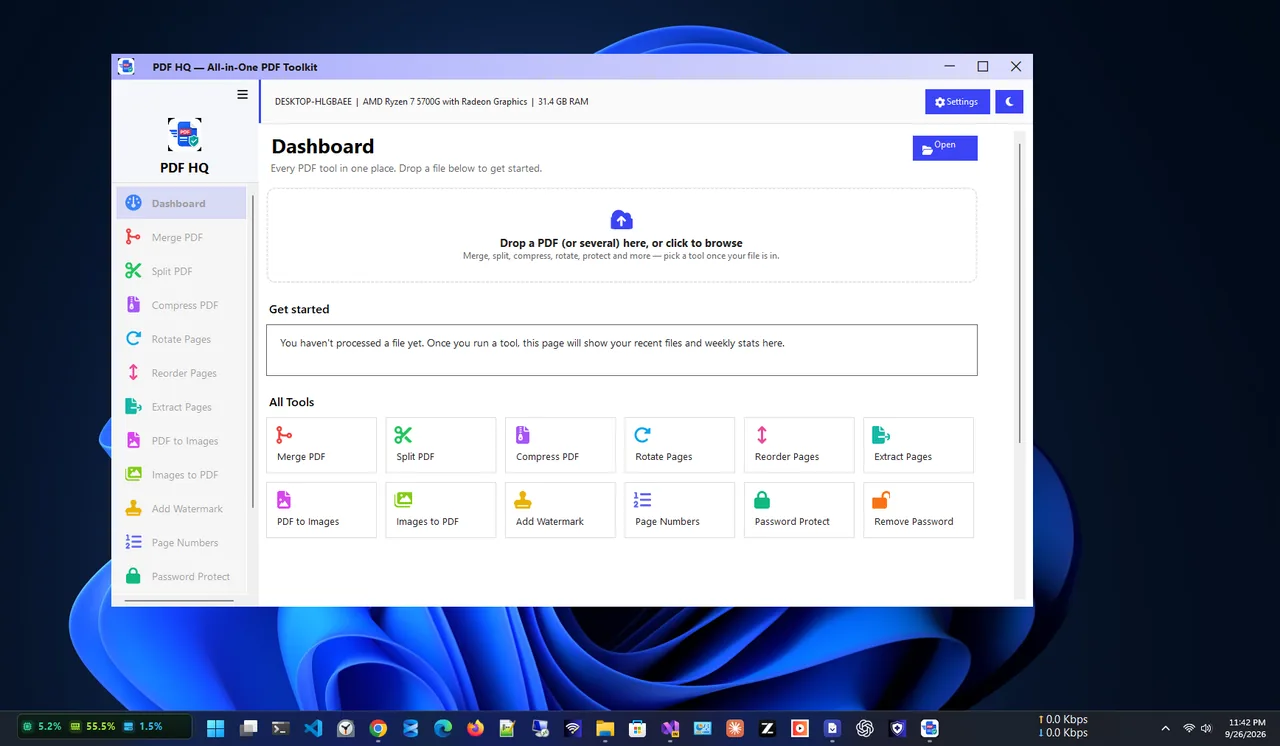
Every tool is one click from the sidebar, with dark, light and system themes. Everything runs on your device: no uploads, no analytics and no ads.
Light theme
Merge PDF
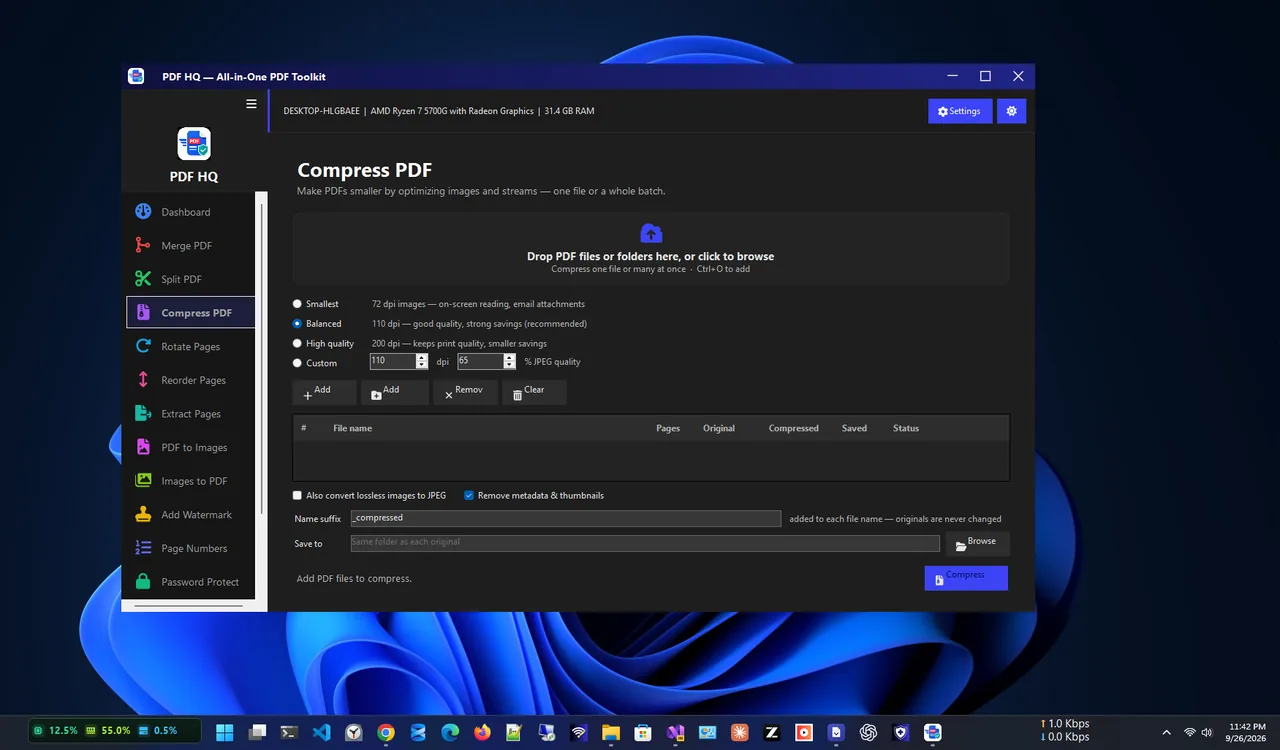
Compress PDF
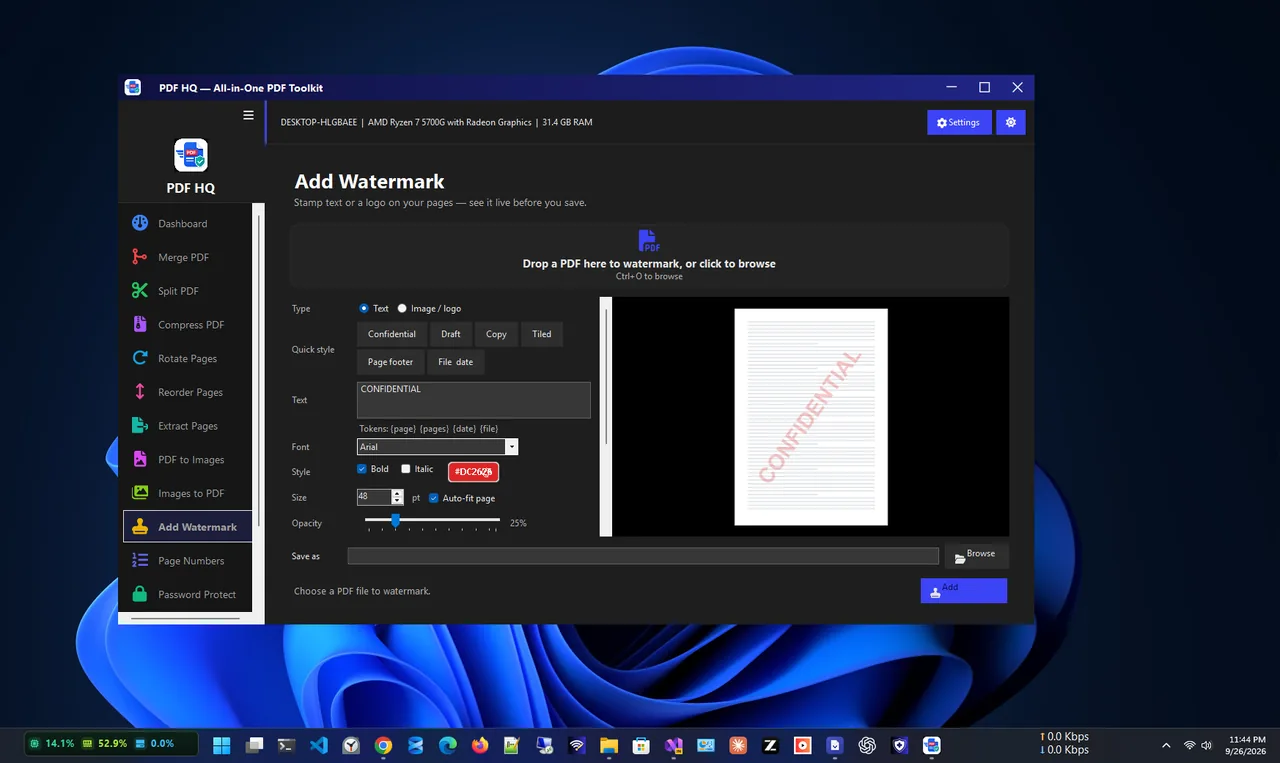
Watermark
Fourteen tools, all free and offline.
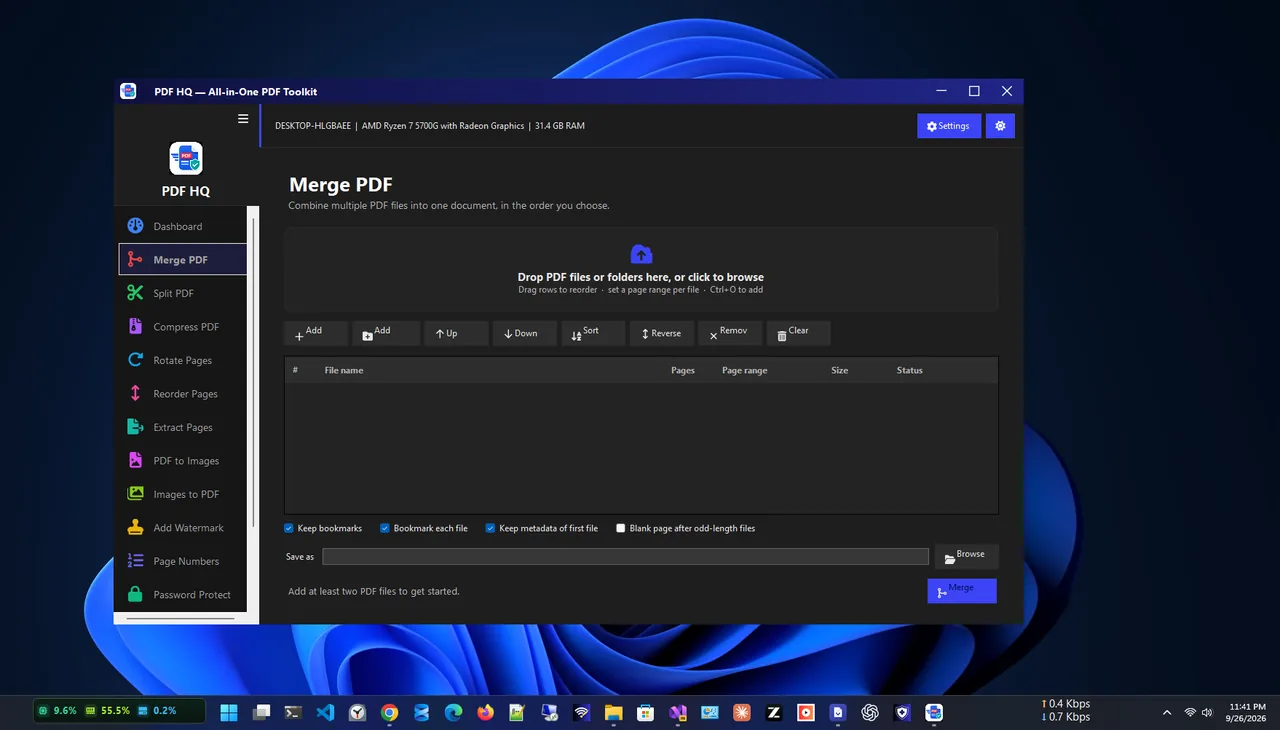
Combine PDFs with page ranges; drag pages into order.
By ranges, page count, equal parts or bookmarks.
Shrink one file or a batch, with savings shown.
PDF to PNG/JPEG/TIFF/BMP and images to PDF.
Text or logo watermarks with live preview.
AES-256 encryption and permission restrictions.
Get PDF HQ free from the Microsoft Store.
Choose Merge PDF in the sidebar and add your files.
Drag files into order and set page ranges if needed.
Save the combined PDF to your PC.
Online PDF tools are convenient, but every file you edit is uploaded to someone else’s server. For contracts, invoices, IDs and medical records that is a real risk. An offline PDF editor does the same jobs (merge, compress, split, protect) on your own PC, so documents never leave it.
Writing documentation? Try Markdown Viewer MV. More help is coming in our Windows guides.
Yes. PDF HQ is free in the Microsoft Store, with no ads and no account.
No. Every operation runs entirely on your device, with no external servers and no analytics.
Yes. Merge PDF supports custom page ranges per file and drag-to-reorder.
PDF HQ uses AES-256 encryption with open passwords and permission restrictions, compatible with major PDF readers.
Yes. Batch-convert PDFs to PNG, JPEG, TIFF or BMP at the resolution you choose.
Yes. PDF HQ supports Windows 10 and Windows 11.
Find any file on your PC in milliseconds, right as you type.

Resize one photo or hundreds at once with presets and instant export.
Read and edit Markdown with GitHub-style rendering, tabs and outline.
Offline invoicing with PDF export, stock, payments and sales reports.
