
Anything Search
Find any file on your PC in milliseconds, right as you type.
 Markdown Viewer MV
Beautiful Markdown reading, native on Windows.
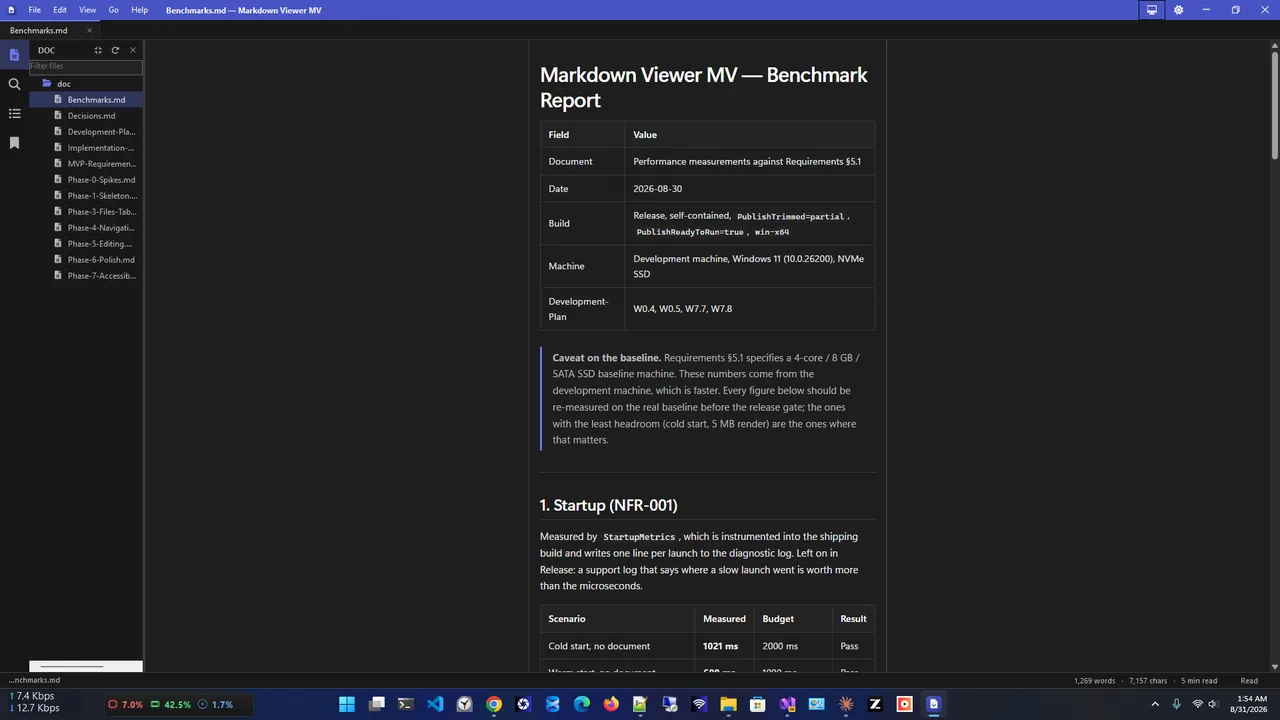
CommonMark and GitHub-Flavored Markdown with tuned typography, syntax highlighting, a folder vault, tabs and an outline. Zero network requests.
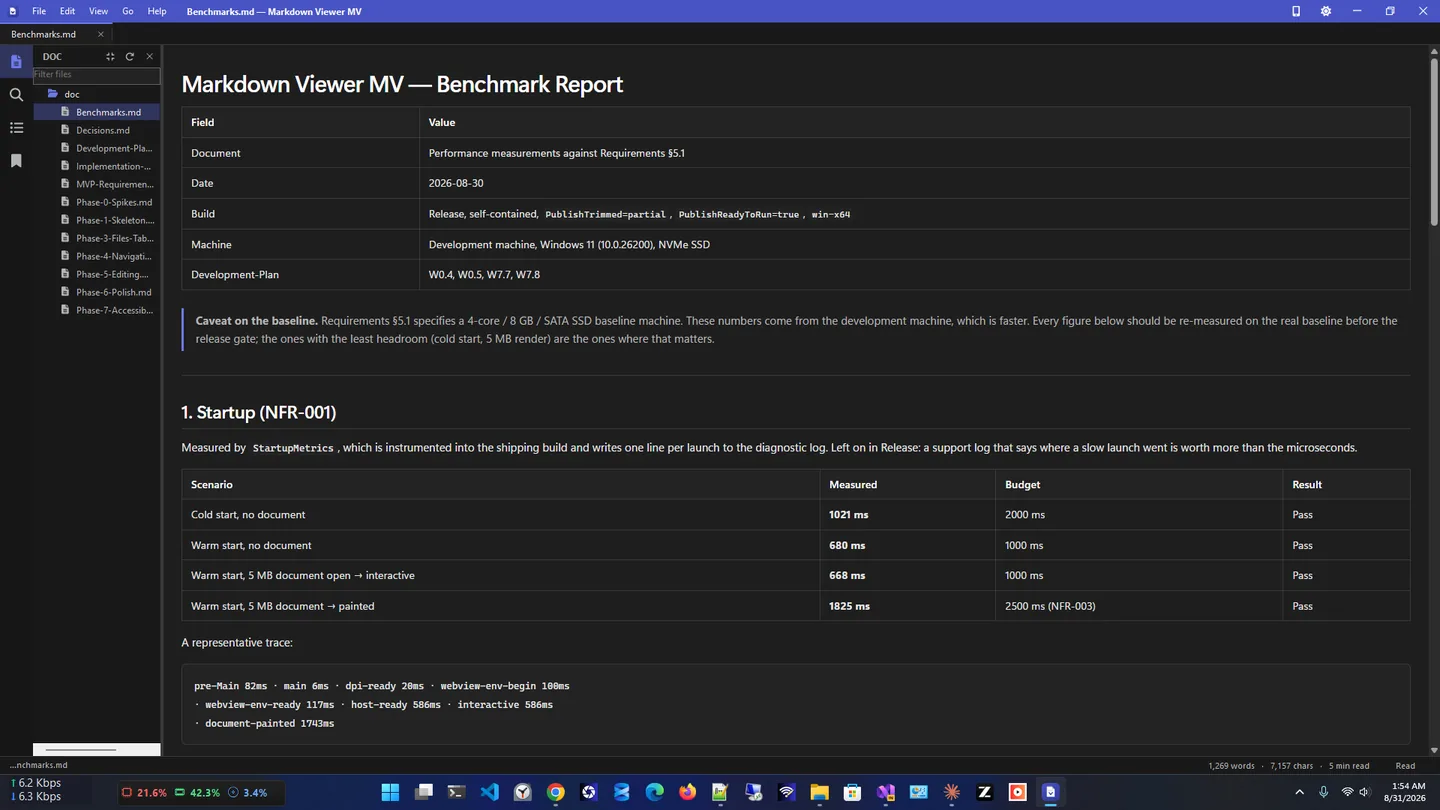
Markdown Viewer MV is a clean, fast Markdown viewer for Windows and editor, built for developers, writers and anyone who works with .md files every day.
Reading comes first: it renders CommonMark and GitHub-Flavored Markdown (tables, task lists, footnotes, front matter, Mermaid diagrams and images) with tuned typography and syntax highlighting for 15+ languages. Open a folder as a vault, work in tabs with session restore and jump around with the outline.
It feels native on Windows, with live Light, Dark and System themes, per-monitor DPI, accent colours and .md file association. It makes zero network requests: no telemetry, no analytics and no ads.
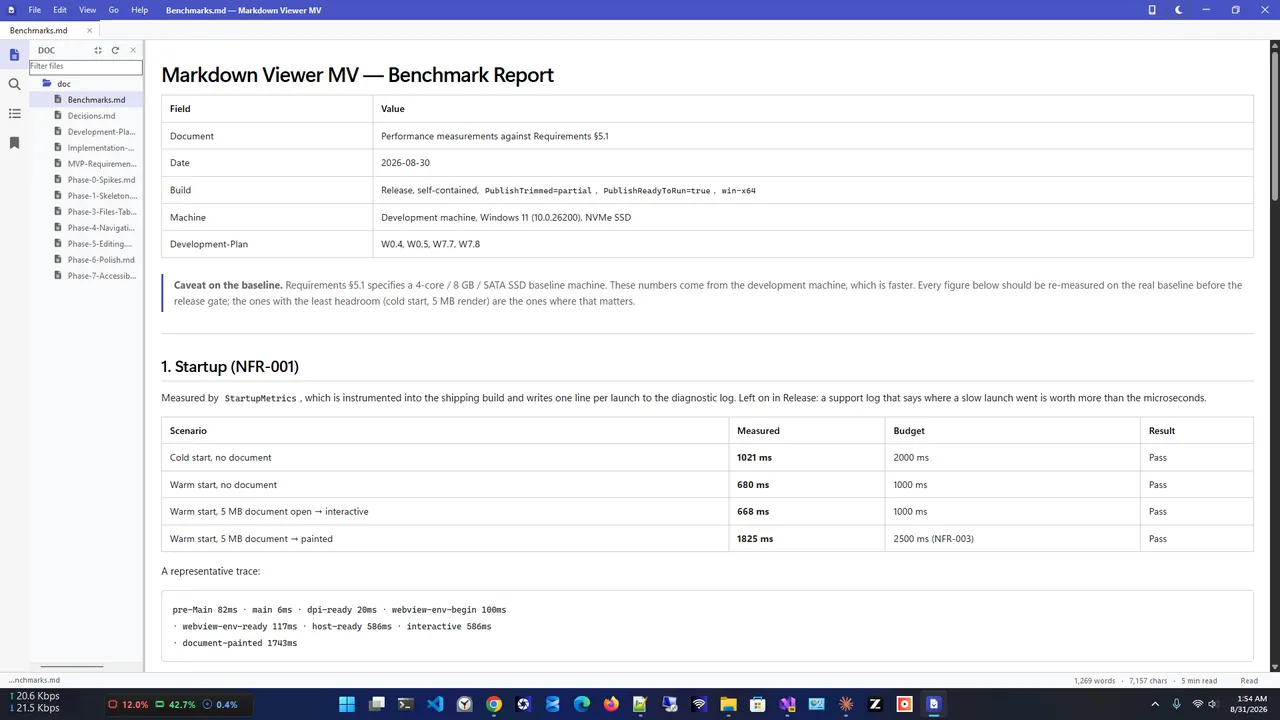
Light theme
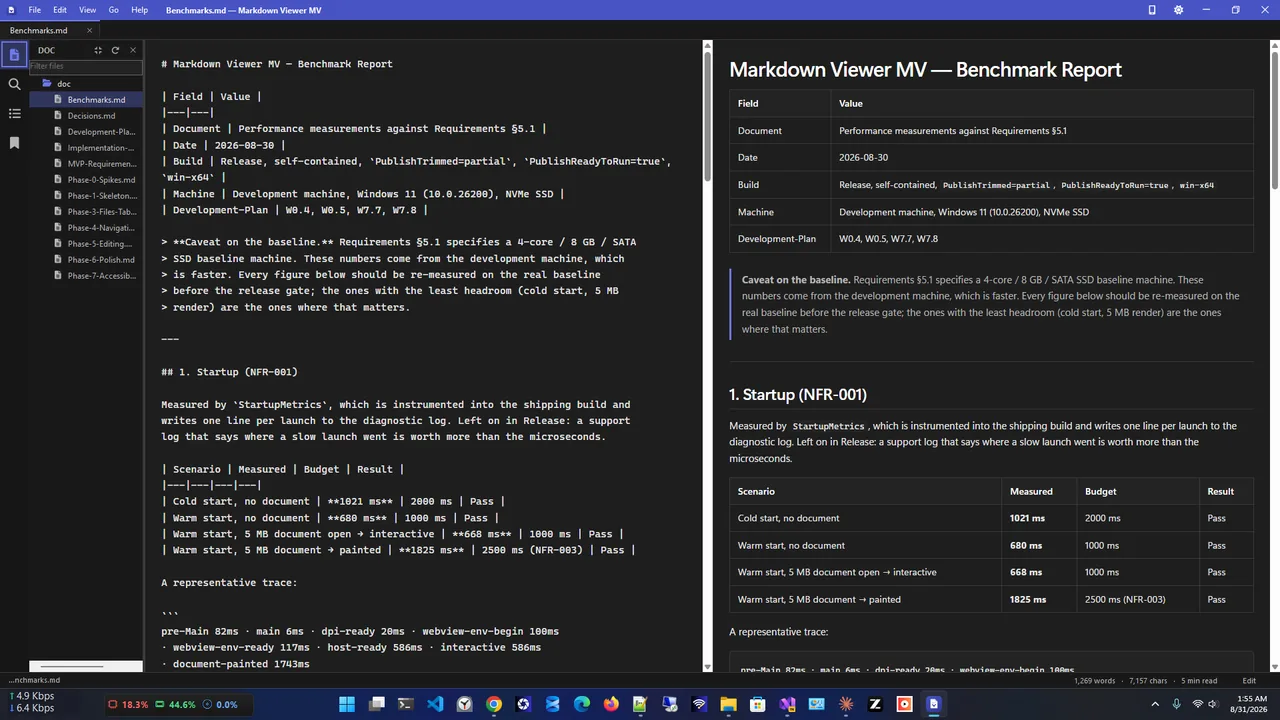
Edit mode
Reading comfort
Everything you need to read and edit Markdown.
Tables, task lists, footnotes, Mermaid and images.
15+ languages including C#, Python, JavaScript and SQL.
Open any folder; it is never modified with index files.
Multiple documents, session restore and heading navigation.
Plain-text editor with live preview; encoding and line endings preserved.
Export through the Windows print pipeline.
Get Markdown Viewer MV free from the Microsoft Store.
Double-click an .md file or open a folder as a vault.
Use the outline, find and reading width controls.
Switch to edit mode and see the live preview as you type.
Markdown (.md) is plain text with light formatting: # for headings, * for lists, backticks for code. It is used for README files, documentation and notes because it is readable as text and renders nicely. Windows opens .md files in Notepad by default; a Markdown viewer shows them formatted, with tables, code highlighting and diagrams.
Need PDFs instead? Try PDF HQ. More help is coming in our Windows guides.
Yes. It is free in the Microsoft Store.
Yes. It renders CommonMark and GFM, including tables, task lists, strikethrough, autolinks, footnotes and Mermaid diagrams.
Yes. Edit mode has a plain-text editor with live preview, and it preserves encoding, BOM and line endings.
No. It never writes sidecar files, index files or hidden folders into your notes.
No. It makes zero network requests: no telemetry, no analytics and no ads.
Yes. It supports full keyboard operation and the Narrator screen reader.
Find any file on your PC in milliseconds, right as you type.
Merge, split, compress, watermark and protect PDFs, fully offline.
Save everything you copy and reuse any item with one click.
Offline invoicing with PDF export, stock, payments and sales reports.
