
Resource Monitors
Monitor CPU, RAM, drive health, GPU and temperatures in one place.
 Battery ZX
Know your laptop battery. Make it last longer.
Health and wear, design vs full-charge capacity, cycle count and a Battery Longevity Score, plus charging habits and smart alerts. Completely free.
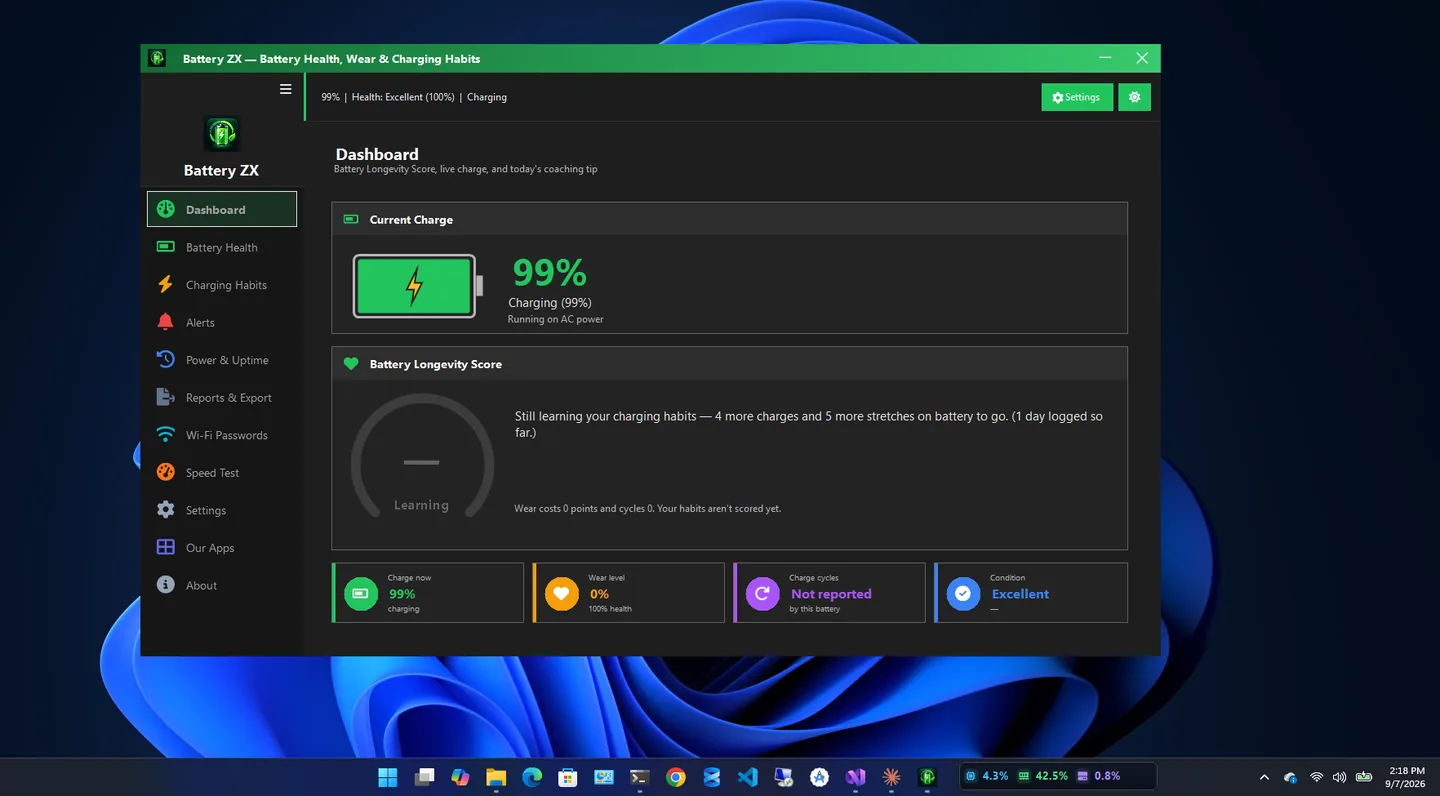
Battery ZX is a free battery health check for Windows laptops. It helps you understand your battery, track its condition, improve your charging habits and extend its life.
The important numbers are on screen at a glance: real-time charge, health and wear percentage, design vs full-charge capacity, cycle count, estimated time remaining and overall condition. A Battery Longevity Score from 0 to 100 sums it up, with coaching tips based on how you charge.
Battery ZX tracks charging and discharging history, warns you about low battery and high charge, and adds power plan switching, startup app review, uptime history and exportable battery reports. It is completely free: no ads, no premium tier and no subscriptions.
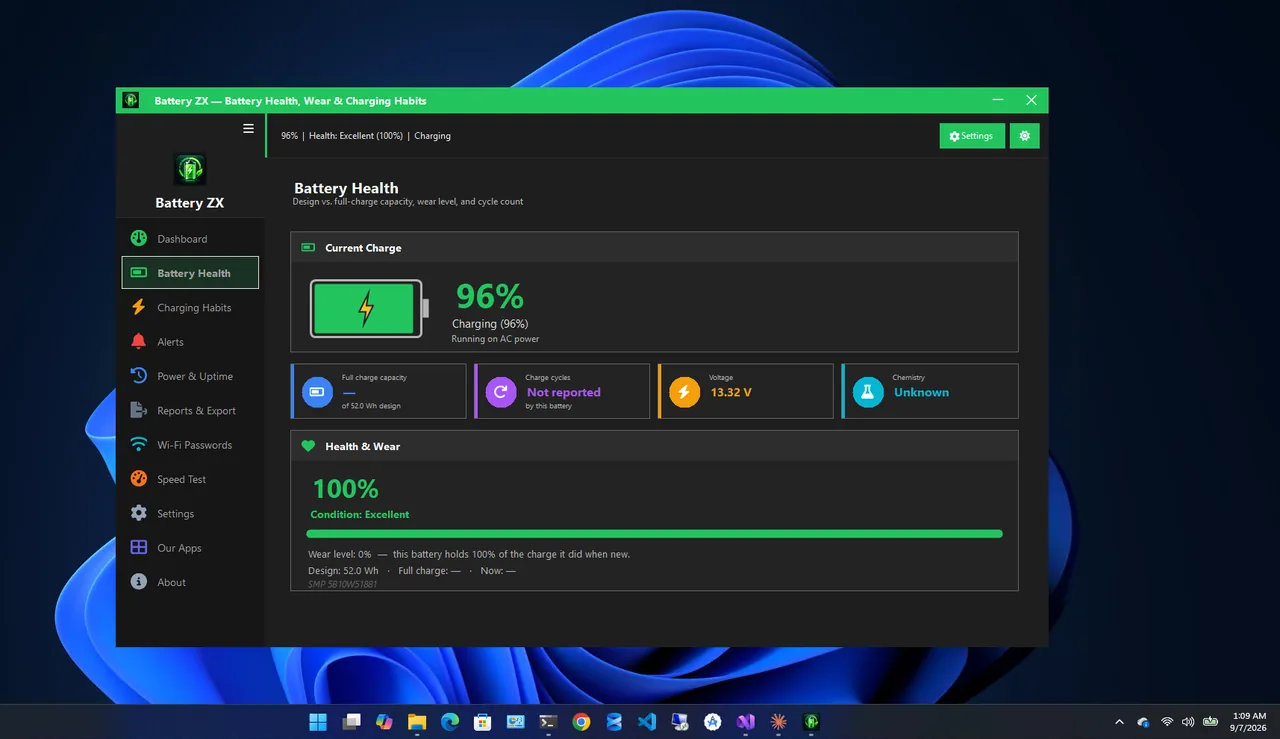
Battery health
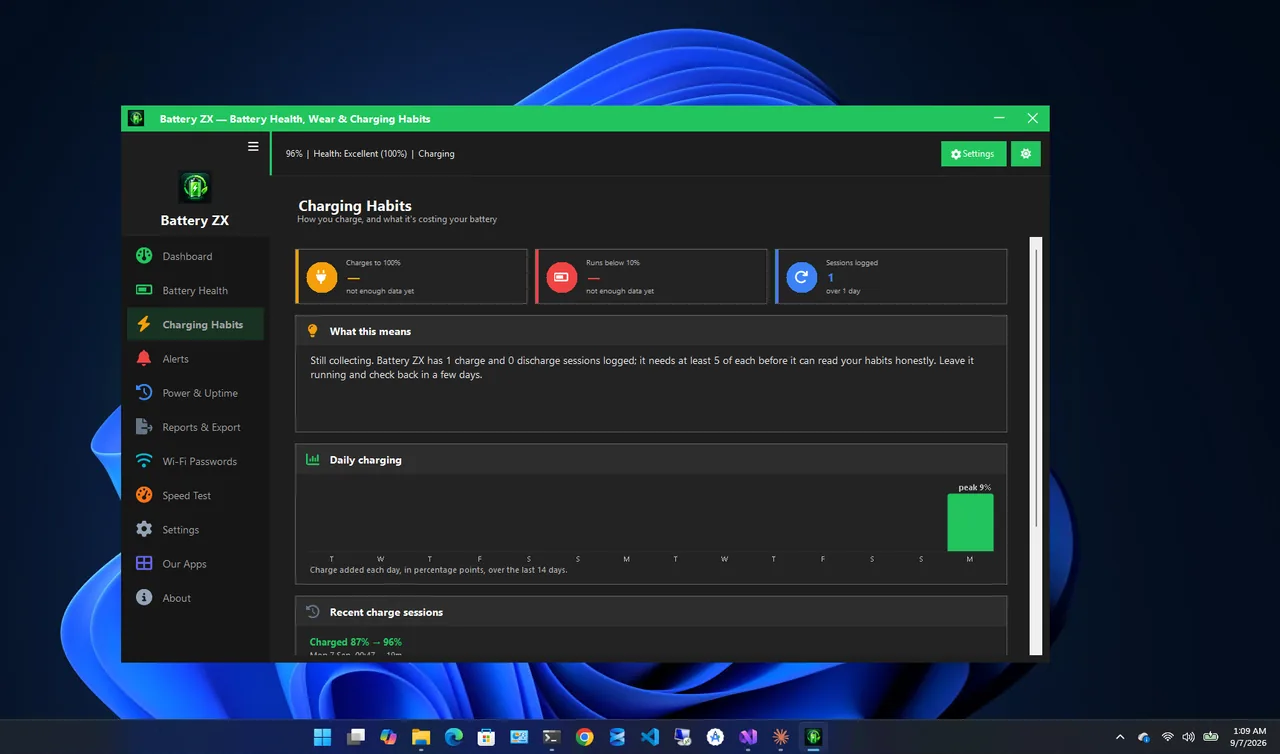
Charging habits
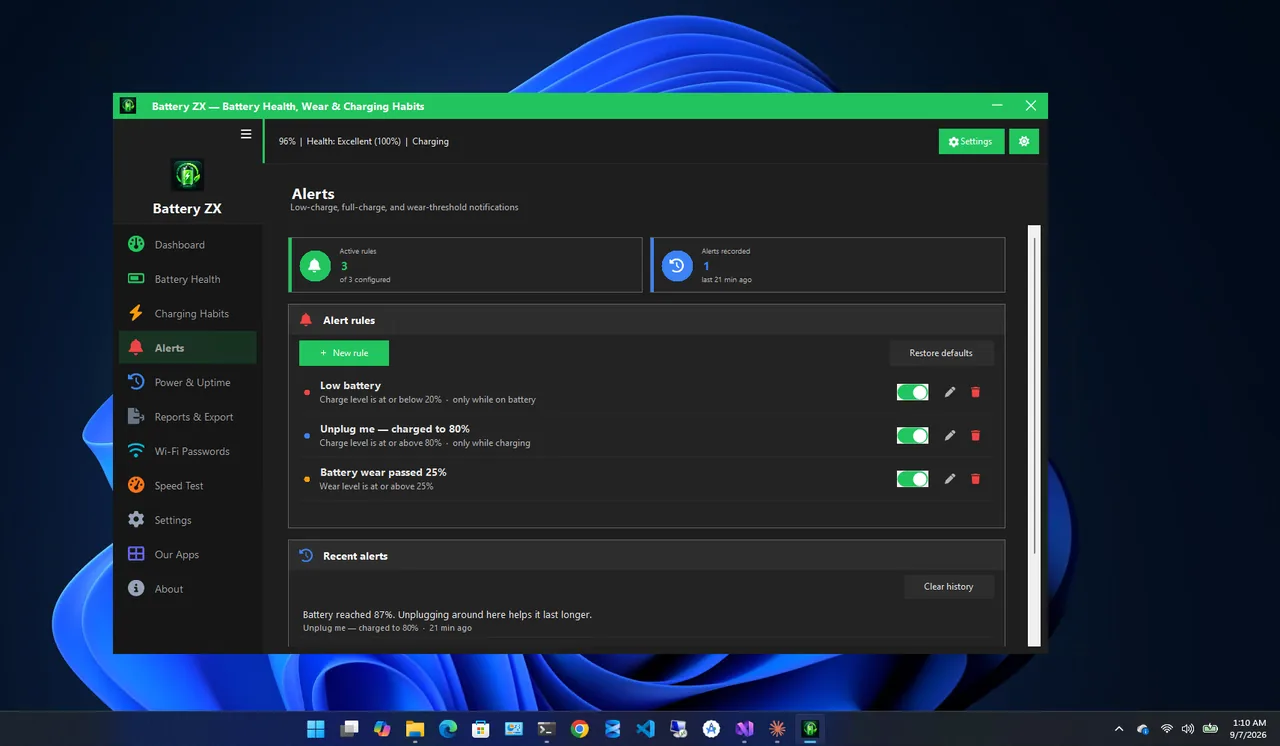
Alerts
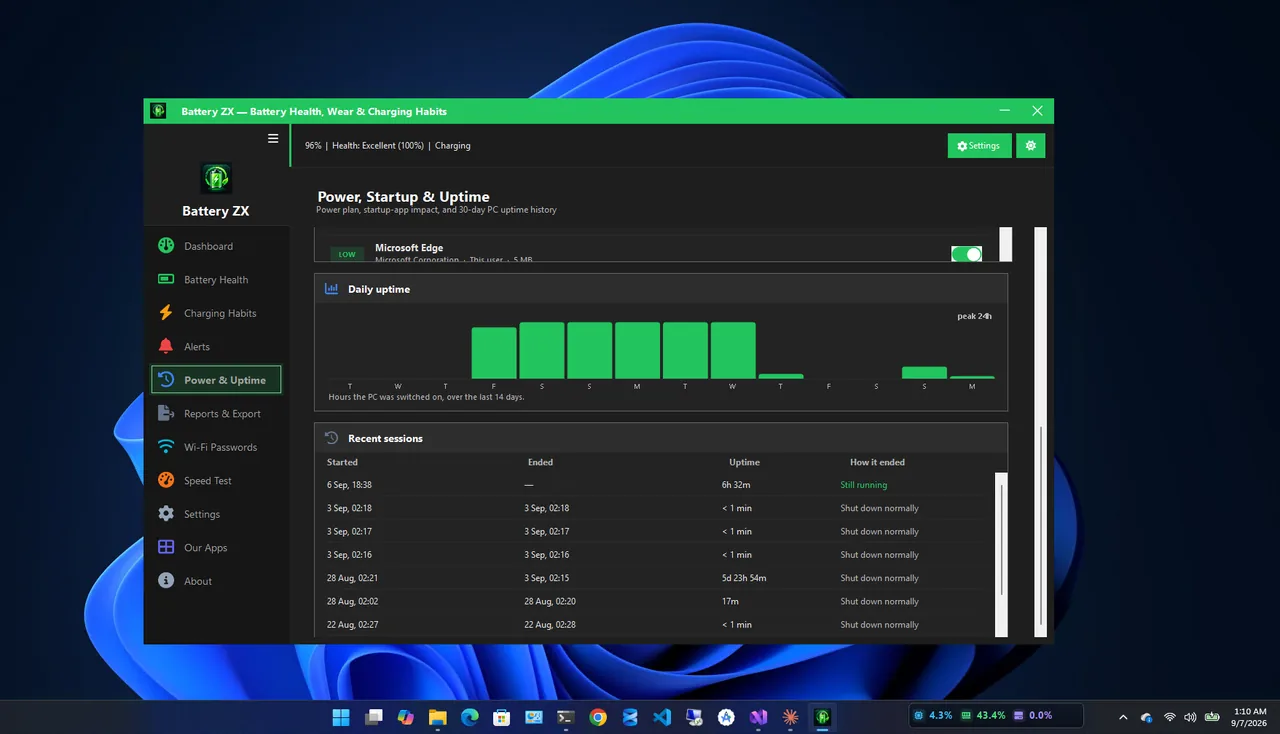
Power and uptime
Every feature is free.
See how much your battery has degraded.
The clearest single sign of battery aging, plus cycle count.
A 0-100 score with practical tips.
Spot patterns like charging to 100% or deep discharges.
Low-battery warnings, unplug reminders and custom rules.
Generate and export a readable health report.
Get Battery ZX free from the Microsoft Store.
See wear level, design vs full-charge capacity and cycle count.
Check Charging Habits for patterns that age the battery.
Turn on unplug reminders and low-battery warnings.
Every laptop battery loses capacity as it ages. Battery health compares the charge it can hold today (full-charge capacity) with what it held when new (design capacity). A battery at 80% health runs about 20% shorter than it did on day one. Cycle count tells you how many full charge cycles it has been through.
Want temperatures and full hardware details? See CPU ZX Pro. More help is coming in our Windows guides.
Yes, completely: no ads, no premium tier, no subscriptions and no hidden features.
Open Battery Health to see wear level, design vs full-charge capacity, cycle count and condition.
A 0-100 score based on your battery condition and charging behaviour, with tips to improve it.
Battery features need a laptop or tablet with a battery. On desktops the app shows that no battery is detected.
Yes. Generate a detailed, readable battery health report and export it.
Yes. Battery ZX supports Windows 11 and Windows 10.
Monitor CPU, RAM, drive health, GPU and temperatures in one place.

Health score, junk cleaner, startup manager and registry fixer.

Live CPU, RAM, storage, motherboard and system information.
Find and remove duplicate files safely; every delete goes to the Recycle Bin.
Check battery health on Windows 11: create a battery report, read design vs full charge capacity and cycle count, and keep your battery healthy.
