Duplicate Finder ZX
Find and remove duplicate files safely; every delete goes to the Recycle Bin.
 PC Health Optimizer
A real health score, then a cleaner, faster PC.
A PC health score, five cleaning tools and four optimizers. Deleted files go to the Recycle Bin and registry fixes are backed up first. Free.
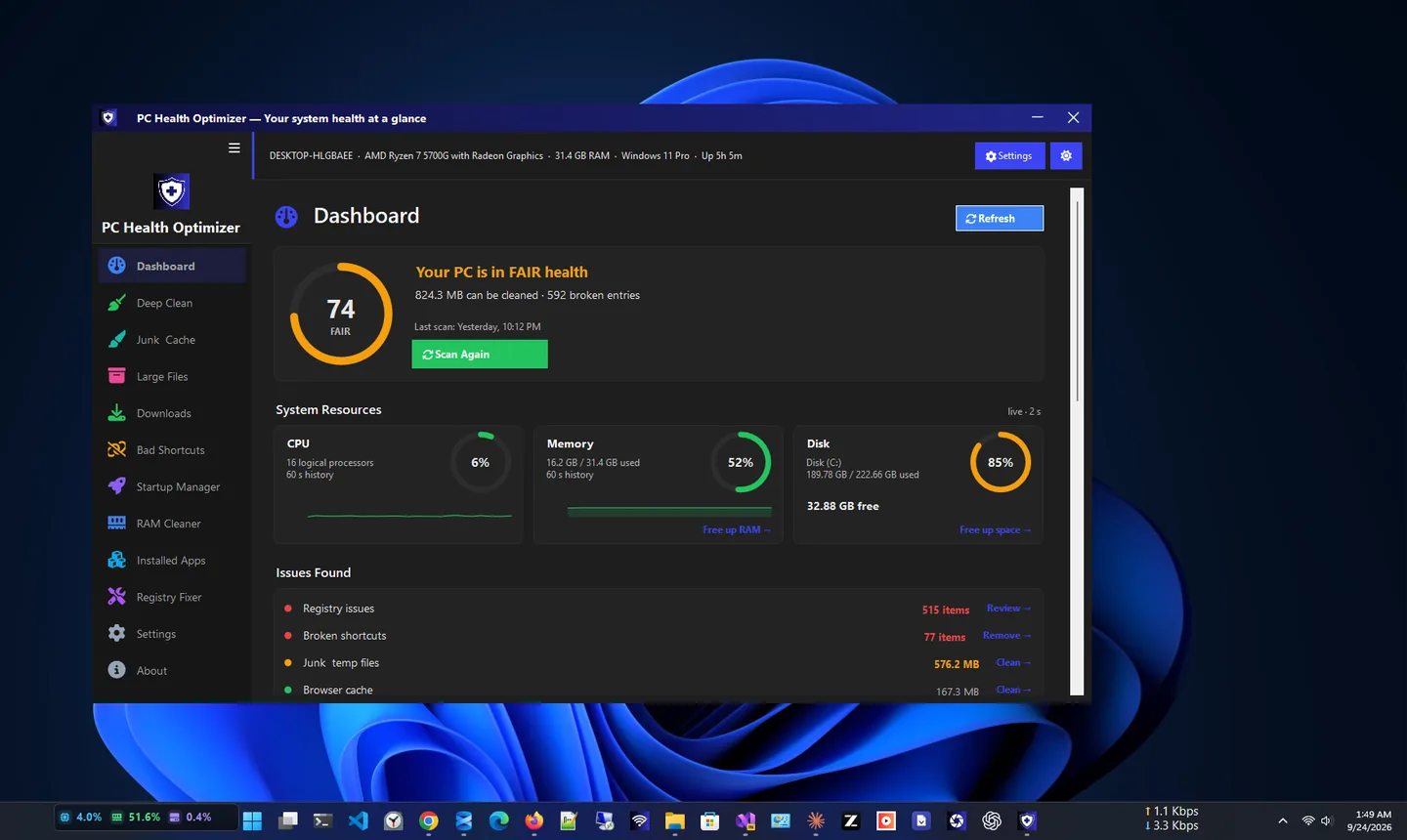
PC Health Optimizer is a free PC cleaner for Windows 11 and Windows 10. It gives your computer a real health score, cleans the junk files that slow it down, fixes broken registry entries, controls startup programs and frees memory.
The dashboard shows the health score as soon as you open the app, with live CPU, RAM and disk activity and a one-click Smart Scan that checks every area and tells you exactly what needs attention.
Safety runs through everything: deleted files go to the Recycle Bin by default, registry changes are backed up first, folders can be excluded from scans, and all results stay on your PC. It is free, with no ads and no telemetry.
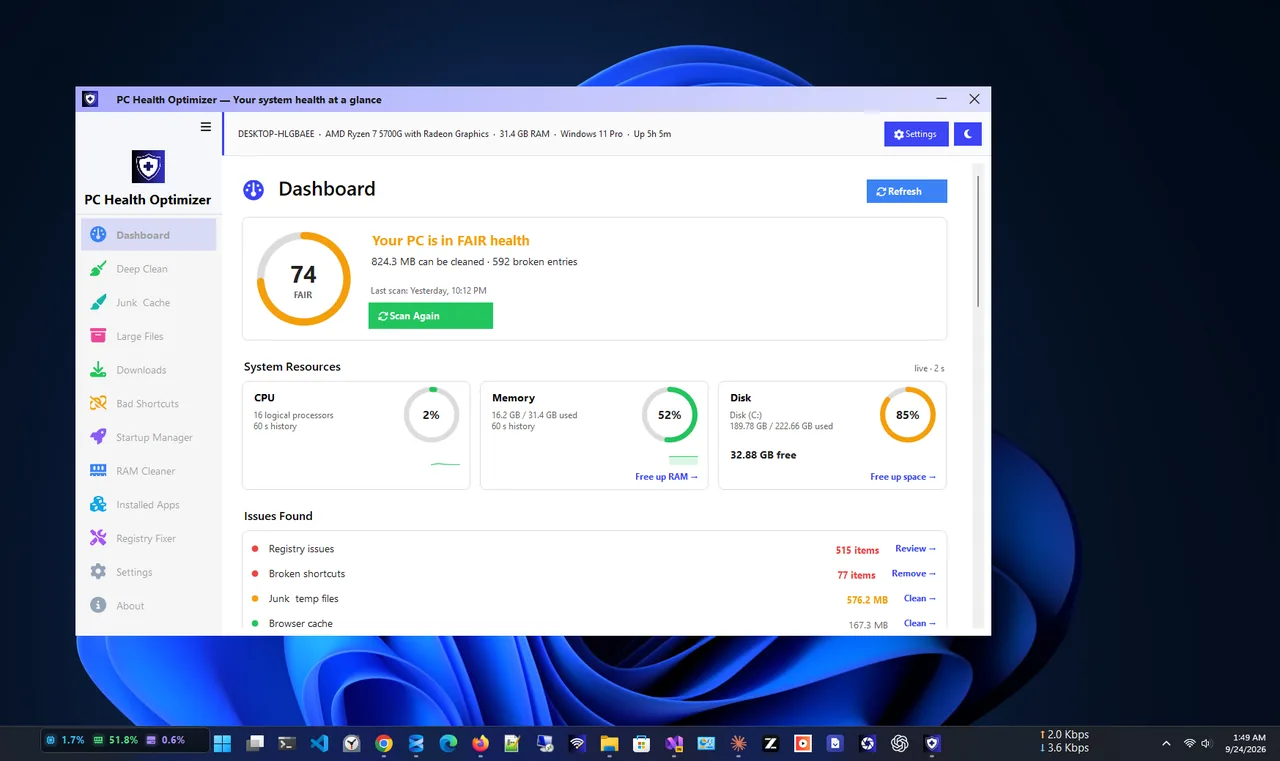
Light theme
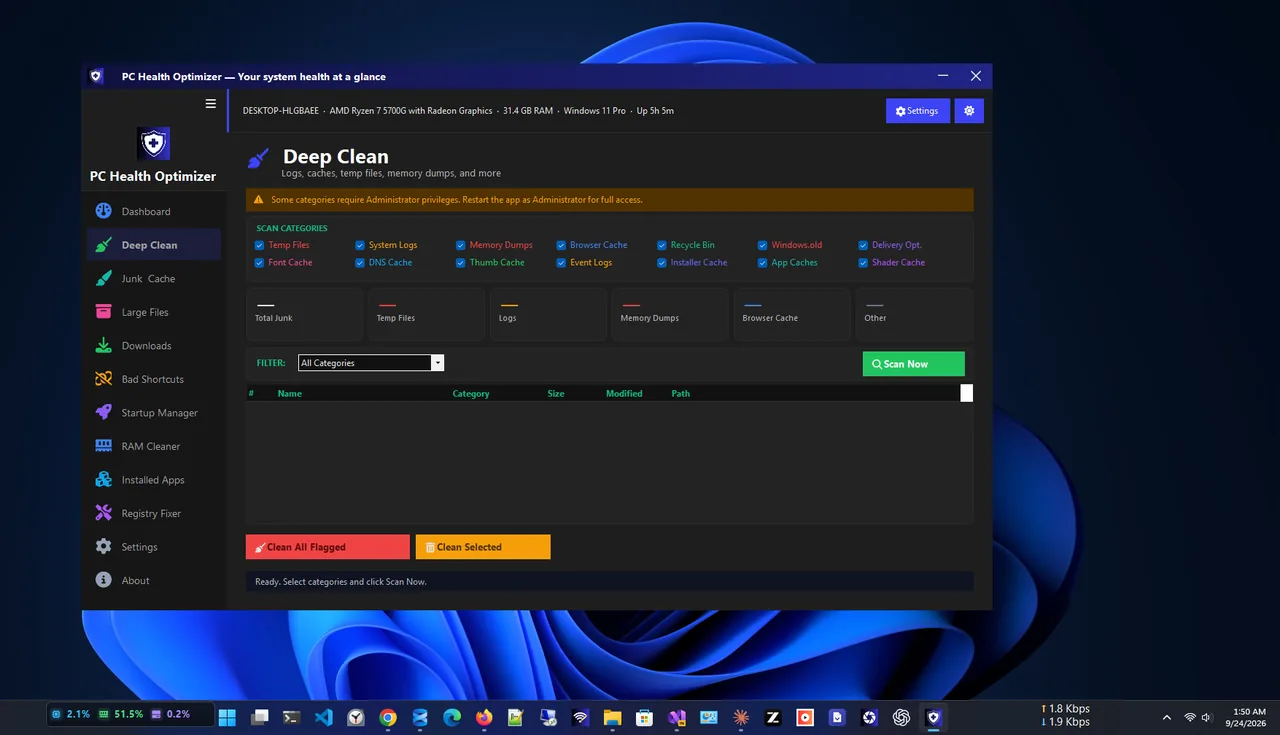
Deep Clean
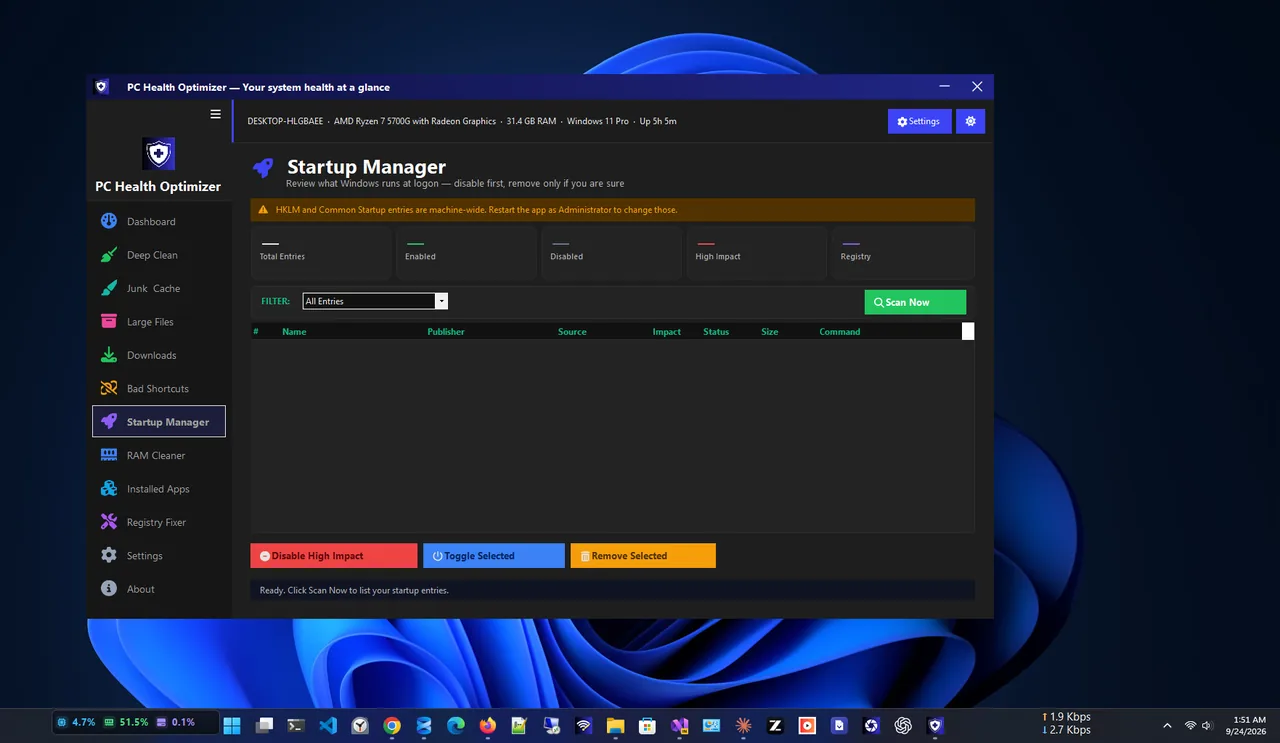
Startup Manager
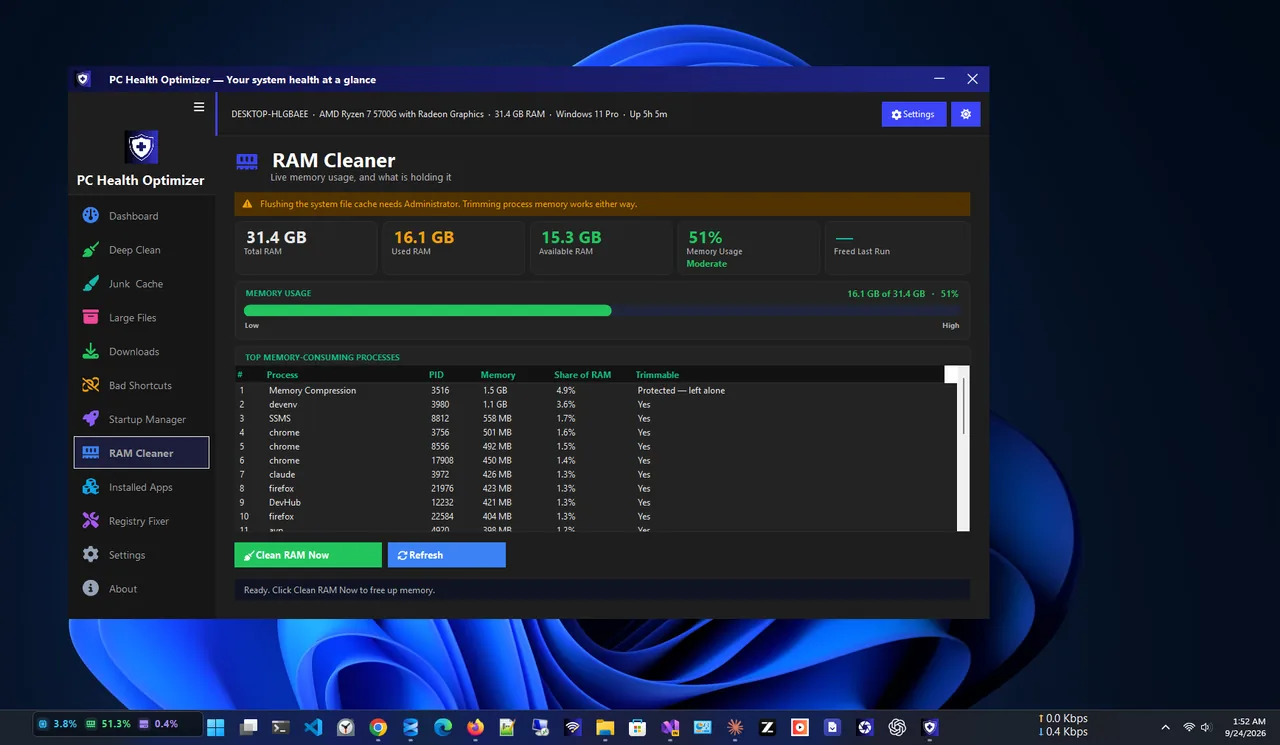
RAM Cleaner
Clean, optimize and stay safe, all free.
See your PC’s condition and fix what matters in one click.
Remove logs, caches, temp files, update leftovers and old error reports.
Find the biggest files and forgotten downloads.
Disable programs that slow down boot.
Reclaim memory held by idle background apps.
Fix stale entries with an automatic restore file.
Get PC Health Optimizer free from the Microsoft Store.
Check your health score and the issues found.
Use Deep Clean and Junk Cleaner to free disk space; files go to the Recycle Bin.
Disable programs you do not need at boot in Startup Manager.
Windows and apps leave behind temporary files, caches, logs, crash dumps and update leftovers. Over months they can take many gigabytes. A PC cleaner finds these safe-to-remove files, and an optimizer trims the programs that start with Windows, which is often the biggest win for boot time.
Duplicate files taking space? Try Duplicate Finder ZX. More help is coming in our Windows guides.
Yes. It is free, with no ads and no telemetry.
Yes. Deleted files go to the Recycle Bin by default, registry changes are always backed up first, and you can exclude folders from scans.
Removing junk files frees disk space, and disabling unneeded startup programs usually makes Windows start faster.
No. It works offline, with no account, and results stay on your PC.
Yes. An automatic restore file is saved before every registry fix.
Yes. It supports Windows 11 and Windows 10.
Find and remove duplicate files safely; every delete goes to the Recycle Bin.

Monitor CPU, RAM, drive health, GPU and temperatures in one place.
Live CPU, RAM, storage, motherboard and system information.
Check laptop battery health, wear, charge cycles and history.
Speed up Windows 11 safely: trim startup apps, free disk space, update drivers and tune power and visual settings. 10 steps, easiest first.
