
Screen Capture Plus
Fast, private screenshots with annotation, blur and on-device OCR.
 Image Resizer App
Resize one image or hundreds, in seconds.
Single and batch resizing with exact sizes or percentages, presets and instant export, without opening a heavy photo editor. Free.
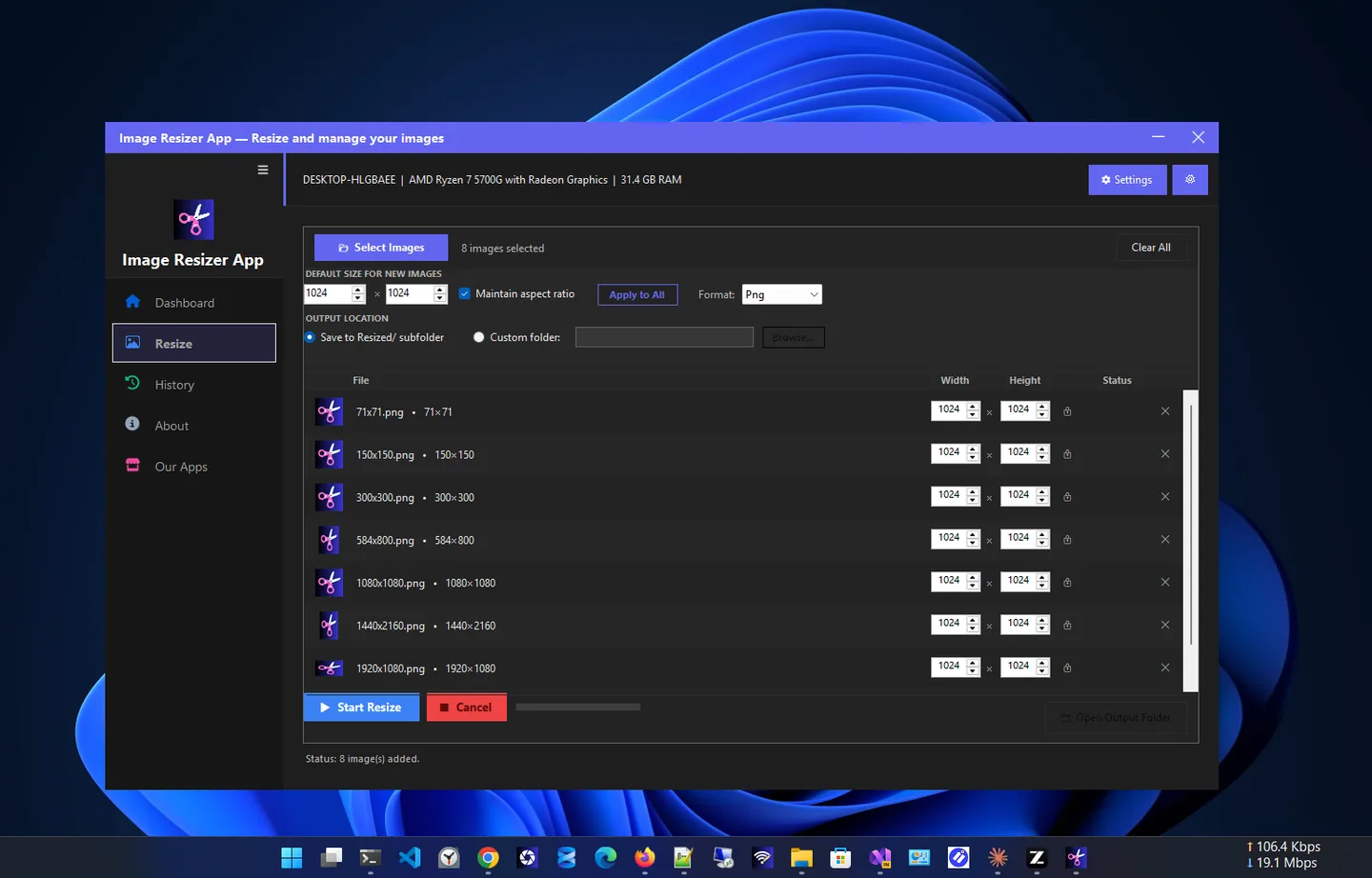
Image Resizer App is a simple, fast bulk image resizer for Windows. Resize a single photo or batch process hundreds at once: pick your dimensions, adjust settings and export in seconds.
Set an exact width and height, or scale by percentage to keep the aspect ratio. Presets and output options match your workflow, and a dashboard and history show what you resized.
It is ideal for photographers preparing galleries, designers exporting assets at consistent sizes, and anyone who needs smaller images for the web, email or social media without a heavyweight photo editor.
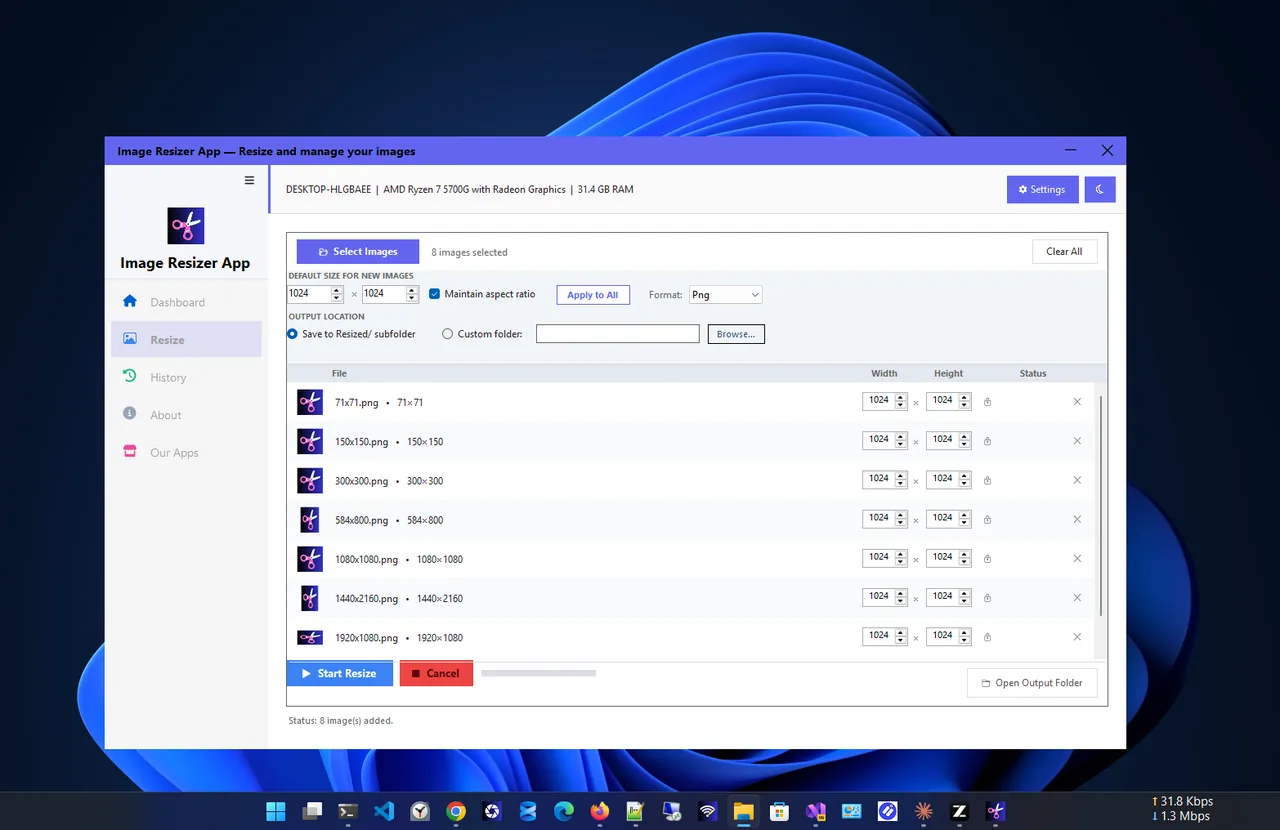
Light theme
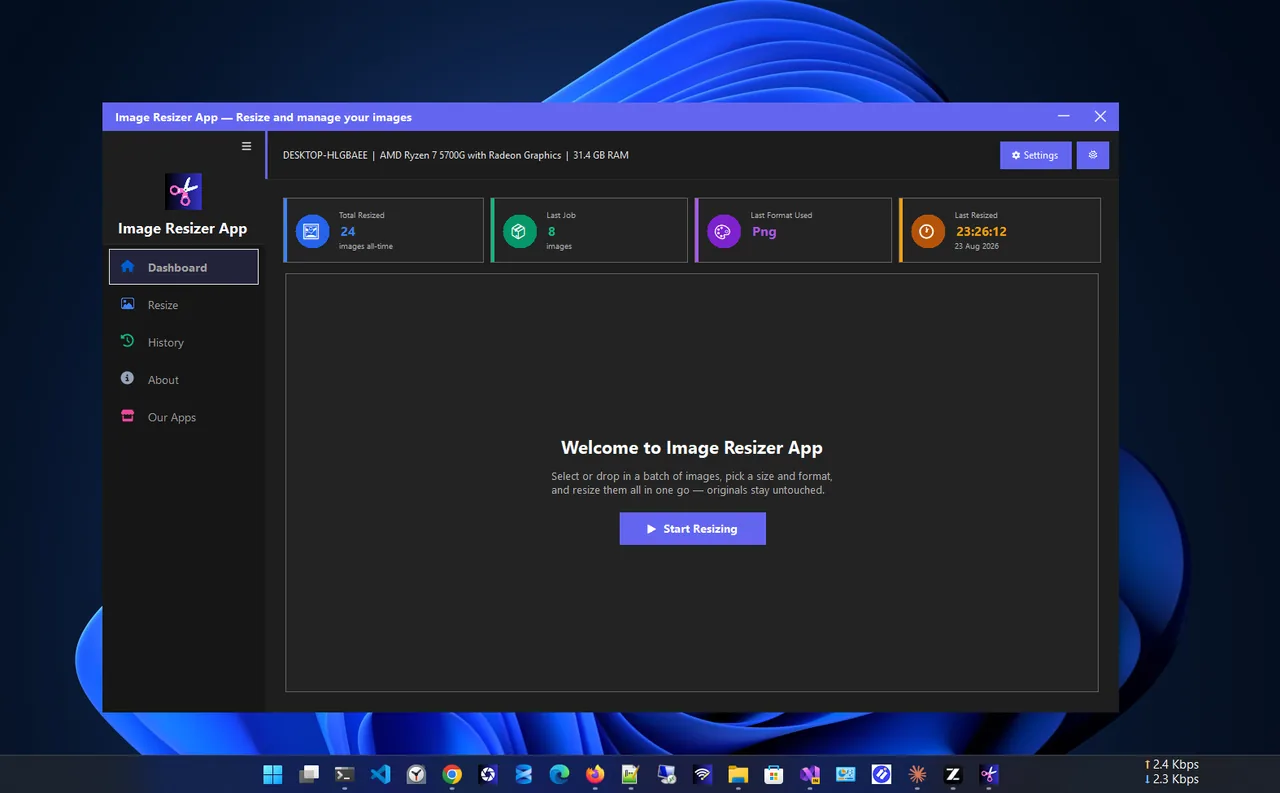
Dashboard
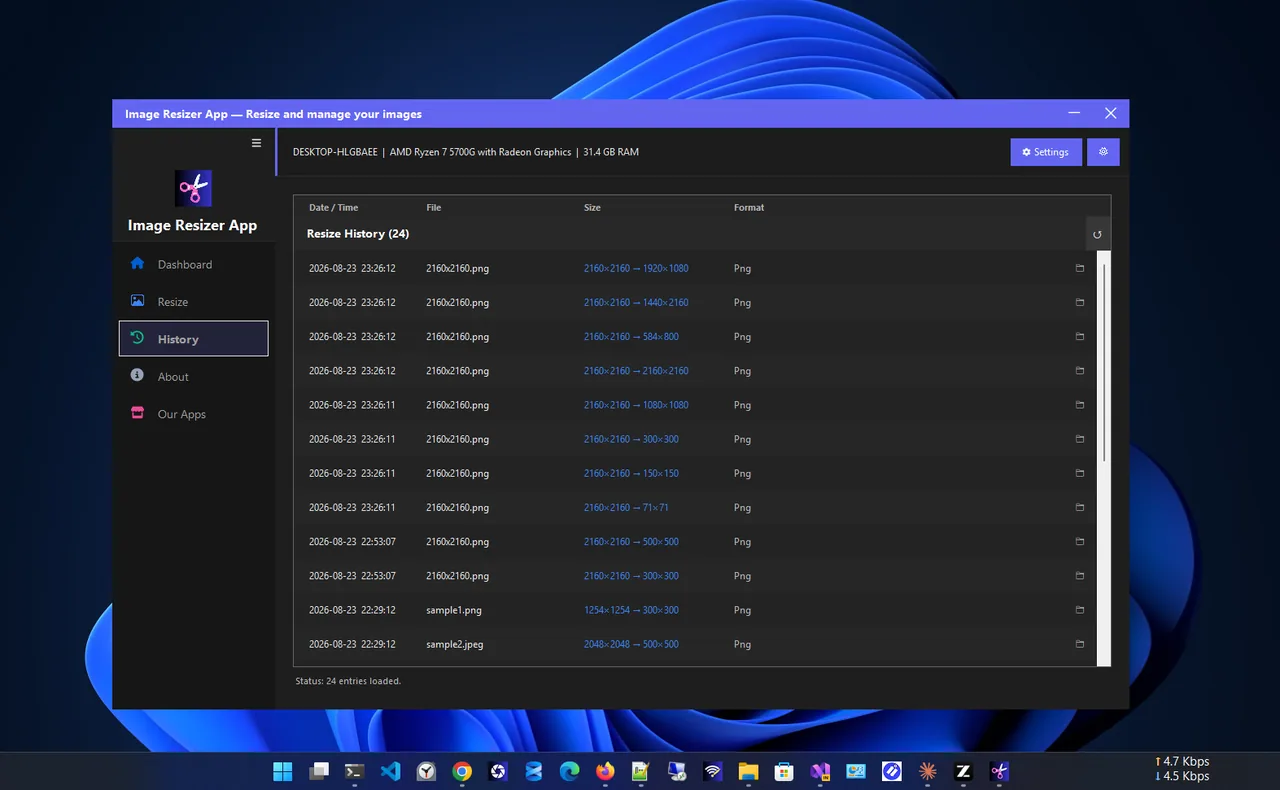
History
Everything you need to resize images, free.
Resize one image or hundreds in a single batch.
Exact width and height, or scale by percentage.
Output options that match your workflow.
Resized images are ready in seconds.
See what you resized and where it was saved.
Quick, everyday resizing on Windows.
Get Image Resizer App free from the Microsoft Store.
Select one image or a whole batch.
Enter exact dimensions or a percentage.
Start the batch and open the output folder.
Phone cameras produce large images, often several megabytes each. Websites, email and marketplaces rarely need that much. Resizing to the size you actually display makes pages load faster, uploads finish sooner and storage last longer, with no visible loss.
Need screenshots first? Try Screen Capture Plus. More help is coming in our Windows guides.
Yes. It is free in the Microsoft Store.
Yes. Batch resizing processes hundreds of images in one go.
Yes. Scale by percentage to preserve proportions, or set an exact width and height.
No. Image Resizer App does the resizing on its own, quickly and simply.
Yes. The history lists previous resizes with sizes and formats.
Yes. It works on Windows 11 and Windows 10.
Fast, private screenshots with annotation, blur and on-device OCR.
Merge, split, compress, watermark and protect PDFs, fully offline.

Remove hiss, hum and background noise from video without touching the picture.
Find and remove duplicate files safely; every delete goes to the Recycle Bin.
