PDF HQ
Merge, split, compress, watermark and protect PDFs, fully offline.
 Invoice Gen
Professional invoices, fully offline.
Create invoices in seconds, export PDFs in three layouts, and track customers, stock, payments and reports, with your data on your own PC.
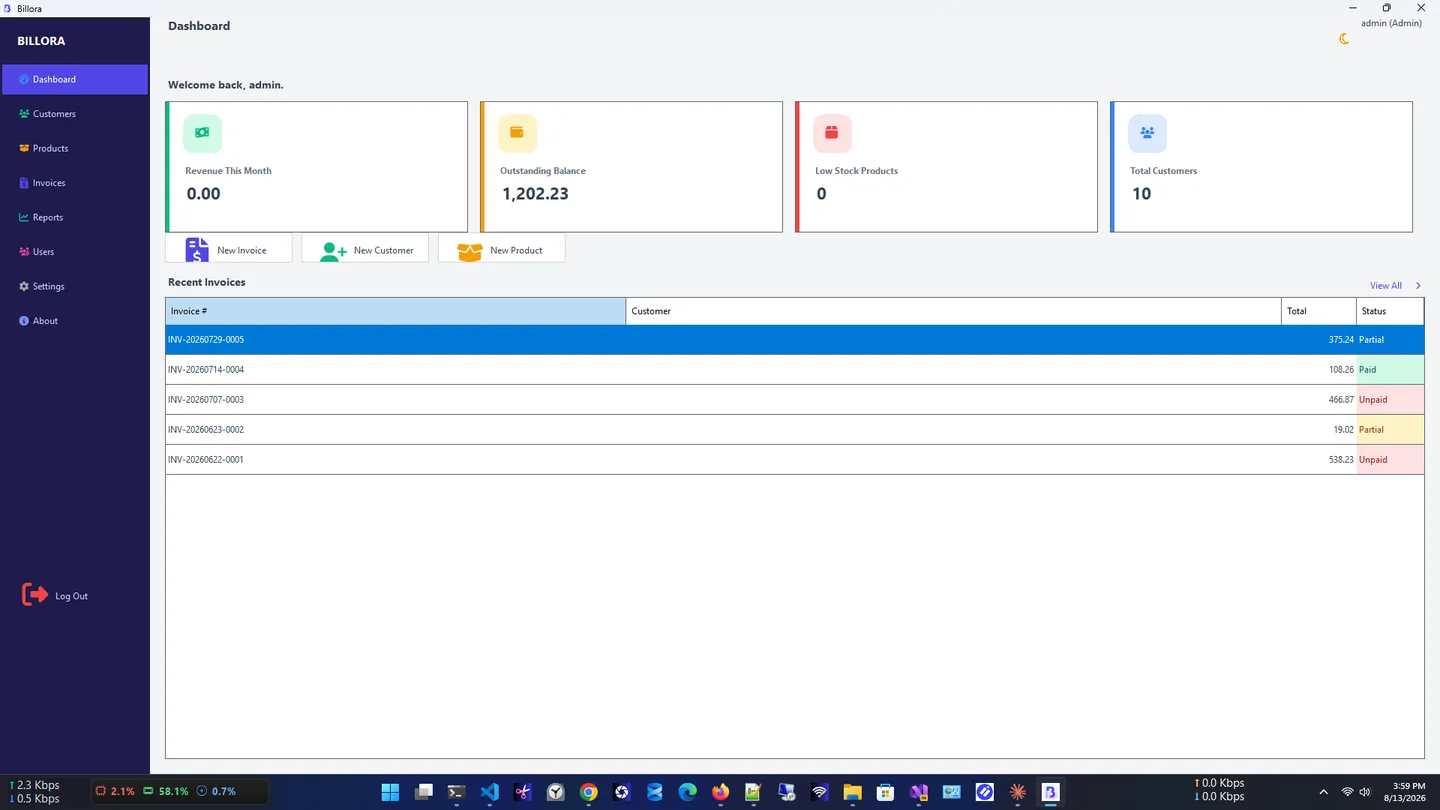
Invoice Gen is a free, fast and fully offline invoice generator for Windows, made for freelancers, retailers and service providers. In the Microsoft Store it is listed as Billora.
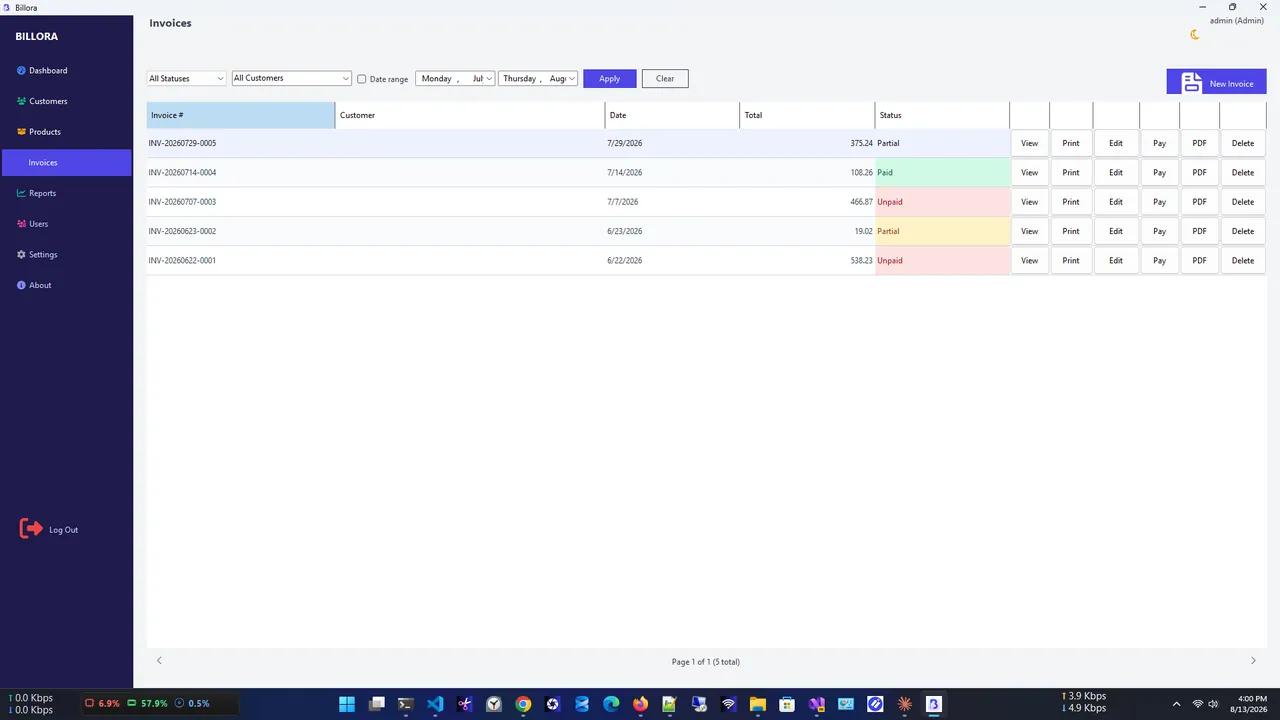
Create polished invoices with multiple line items, tax and discounts, and automatic invoice numbers, then export PDFs in Classic, Modern or Minimal layouts. Every invoice moves from Draft to Unpaid, Partial and Paid as payments come in.
Around invoicing sits a complete small-business toolkit: a customer database, a product catalog with automatic stock deduction and low-stock alerts, payment tracking, five reports with PDF or Excel export, company branding, backups and Admin/Staff roles. No subscription and no internet needed.
Invoices
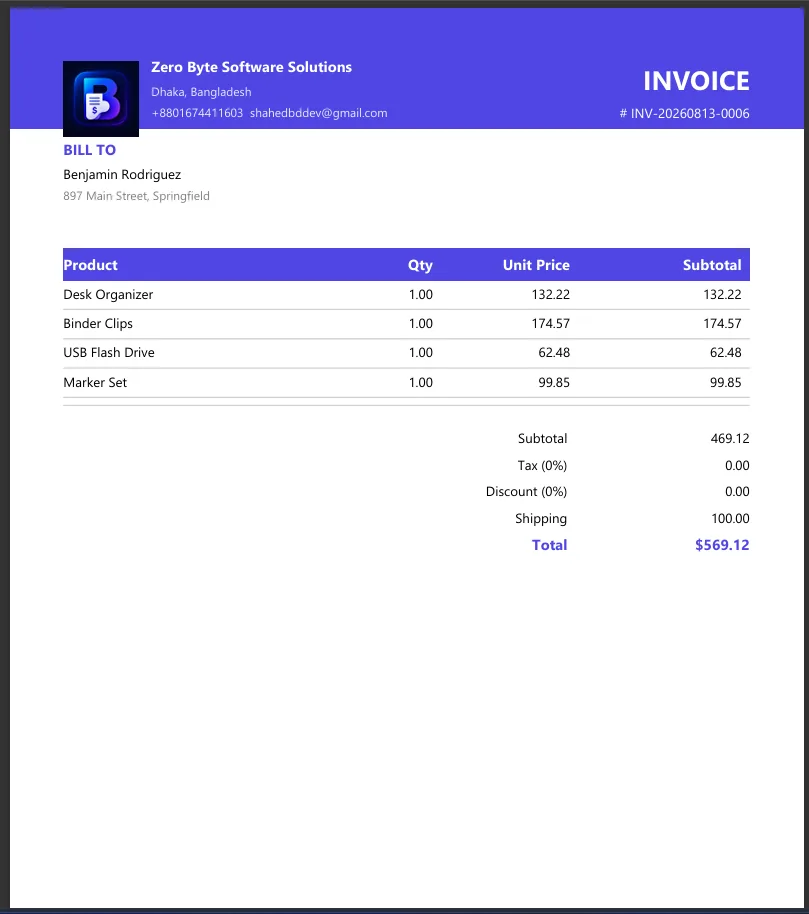
PDF invoice
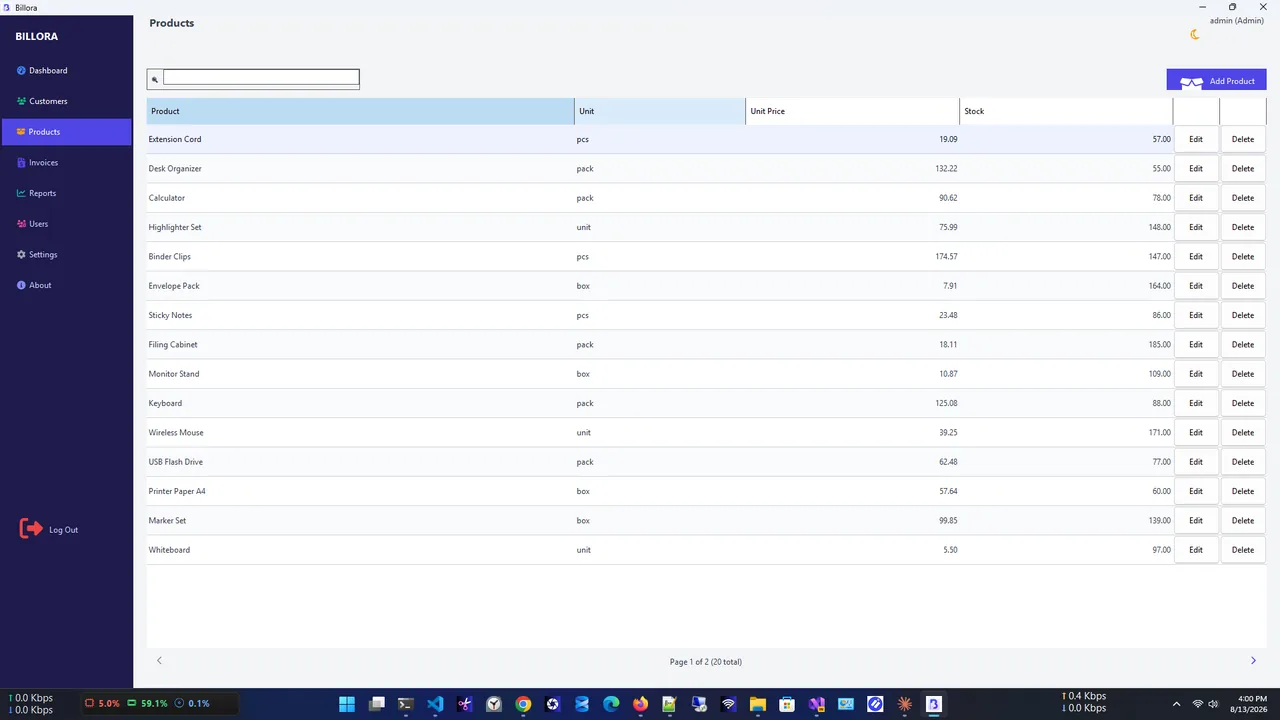
Products
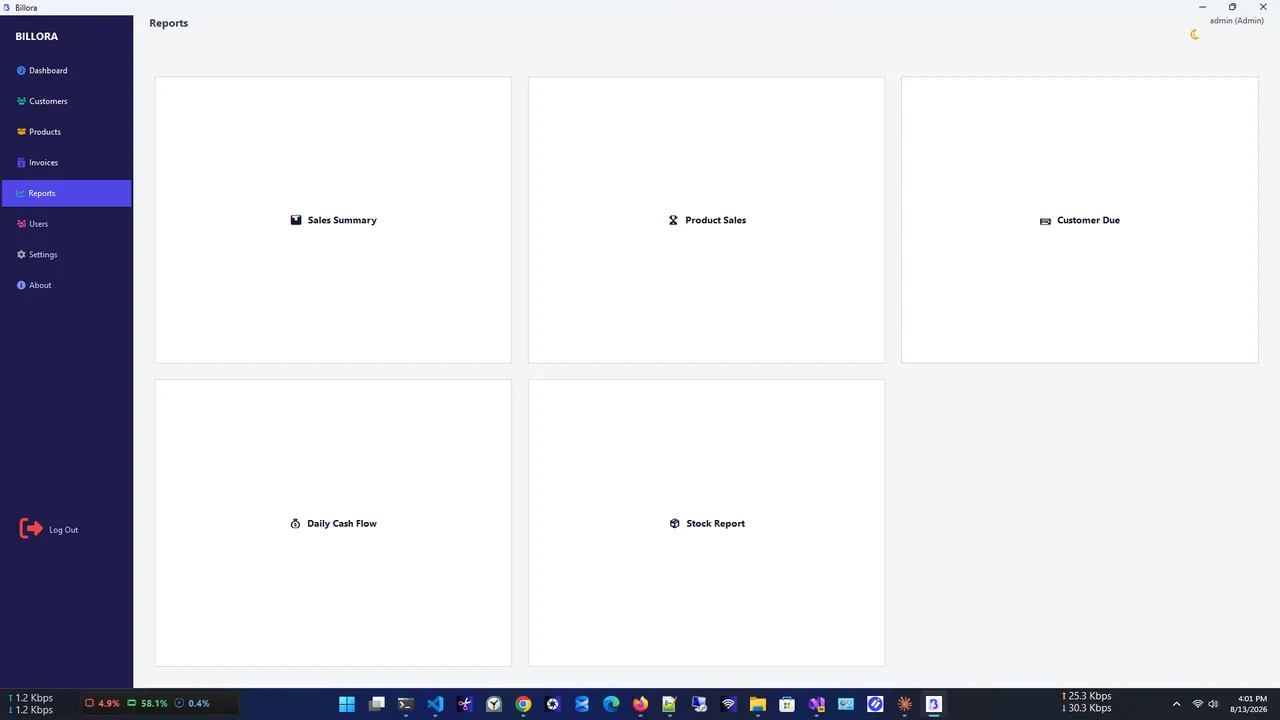
Reports
Free, with no hidden fees.
Line items, tax, discounts and automatic numbering.
Classic, Modern or Minimal, with your logo.
A searchable database linked to invoices and payments.
Prices and stock that update with every invoice.
Partial and full payments update the status automatically.
Sales, products, dues, cash flow and stock; export to PDF or Excel.
Get Invoice Gen free from the Microsoft Store (listed as Billora).
Enter your name, address and logo once.
Pick a customer, add products, tax and discount.
Choose Classic, Modern or Minimal and send it.
Online invoicing services charge monthly and keep your customer and sales data on their servers. An offline invoice generator keeps everything in a local database on your PC, works without internet and has no subscription. Invoice Gen also backs up the database automatically every time it starts.
Need to merge or compress PDFs? Try PDF HQ. More help is coming in our Windows guides.
Yes. It is 100% free, with no subscription and no hidden fees.
Invoice Gen is listed in the Microsoft Store as Billora. It is the same app.
No. It is fully offline, and your data stays on your device.
Yes, in three layouts: Classic, Modern and Minimal, with your company branding.
Yes. Stock is reduced automatically on each invoice, with low-stock alerts.
Yes. The database is backed up automatically on every launch (last 5 copies kept), and you can back up and restore manually.
Merge, split, compress, watermark and protect PDFs, fully offline.

Find any file on your PC in milliseconds, right as you type.

Read and edit Markdown with GitHub-style rendering, tabs and outline.
Save everything you copy and reuse any item with one click.
