
Video Noise Reducer
Remove hiss, hum and background noise from video without touching the picture.
 YT Downloader Z
Paste a link. Pick a quality. Download.
A straightforward video downloader with a clean interface: paste the URL, choose the resolution and save. Free.
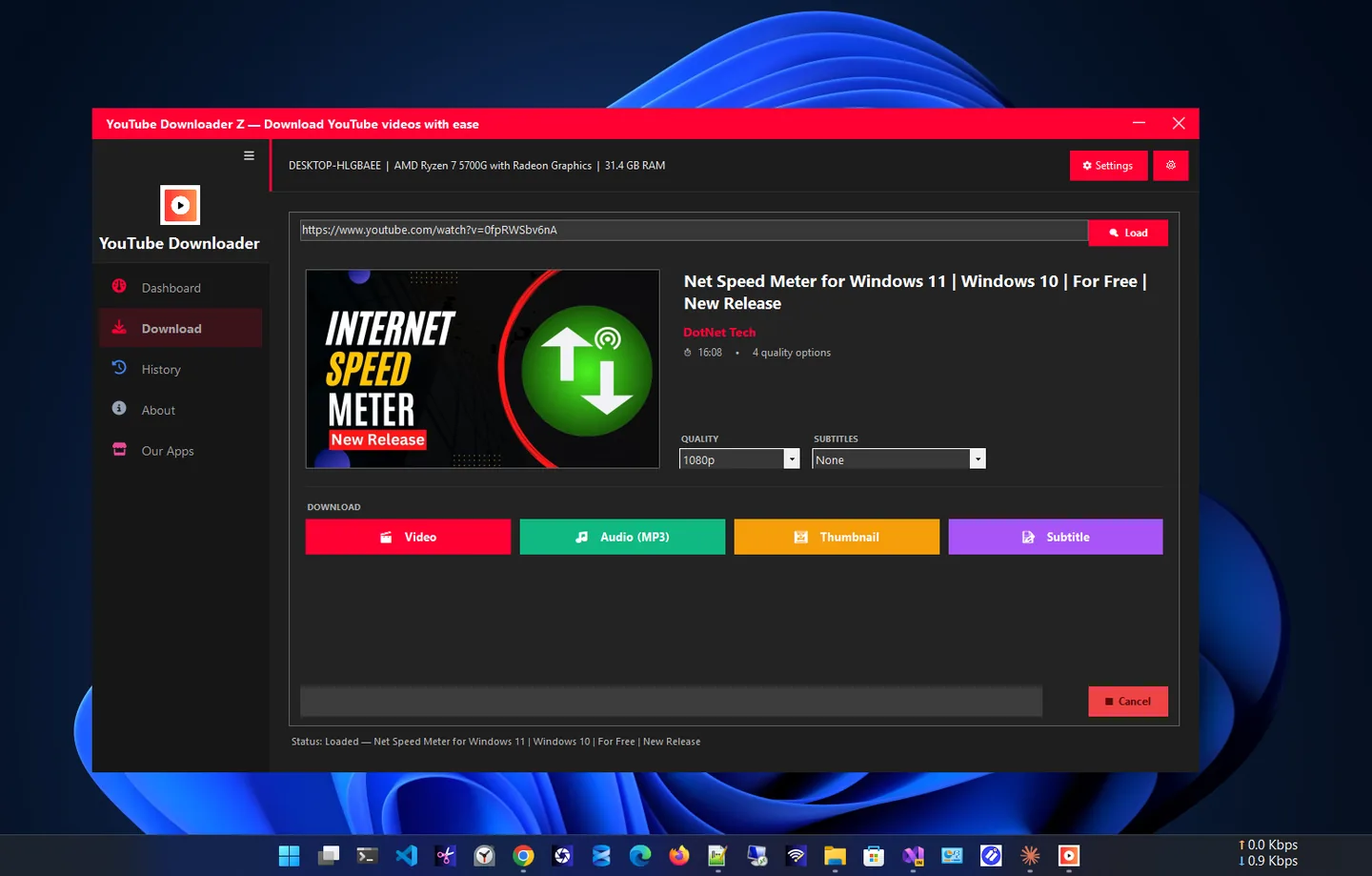
YT Downloader Z is a straightforward video downloader for Windows built around one goal: fast, reliable downloads with zero friction. Paste a video URL, pick the resolution you want and download.
Save videos in full high definition for the best quality, or choose a smaller resolution to keep file sizes down. The interface stays clean, with no clutter and no learning curve, and a history list keeps track of what you saved.
Please only download content you own or have permission to save, and respect the terms of service of the platform you download from.
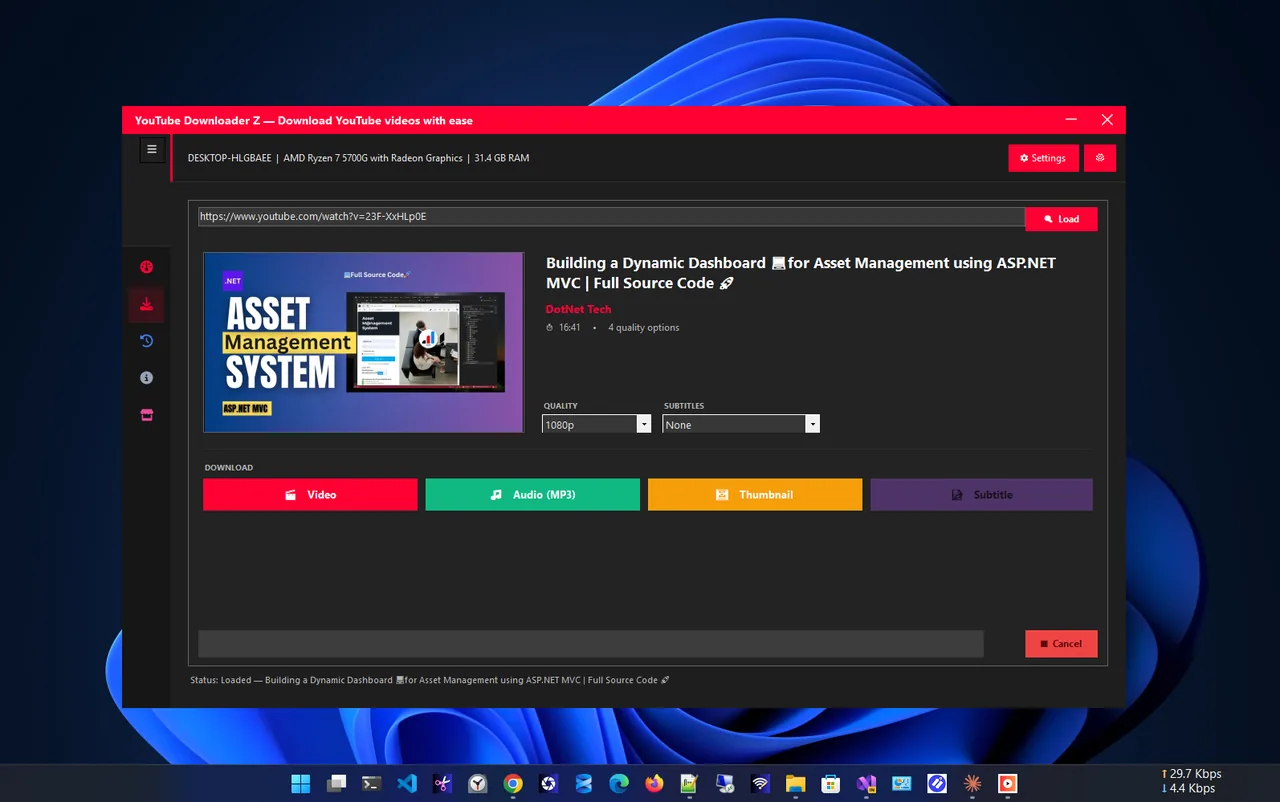
Choose quality
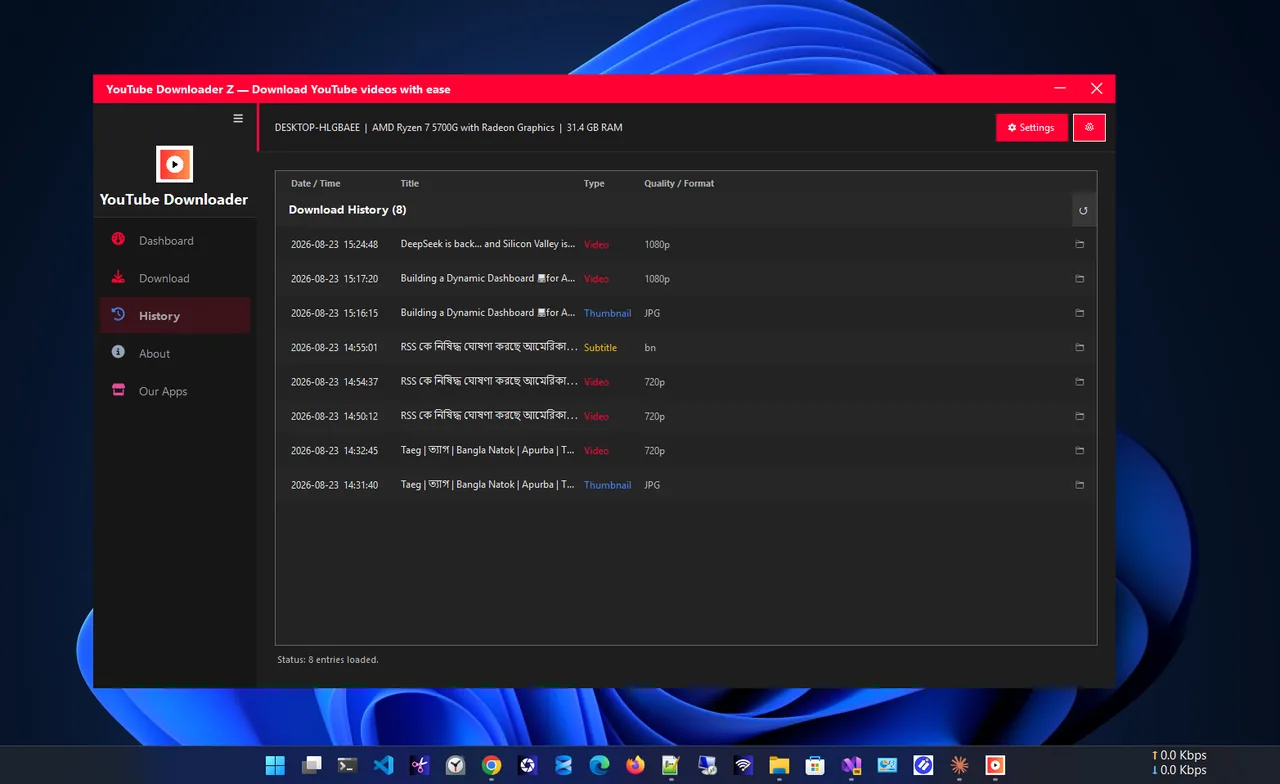
History
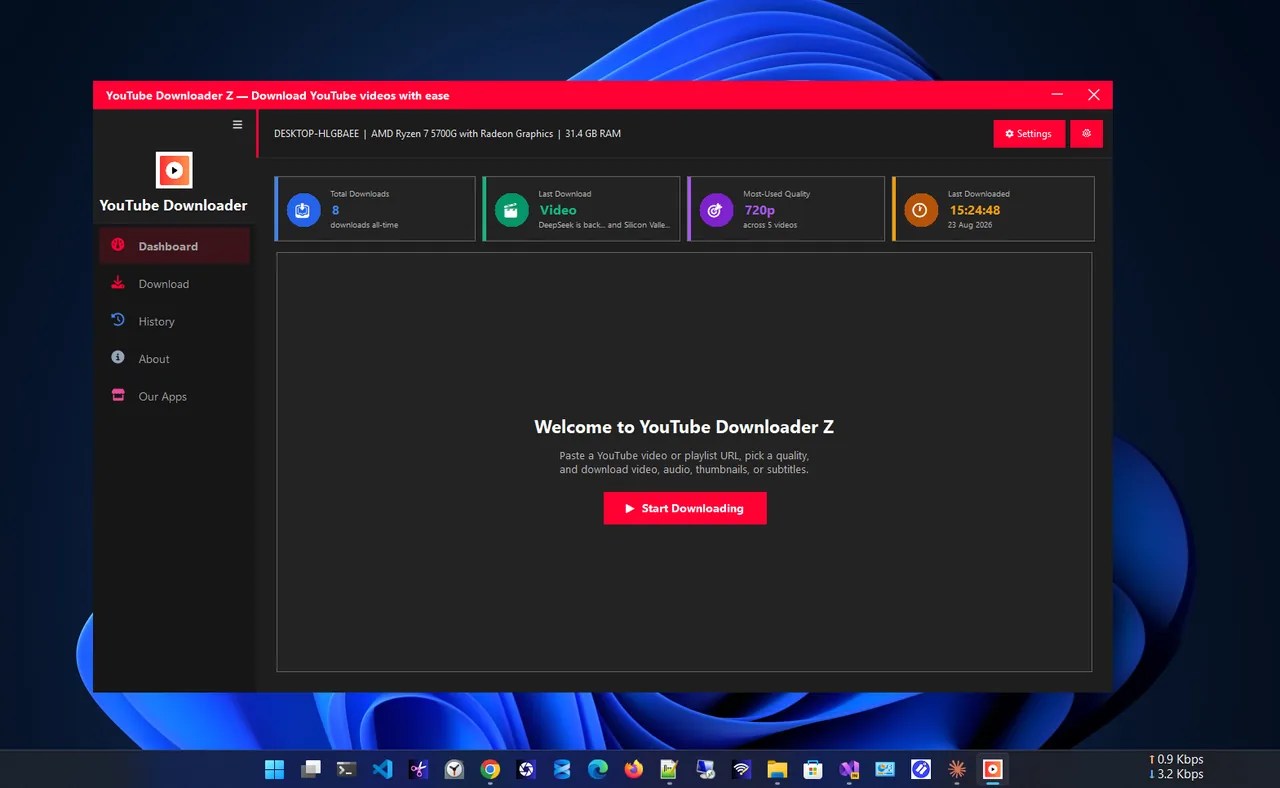
Dashboard
A clean, native Windows downloader.
Paste the URL and you are one click from saving it.
From space-saving sizes to high definition.
No clutter; start downloading in seconds.
See what you saved and when.
Built for smooth, dependable downloads.
A native app for Windows 11 and 10.
Get YT Downloader Z free from the Microsoft Store.
Copy the video URL and paste it into the app.
Choose high definition or a smaller size.
Save the file and find it in your history.
Higher resolution looks better but takes more space. 1080p is a good default for laptops and TVs; 720p or lower saves space for phones and slow connections. Pick the size that matches where you will watch.
Only download videos you own, that are offered for download, or that you have permission to save, and follow the platform’s terms of service.
Need to clean up the sound of your own recordings? Try Video Noise Reducer. More help is coming in our Windows guides.
Yes. It is free in the Microsoft Store.
Paste the video URL, choose a resolution and select download.
Yes. Pick anything from space-saving sizes to high definition.
Only download content you own or have permission to save, and respect the platform’s terms of service.
The history list shows what you saved, with a clear save location.
Yes. It is a native app for Windows 11 and Windows 10.
Remove hiss, hum and background noise from video without touching the picture.

Fast, private screenshots with annotation, blur and on-device OCR.

Resize one photo or hundreds at once with presets and instant export.
Save everything you copy and reuse any item with one click.
