
Net Speed Meter
See live download and upload speed on your desktop, always on top.
 Test Net Speed
Test your connection in seconds. Keep every result.
Download, upload, ping and jitter in one click, with saved history and practical network diagnostics. Free, no account.
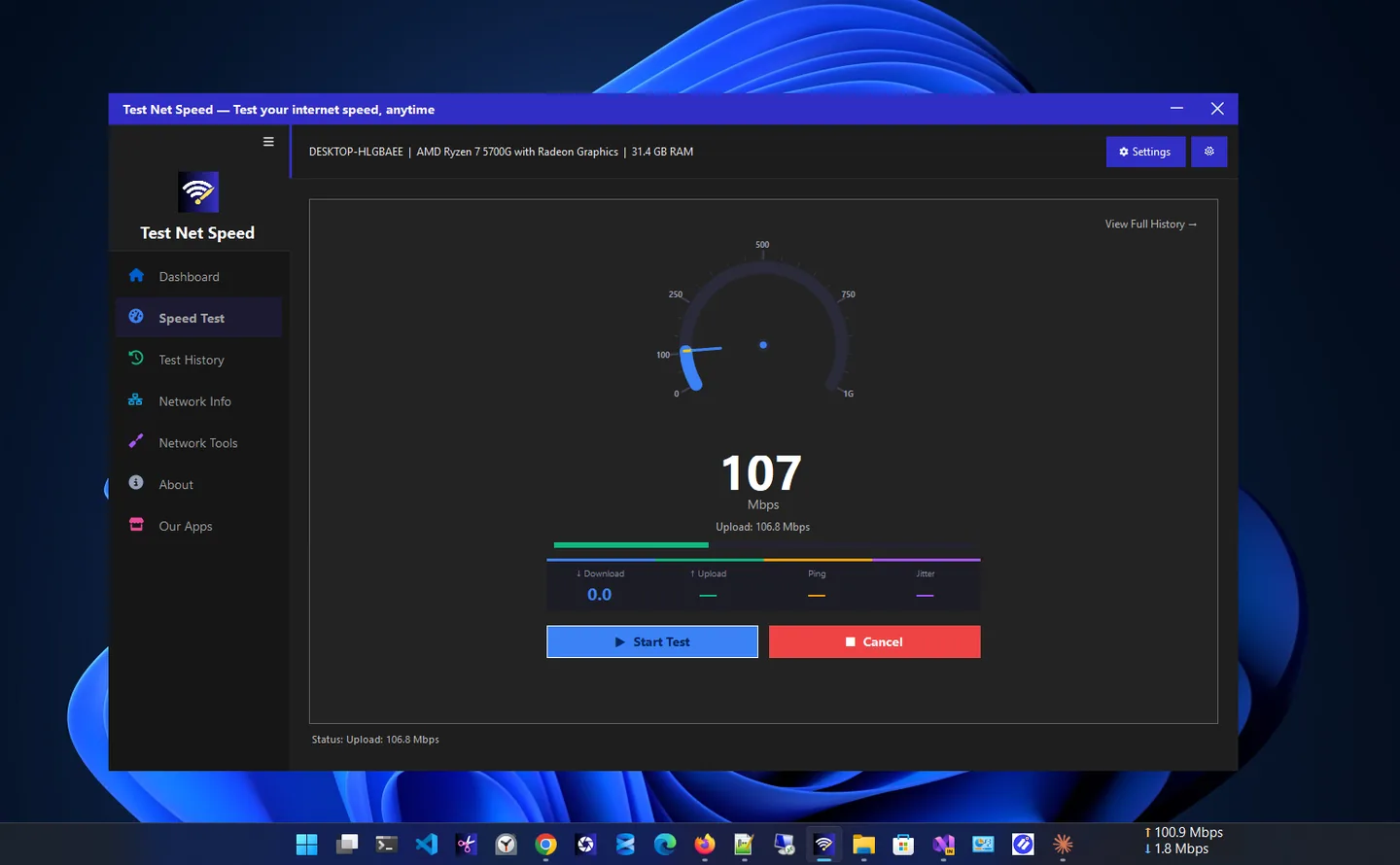
Test Net Speed is an internet speed test app for Windows that tells you exactly how your connection performs. Run a test in seconds and get clear results for download speed, upload speed, ping and jitter, with your latest values on a dashboard. In the Microsoft Store it is listed as Internet Speed Checker Plus.
Every completed test is saved automatically to a local history on your PC, so you can compare results over time, see whether slowdowns are temporary or recurring, and know when you last tested.
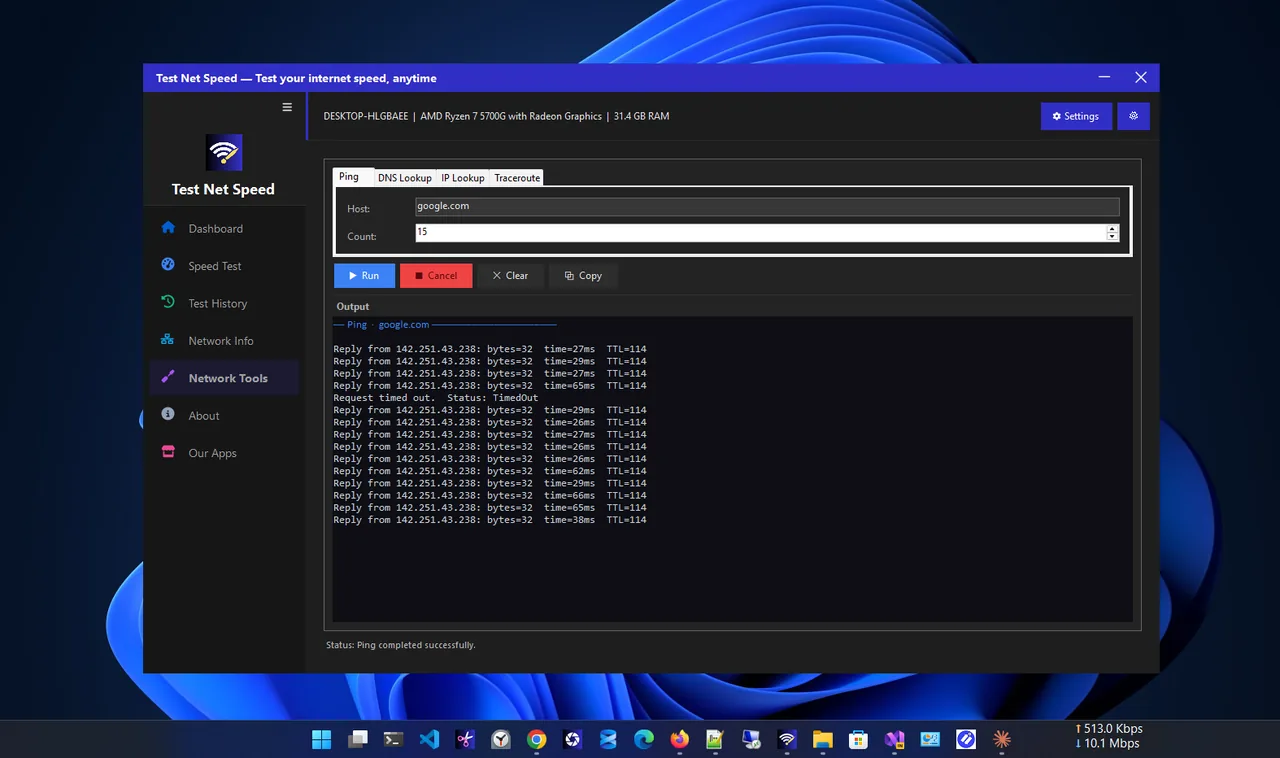
Beyond speed testing, the app includes practical diagnostics: network adapter details, your public IP address, ping, DNS lookup, IP lookup and traceroute, in an interface that is easy for everyday users and detailed enough for real troubleshooting.
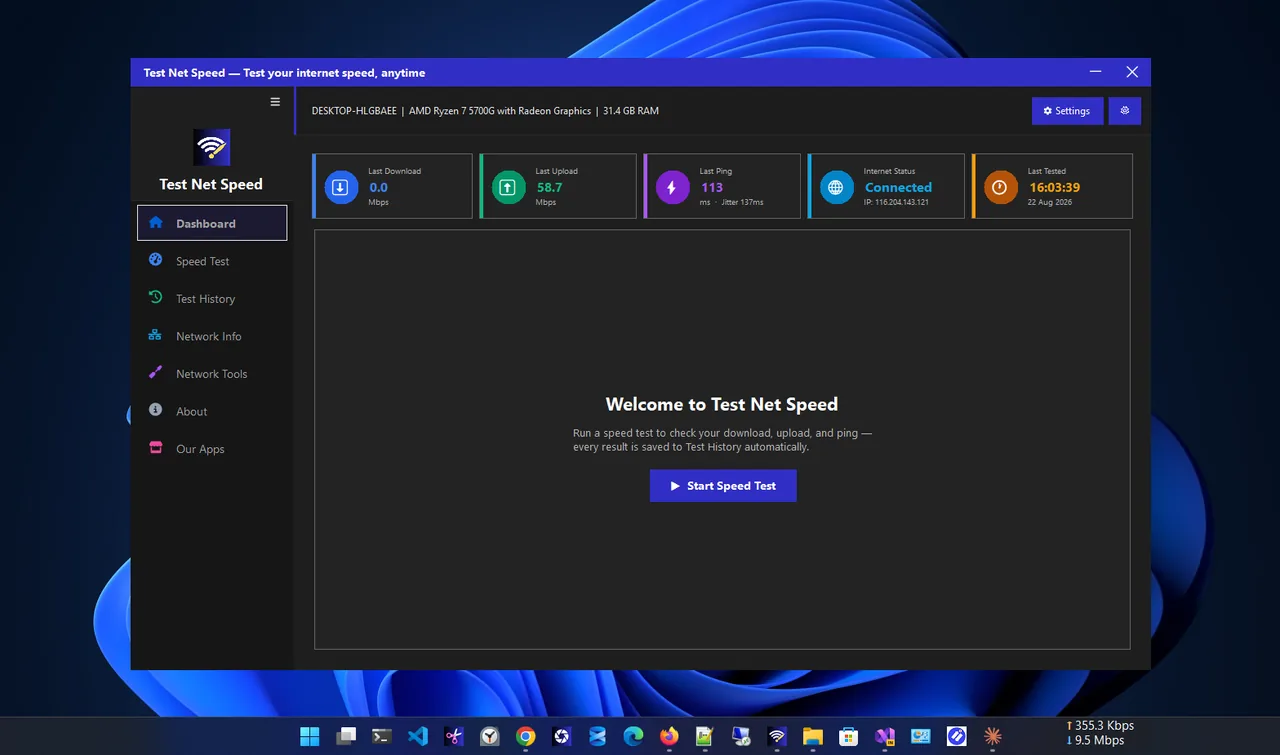
Dashboard
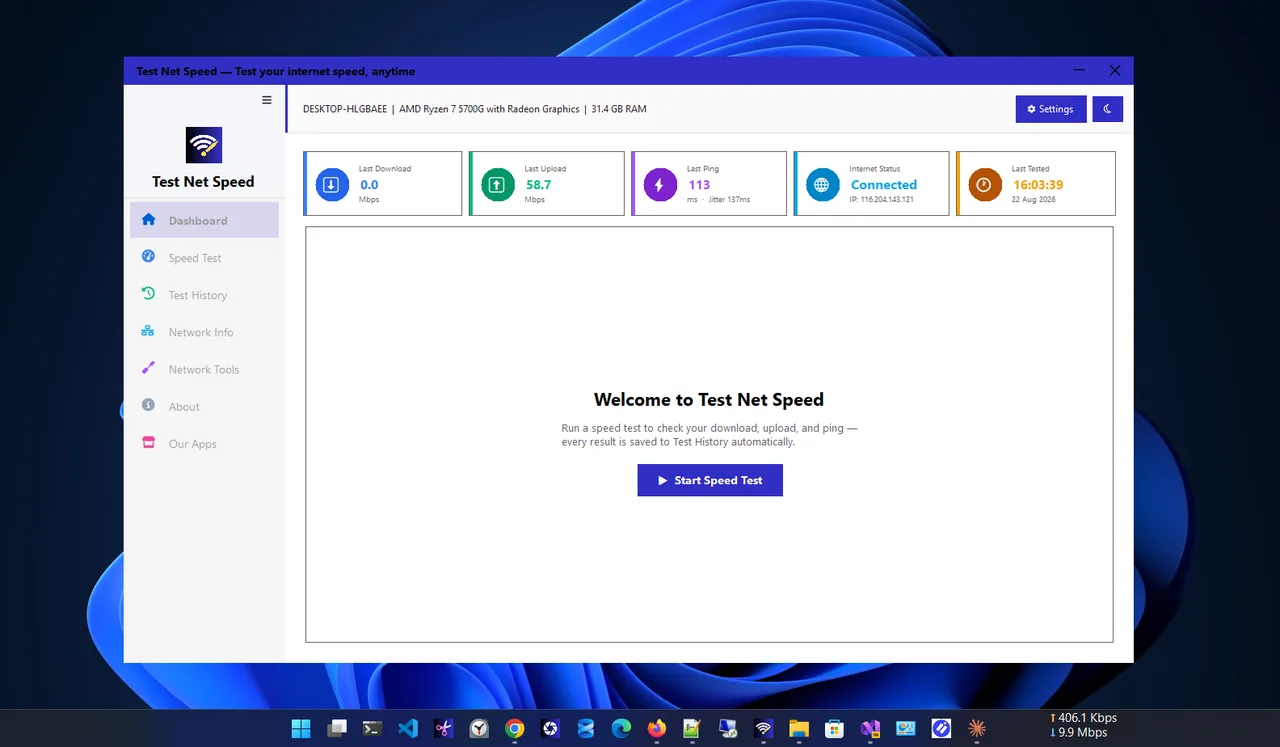
Light theme
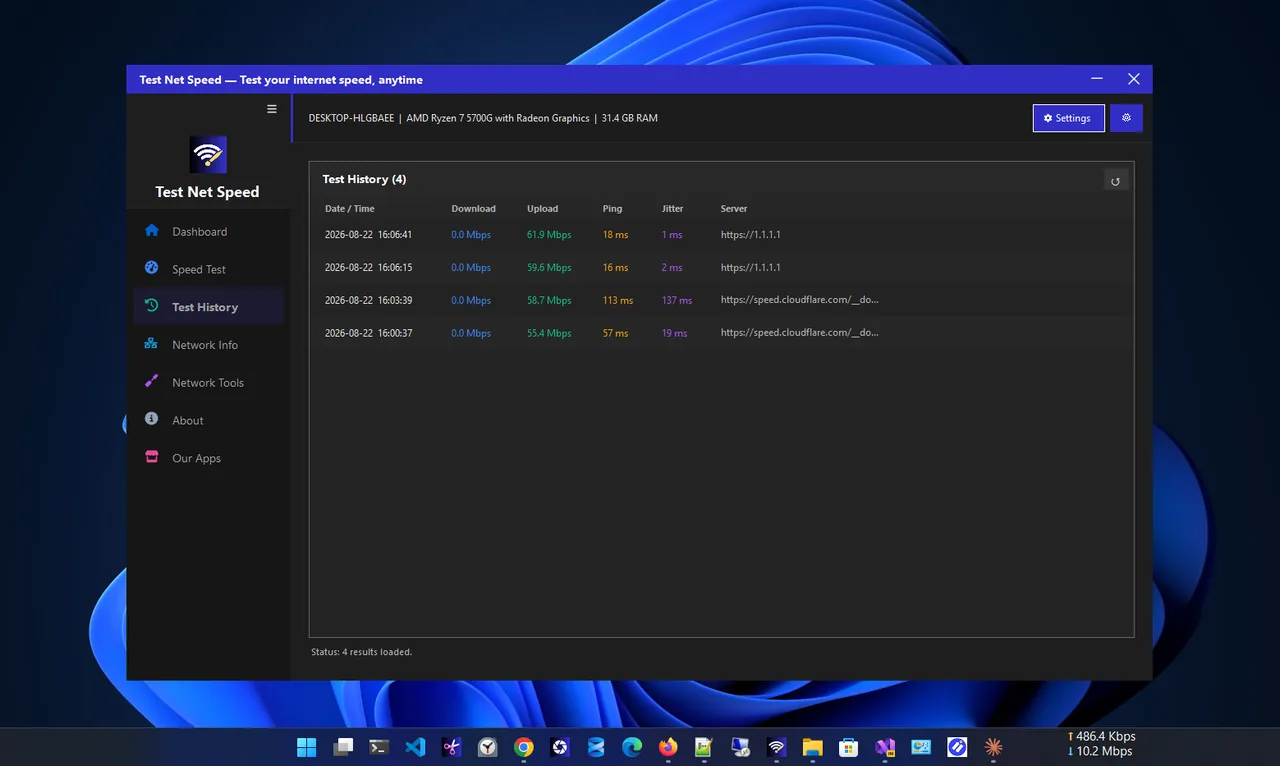
Test history
Network tools
Everything is free, with no account and no limits on tests.
See how fast your connection receives and sends data.
Latency and its consistency, key for games, calls and streaming.
Every test saved on your device to browse and compare.
Latest download, upload, ping and jitter plus connection status.
Check your public IP and the details of your active connection.
Ping, DNS lookup, IP lookup and traceroute built in.
Get Test Net Speed free from the Microsoft Store.
Pause downloads, streaming and cloud sync for an accurate result.
Select Start Speed Test and wait a few seconds for download, upload, ping and jitter.
Open Test History to compare with earlier results.
Download speed is how quickly you receive data: web pages, streams and downloads. Upload speed is how quickly you send it: video calls, backups and file sharing. Both are measured in megabits per second (Mbps), the unit internet plans use.
Ping is the delay for a small message to reach a server and come back, in milliseconds; lower is better for games and calls. Jitter is how much that delay varies. A connection can be fast but still feel bad if jitter is high.
Want live speed all the time instead of a one-off test? See Net Speed Meter. More help is coming in our Windows guides.
Yes. Test Net Speed is free in the Microsoft Store and needs no account.
The app is listed in the Microsoft Store as Internet Speed Checker Plus. It is the same app.
Download speed, upload speed, ping (latency) and jitter (how stable the latency is).
Yes. Every completed test is saved automatically to a local history on your PC, so you can compare results over time.
Ping, DNS lookup, IP lookup and traceroute, plus network adapter details and your public IP address.
Yes. It has dark and light themes and is DPI-aware from 100% to 200% scaling.
See live download and upload speed on your desktop, always on top.

Your public IP, ISP, location and network tools like ping and DNS lookup.

Full network monitoring: live speed, usage history and per-app connections.

See saved Wi-Fi passwords and share networks with a QR code.
Upload vs download speed explained simply: what each one does, how much you need for calls, streaming and gaming, and how to test both.
Why is your Wi-Fi slow on Windows 11 or 10? Find the cause with a quick test, then work through 10 fixes, easiest first.
