Business Explainer
Invoice vs Receipt: What's the Difference?
Invoice vs receipt explained: when each is issued, what each must include, how they work for taxes and records, plus proforma invoices and bills.
On this page
An invoice is a request for payment: you send it before the customer pays, listing what they owe and when it is due. A receipt is proof of payment: you give it after the customer has paid, confirming the amount and how it was paid. Many businesses issue both for the same sale: an invoice to ask for the money, then a receipt (or a "Paid" invoice) once it arrives.
Customers ask for "a receipt" when they mean an invoice, and suppliers send "bills" that are really invoices. Mixing them up causes late payments and messy records at tax time. This guide explains invoice vs receipt in plain terms: what each is for, what each must include, when to issue them, and how related documents like proforma invoices fit in.
Invoice vs Receipt at a Glance
| Invoice | Receipt | |
|---|---|---|
| Purpose | Request payment | Confirm payment |
| When | Before payment (after delivery or in advance) | After payment |
| Key info | Amount due, due date, payment terms and methods | Amount paid, date paid, payment method |
| Common in | B2B, freelancers, services, credit terms | Retail, restaurants, cash and card sales |
| Accounting | Accounts receivable (seller), payable (buyer) | Records cash received / expense paid |
| Tax use | Usually needed to reclaim VAT/GST as a business buyer | Proof of expense; may not be enough for VAT |
What an Invoice Must Include
- The word "Invoice" and a unique, sequential invoice number.
- Issue date and payment due date (or terms like Net 15, Net 30).
- Your business name, address and contact details; the customer's name and address.
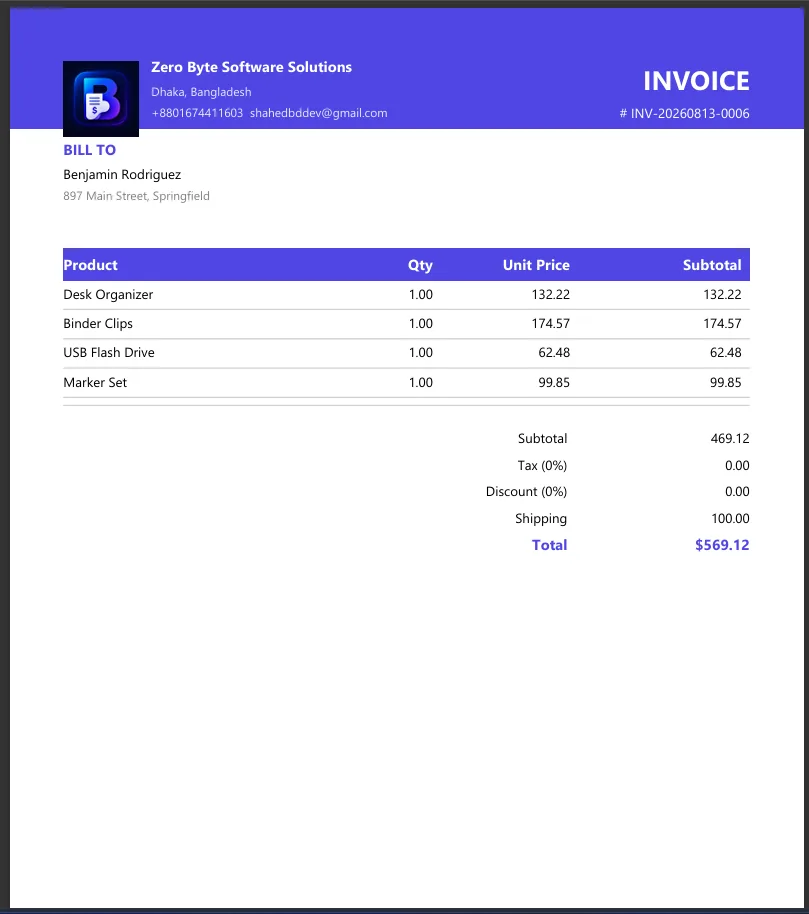
- Itemised products or services with quantities, unit prices and line totals.
- Subtotal, taxes (with your tax registration number where required), discounts and total due.
- How to pay: bank details, payment link or accepted methods.
Rules differ by country, especially for VAT and GST invoices. A step-by-step guide is in how to make an invoice.
What a Receipt Must Include
- The word "Receipt" and a receipt number (or the related invoice number).
- Date of payment.
- Seller's business name and contact details.
- What was paid for, the amount paid and taxes included.
- Payment method (cash, card, bank transfer) and, for cards, the last four digits.
How They Work Together
-
Quote or estimate (optional)
You propose a price before work starts. Not a request for payment.
-
Invoice
After delivery (or in advance for deposits), you send the invoice with a due date.
-
Payment
The customer pays by the due date. You record the payment against the invoice.
-
Receipt
You issue a receipt or mark the invoice as Paid and send it again. Both prove payment.
Related Documents
| Document | What it is |
|---|---|
| Proforma invoice | A preliminary invoice before the sale is final, often for customs or advance payment. Not a tax invoice. |
| Bill | The buyer's word for an invoice they have received. |
| Sales receipt | Issued at the moment of a cash or card sale; combines sale and payment in one document. |
| Credit note | Reduces or cancels an invoice after a return or error. |
| Statement | A summary of all invoices and payments over a period. |
Keep Good Records
Keep copies of every invoice and receipt for as long as your tax authority requires (often 5–7 years). Store them as PDFs; if you photograph paper receipts, combine them into one file with convert JPG to PDF on Windows, and protect files with customer details using password protect a PDF.
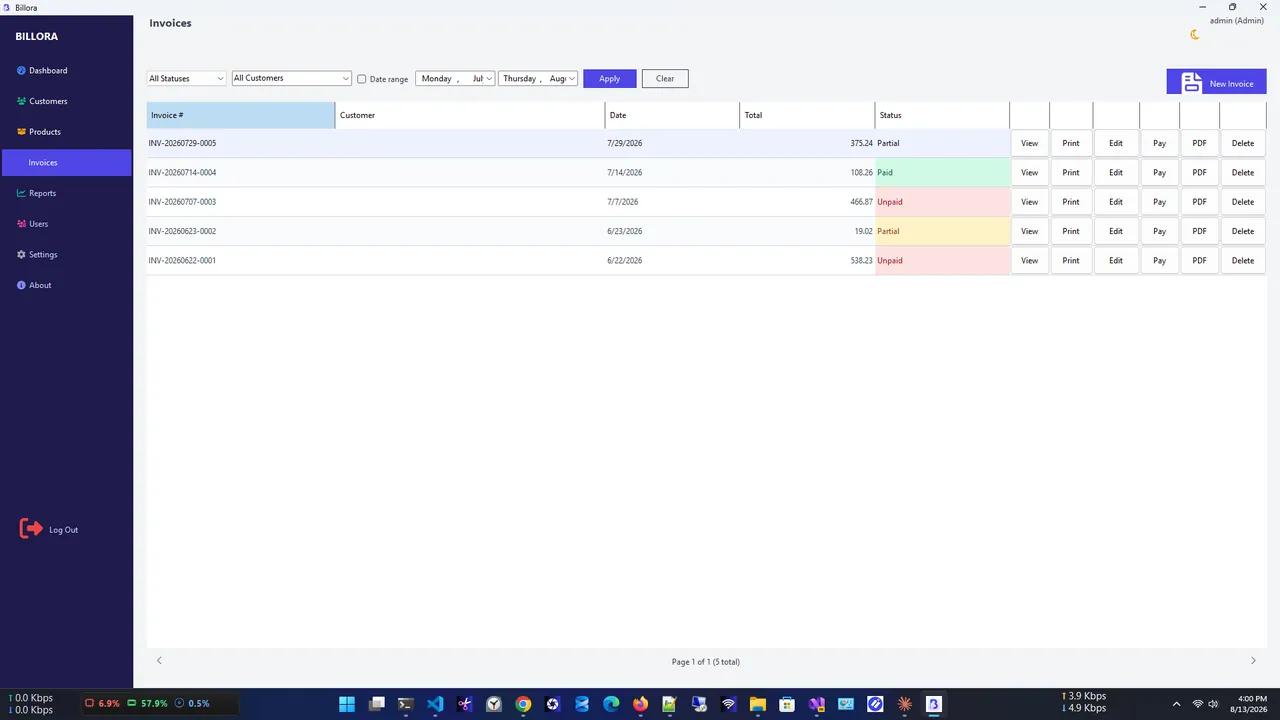
Invoice Gen creates numbered invoices offline with PDF export, tracks payments and dues, and keeps sales reports, so you can see at a glance which invoices are paid and which still need chasing.
Invoice vs Receipt: Everyday Examples
- Freelance designer: sends an invoice for a logo with 14-day terms; when the client pays, sends a receipt or marks the invoice Paid.
- Coffee shop: gives a sales receipt at the till; no invoice is needed because payment is immediate.
- Wholesale supplier: invoices a shop monthly on 30-day terms and sends a statement listing unpaid invoices.
- Online order: the order confirmation is often an invoice and receipt in one, showing payment already taken.
Numbering Invoices and Receipts
Use a separate, sequential series for each document type, for example INV-2026-0042 for invoices and RCT-2026-0042 for receipts, or link the receipt to the invoice number it settles. Never reuse or skip numbers without a record; gaps can raise questions in an audit. Software that numbers documents automatically avoids mistakes.
FAQ
Can an invoice be used as a receipt?
A paid invoice marked "Paid" with the payment date and method can serve as proof of payment. A plain unpaid invoice cannot.
Do I need to send both an invoice and a receipt?
Not always. For immediate cash or card sales, a receipt is enough. For credit sales, send an invoice and confirm payment with a receipt or paid invoice.
Is a bill the same as an invoice?
Yes in practice. Sellers call it an invoice; buyers often call it a bill.
Which one do I need for taxes?
Businesses usually need invoices to claim input VAT/GST and receipts to prove expenses. Check your local tax rules.
Conclusion
The invoice vs receipt difference comes down to timing: an invoice asks for payment, a receipt confirms it. Issue numbered invoices with clear terms, send receipts or paid invoices once money arrives, and keep both for your records. Explore more business apps for Windows 11.