Network Compare
IPv4 vs IPv6: Differences and Should You Use IPv6?
IPv4 vs IPv6 compared: address format, speed, security, NAT and gaming. Check if you have IPv6 on Windows 11 and whether to turn it off (usually not).
On this page
IPv4 uses 32-bit addresses like 192.168.1.20 and has run out of addresses, so homes share one public IP through NAT. IPv6 uses 128-bit addresses like 2001:db8::1a2b and has enough for every device to have its own. Speed is about the same. Keep IPv6 turned on in Windows 11: modern networks and Windows itself expect it, and your PC uses both side by side automatically.
You see two addresses in your network settings, one short and one very long, and wonder which one matters. Or a game tells you your NAT type is strict, and someone online suggests IPv6. This guide compares IPv4 vs IPv6 in plain words: how they differ, whether one is faster or safer, how to check which you use on Windows 11, and whether you should change anything (usually you should not).
IPv4 vs IPv6 Comparison Table
| IPv4 | IPv6 | |
|---|---|---|
| Address length | 32 bits | 128 bits |
| Example | 203.0.113.45 | 2001:db8:85a3::8a2e:370:7334 |
| Number of addresses | About 4.3 billion | About 340 undecillion (3.4 × 1038) |
| Format | Four numbers 0–255, dots | Eight groups of hex, colons |
| NAT needed at home | Yes | No; each device can have a public address |
| Address setup | DHCP or manual | Automatic (SLAAC), DHCPv6 or manual |
| Header | Variable, with checksum | Fixed and simpler; no checksum |
| IPsec | Optional add-on | Designed in (still optional in practice) |
| Broadcast | Yes | No; uses multicast instead |
| Adoption | Universal | Roughly half of Google's traffic and growing |
Why IPv6 Exists
IPv4 was designed in the early 1980s, when 4.3 billion addresses seemed endless. Today there are far more phones, PCs, TVs and smart devices than that. The regional registries ran out of fresh IPv4 blocks between 2011 and 2019. The internet coped with two workarounds: NAT, where a whole household shares one public address, and carrier-grade NAT, where many households share one. Both work for browsing but make direct connections harder. IPv6 removes the shortage for good. The difference between shared public and private addresses is explained in public vs private IP address.
How to Read an IPv6 Address
An IPv6 address has eight groups of four hexadecimal digits. Two rules make it shorter:
- Leading zeros in a group can be dropped:
0db8becomesdb8. - One run of all-zero groups can be replaced with
:::2001:0db8:0000:0000:0000:0000:0000:0001becomes2001:db8::1.
On Windows you will see a few kinds:
- Global addresses starting with 2 or 3 are public and reachable on the internet (subject to firewalls).
- Temporary IPv6 addresses are also global but change regularly, for privacy. Windows uses them for outgoing connections.
- Link-local addresses starting with
fe80::only work on your local network. Every adapter has one, even without internet IPv6.
Is IPv6 Faster Than IPv4?
In everyday use, about the same. Some large networks measure IPv6 as slightly faster, mostly because it skips NAT and carrier-grade NAT devices, but the difference is usually a few milliseconds either way. Your download speed does not change. Where IPv6 really helps is connection quality for things that need direct connections, such as online games, voice chat and peer-to-peer apps, especially if your ISP uses CGNAT.
Is IPv6 Less Secure?
Not when set up properly. A common worry is that without NAT, devices are exposed. In practice, home routers and Windows Defender Firewall block unsolicited incoming IPv6 connections by default, which gives the same protection NAT provided by accident. Windows also uses temporary addresses so websites cannot track one fixed address. The real risk is old routers that pass IPv6 without a firewall, so keep your router firmware updated.
IPv4 vs IPv6 for Gaming
Consoles and PC games often report NAT type (Open, Moderate, Strict). With IPv4 behind CGNAT you are often stuck on Strict, which can block party chat or matchmaking. Services such as Xbox Live support IPv6, where NAT type matters much less. If your ISP offers IPv6, keeping it enabled on the router and PC is one of the easiest fixes for strict NAT. Ping itself is usually similar on both.
How to Check If You Have IPv6 on Windows 11
-
Look at your adapter
Open Settings > Network & internet > Wi-Fi or Ethernet > properties. If you see an IPv6 address that starts with 2 or 3, your network provides IPv6. Only an
fe80::link-local address means no internet IPv6. -
Or use the command line
Commandsipconfig ping -6 google.comIf
ping -6gets replies, IPv6 works end to end. -
Check your public addresses
Run
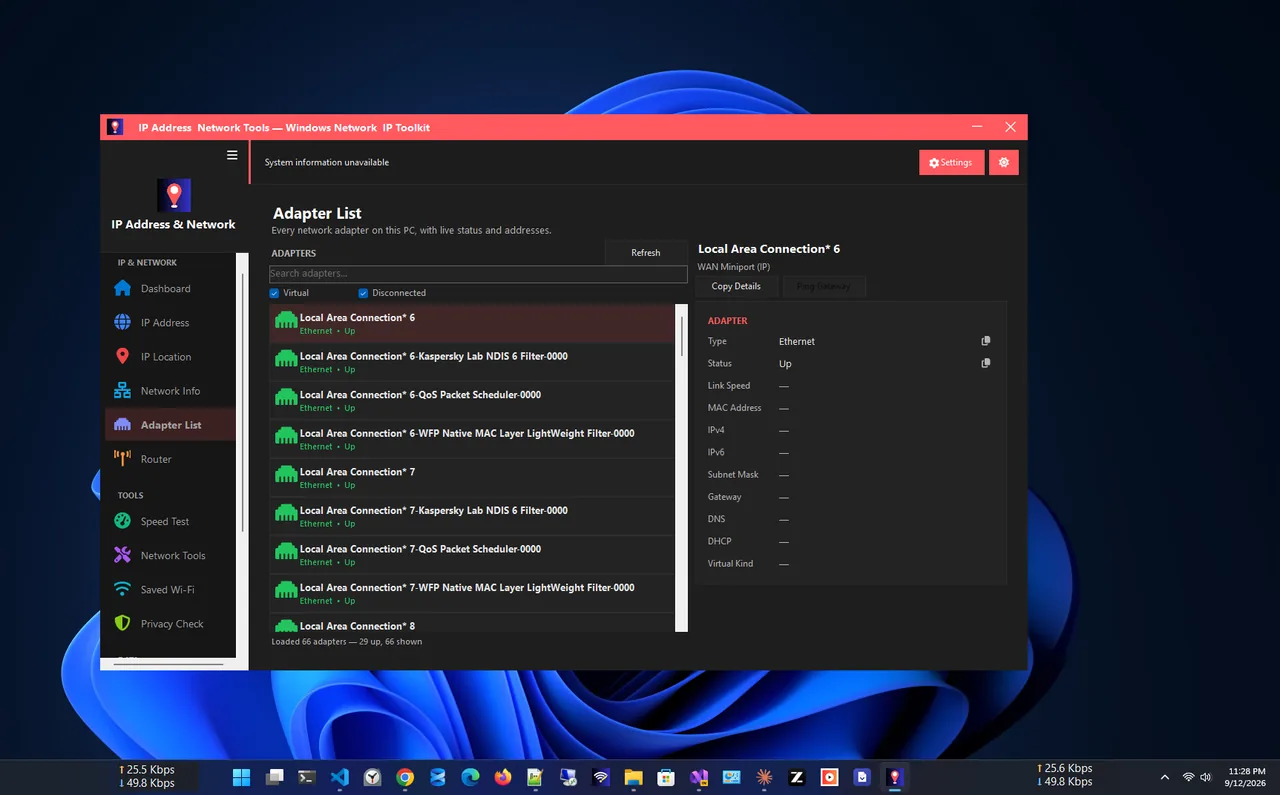
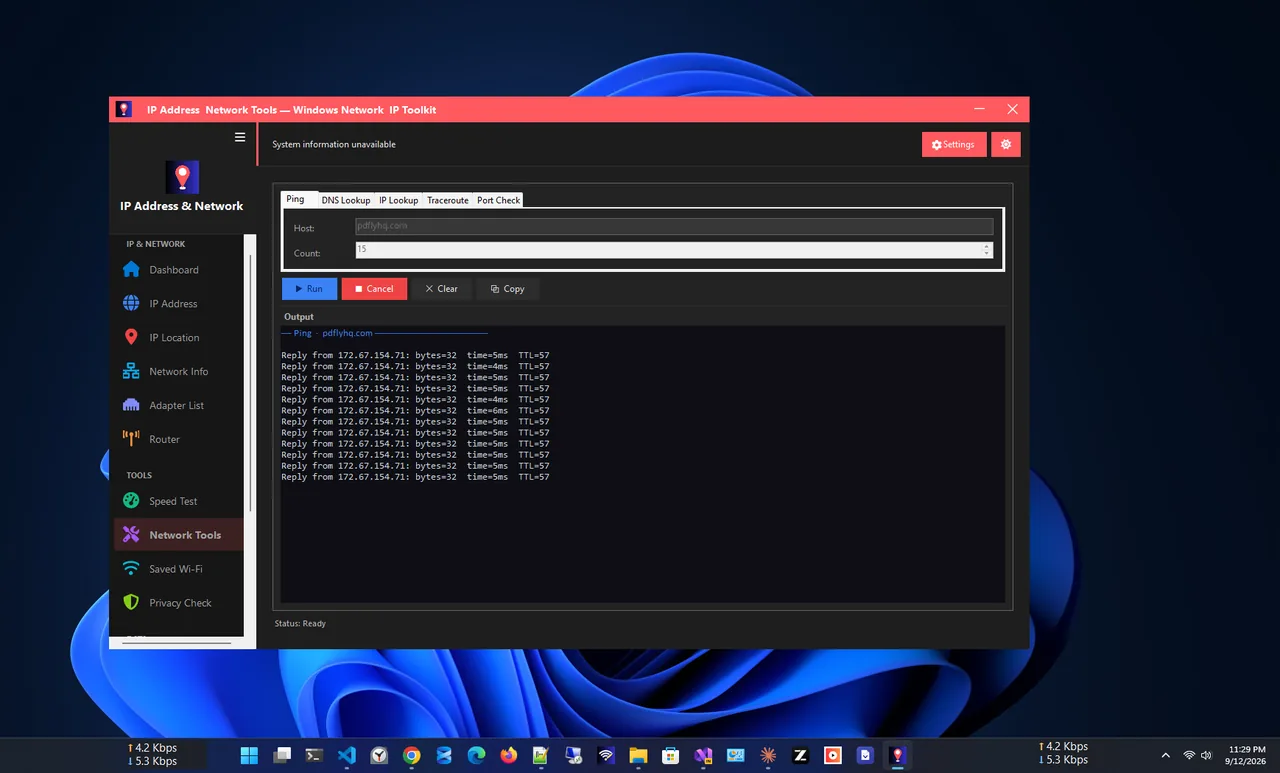
curl -4 ifconfig.meandcurl -6 ifconfig.meto see your public IPv4 and IPv6 addresses. IP Address App shows your public IP, ISP and every adapter's addresses on one screen. Full guide: find your IP address on Windows 11.
Should You Disable IPv6 on Windows 11?
Generally no. Microsoft considers IPv6 a required part of Windows and does not recommend turning it off; some Windows features and apps expect it, and disabling it can slow down startup or break things in subtle ways. Windows already prefers whichever protocol works better.
Disabling IPv6 for a short test is reasonable when an old router handles it badly, for example if some sites load slowly or DNS fails. The quick test:
-
Untick IPv6 on the adapter
Press Win+R, type
ncpa.cpl, right-click your adapter > Properties, untick Internet Protocol Version 6 (TCP/IPv6) and click OK. -
Test, then turn it back on
If the problem disappears, the router or ISP's IPv6 is the cause. Update the router firmware or contact the ISP, then tick IPv6 again. If you must keep using IPv4, Microsoft's supported option is to prefer IPv4 over IPv6 (a registry setting called DisabledComponents with value 0x20) rather than turn IPv6 off completely.
If DNS is the actual problem, changing DNS servers is a better fix; see change DNS server on Windows 11. Public DNS providers offer IPv6 addresses too, for example Cloudflare's 2606:4700:4700::1111.
Dual Stack: Why You Do Not Have to Choose
Almost every network today runs dual stack: both protocols at the same time. When you open a site, Windows asks DNS for both an IPv4 and an IPv6 address and uses a method called Happy Eyeballs to try them quickly, picking whichever connects first. If IPv6 is broken, Windows falls back to IPv4 within a fraction of a second. That is why most people never notice which protocol they use, and why leaving both on is the safe default.
Pros and Cons
| Protocol | Pros | Cons |
|---|---|---|
| IPv4 | Works everywhere; short, easy-to-type addresses; every device and tool supports it | Out of addresses; needs NAT and often CGNAT; port forwarding and hosting are harder |
| IPv6 | Unlimited addresses; no NAT; better for games, calls and hosting; simpler routing | Long addresses; some old routers and VPNs handle it badly; not every ISP offers it yet |
IPv6 and VPNs
One real-world issue: some older VPN apps only tunnel IPv4. If the PC also has working IPv6, part of your traffic can skip the VPN, which is called an IPv6 leak. Most current VPN apps either tunnel IPv6 or block it while connected. If yours does neither, turn on its IPv6 leak protection option, or switch to a provider that supports IPv6. That is a VPN problem to fix in the VPN, not a reason to turn off IPv6 for every connection.
Verdict
| Situation | Recommendation |
|---|---|
| Normal home use | Leave both on; nothing to change |
| Strict NAT in games, ISP uses CGNAT | Enable IPv6 on the router and PC |
| Some sites slow or fail, old router | Test with IPv6 off, then update firmware and turn it back on |
| Hosting a server or remote access at home | IPv6 avoids CGNAT; add firewall rules carefully |
FAQ
Will IPv6 replace IPv4?
Gradually. Both will run side by side for many years. Mobile networks and large providers already carry much of their traffic over IPv6.
Does IPv6 make my internet faster?
Not noticeably for downloads. It can improve connections for gaming and calls by avoiding carrier-grade NAT.
Why does my PC have several IPv6 addresses?
Windows creates a link-local address, a stable global address and temporary global addresses for privacy. All of them are normal.
Can IPv6 reveal my location?
About as much as IPv4: roughly your ISP and region. Windows' temporary addresses make long-term tracking harder.
How do I enable IPv6 on my router?
Log in to the router, find IPv6 under WAN or Internet settings, and choose the connection type your ISP uses (often "Native" or "Auto"). Your ISP must support IPv6.
Conclusion
IPv4 vs IPv6 comes down to address space: IPv4 ran out, so it relies on NAT, while IPv6 gives every device a real address. Speed is about the same, security is equivalent with a firewall, and gaming can benefit from IPv6. On Windows 11 the best setting is the default: leave both on. Find more network apps for Windows.