Network Explainer
Public vs Private IP Address: What's the Difference?
Public vs private IP address explained: what each one is, the private IP ranges, how NAT and CGNAT work, and how to find both IP addresses on Windows 11.
On this page
A public IP address is the address your internet provider gives your router; websites and the rest of the internet see it. A private IP address is the address your router gives each device at home, such as 192.168.1.20; it only works inside your network. Your router translates between them with NAT, so every device at home shares one public IP.
Windows says your IP is 192.168.1.20, but a "what is my IP" website shows something completely different. Both are right. Every device on a home network has two addresses: a private one inside your home and a public one shared by the whole household. This guide explains public vs private IP addresses, the ranges you will see, and when the difference matters.
Public vs Private IP at a Glance
| Public IP | Private IP | |
|---|---|---|
| Assigned by | Your internet provider (ISP) | Your router (DHCP) |
| Visible to | Every website and server you use | Only devices on your network |
| Unique | Worldwide (or shared via CGNAT) | Only inside your network |
| Example | 203.0.113.45 | 192.168.1.20 |
| Shows location | Roughly: city and ISP | No |
| Where to find it | A "what is my IP" site or app | Windows Settings or ipconfig |
Private IP Address Ranges
Three IPv4 ranges are reserved for private networks and are never used on the public internet:
| Range | Typical use |
|---|---|
| 192.168.0.0 – 192.168.255.255 | Most home routers (192.168.0.x or 192.168.1.x) |
| 10.0.0.0 – 10.255.255.255 | Businesses, some ISPs' routers, VPNs |
| 172.16.0.0 – 172.31.255.255 | Businesses, Docker and virtual machines |
Two other ranges are worth knowing:
- 169.254.x.x is a self-assigned address. Windows uses it when it gets no answer from the router, so it usually means a connection problem.
- 100.64.0.0 – 100.127.255.255 is used by ISPs for carrier-grade NAT (more below).
How NAT Connects the Two
Your router performs Network Address Translation (NAT). When your laptop (192.168.1.20) opens a website, the router replaces the private address with its public one, remembers which device asked, and passes the reply back to the right device. That is how a phone, a TV and three laptops share one public IP. NAT also acts as a basic shield: devices outside cannot start a connection to your laptop unless you set up port forwarding.
CGNAT: When Your Public IP Is Not Really Yours
IPv4 addresses ran out years ago, so many providers, especially mobile and some fibre ISPs, put several customers behind one public address. This is carrier-grade NAT (CGNAT). Signs: the WAN address on your router starts with 100.64–100.127 or is another private address, and it does not match what "what is my IP" sites show. CGNAT is fine for browsing, but it breaks port forwarding, hosting game servers and some remote-access tools. Ask your ISP for a public IP, or use IPv6, which has enough addresses for everyone; see IPv4 vs IPv6.
How to Find Both on Windows 11
- Private IP: Settings > Network & internet > Wi-Fi or Ethernet > properties > IPv4 address. Or run
ipconfig. - Public IP: visit a "what is my IP" website, or run
curl ifconfig.mein Terminal.
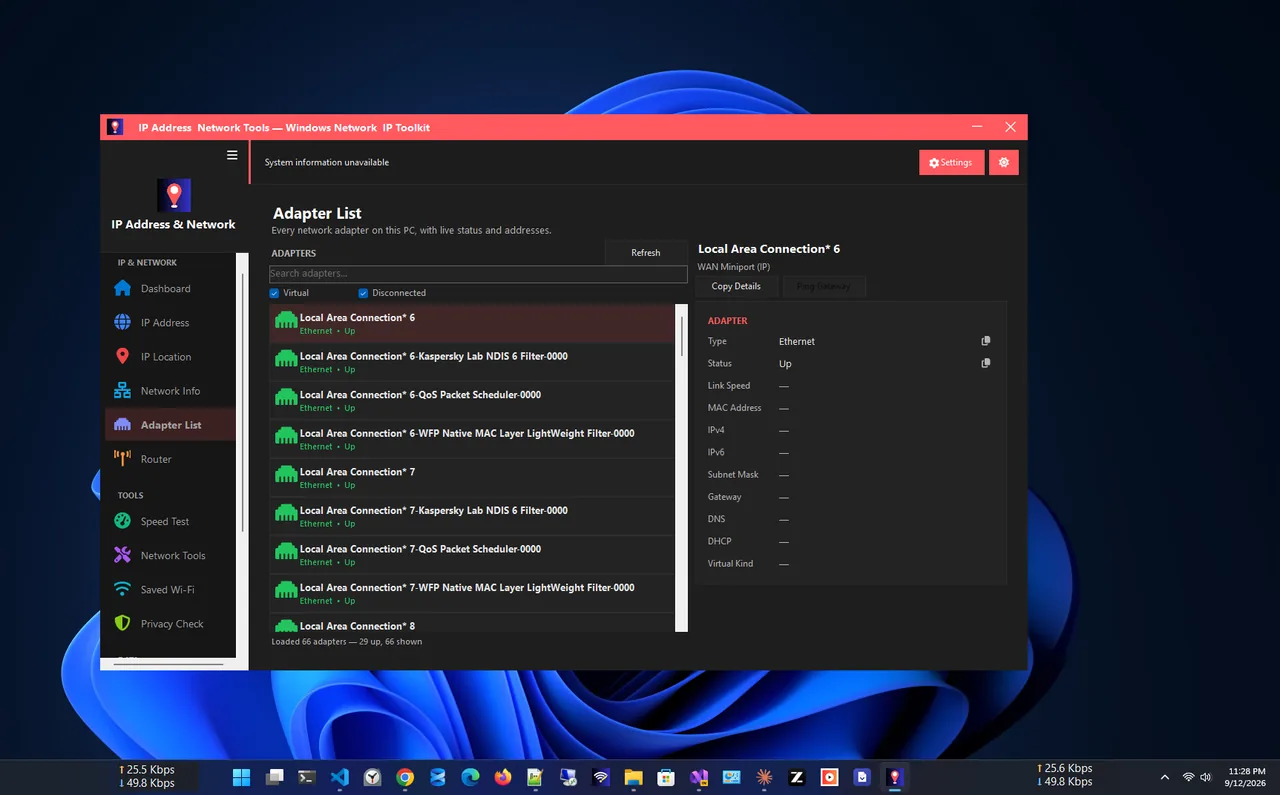
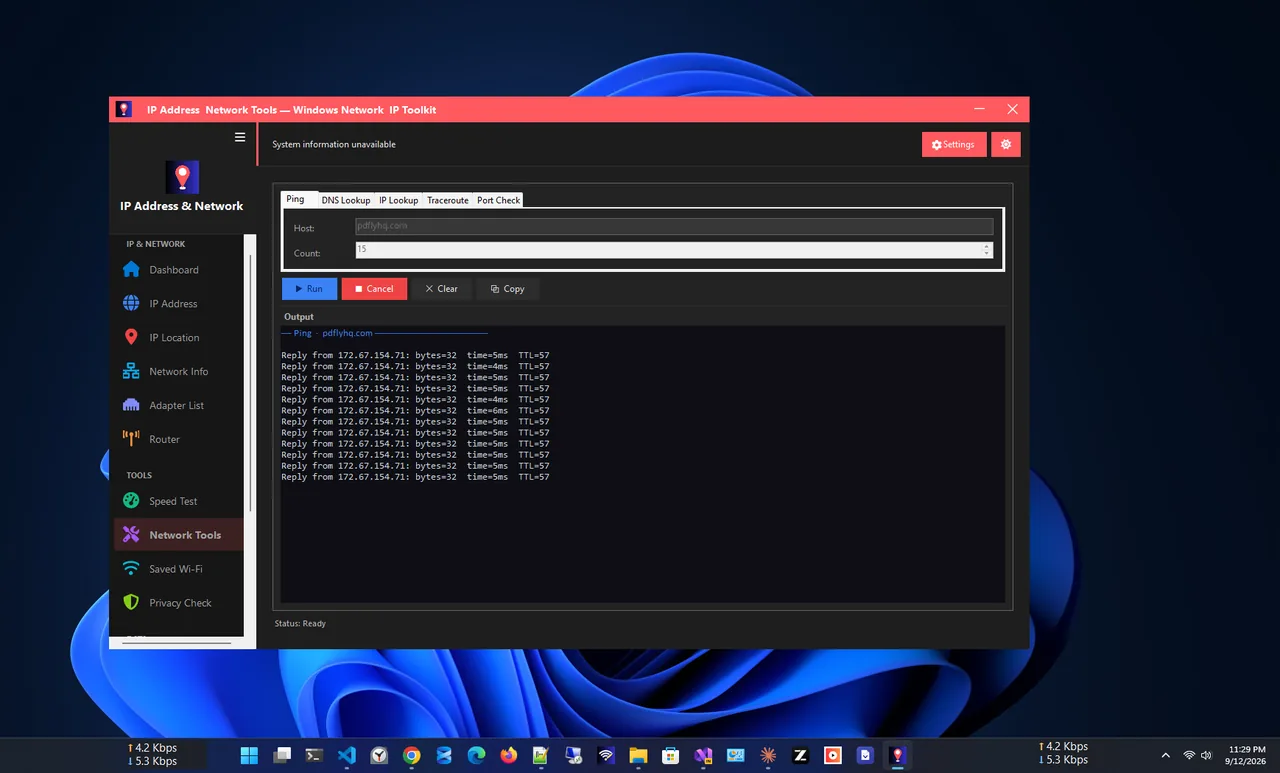
IP Address App shows both on one screen: your public IP with ISP and approximate location, and every local adapter with its private IP, gateway and DNS. Step-by-step instructions are in how to find your IP address on Windows 11.
When the Difference Matters
| Task | Which IP you need |
|---|---|
| Connect to a printer, NAS or another PC at home | The device's private IP |
| Port forwarding for a game or camera | Private IP of the device, set on the router |
| Reach your home network from outside | Your public IP (or a dynamic DNS name) |
| Whitelist your connection on a work server | Your public IP |
| Router login page | The router's private IP (the default gateway) |
For port forwarding, give the device a fixed private address first, or the rule breaks when the router assigns a new one. A DHCP reservation or a manual address both work; see find your IP address on Windows 11 to read the current one.
Which IP Is a Privacy Concern?
Only the public IP. Websites log it and can estimate your city and provider from it, though not your street address. Your private IP reveals nothing useful outside your home, and neither does your MAC address, which never leaves the local network. A VPN replaces your public IP with the VPN server's address.
FAQ
Is 192.168.1.1 a public or private IP?
Private. It is the most common address for home routers and only works inside your own network.
Do all devices at home share the same public IP?
Yes, on IPv4. The router gives each device its own private IP and shares one public IP through NAT. With IPv6, each device can have its own public address.
Does my public IP change?
Usually, yes. Most home plans use a dynamic IP that can change when the router restarts. Static public IPs are often a paid extra.
Can two devices have the same private IP?
Not on the same network; that causes an IP conflict. Devices on different networks can use the same private IP without any problem.
Conclusion
Your public IP is your household's address on the internet; your private IP is your device's address at home. NAT on the router connects the two. Knowing which is which helps with port forwarding, remote access and privacy questions. Find more network apps for Windows.