System How-to
How to Check Battery Cycle Count on Windows
Check your laptop battery cycle count on Windows 11 or 10 with powercfg, PowerShell or a free app. See what a good count is and when to replace.
On this page
To check battery cycle count on Windows, open Terminal and run powercfg /batteryreport. Open the battery-report.html file it saves (in your user folder) and look for Cycle Count in the Installed batteries section, next to design and full charge capacity. Most laptop batteries are rated for 300–1,000 cycles before they drop to about 80% capacity.
Time: 1 minute · Cost: free · Works on: Windows 11 and Windows 10 laptops
Buying a used laptop, deciding whether to replace a battery, or just curious how hard yours has worked? The cycle count tells you how many full charge cycles the battery has been through. Windows does not show it in Settings, but it is easy to find. This guide shows how to check battery cycle count on Windows in three ways and how to judge whether the number is good.
What Is a Battery Cycle?
One cycle is using 100% of the battery's capacity, in any number of steps. Draining from 100% to 50% today and 50% to 0% tomorrow (with a recharge between) adds up to one cycle. So charging little and often does not "waste" cycles. The battery controller counts cycles and stores the number, and Windows reads it.
Method 1: Battery Report (powercfg)
-
Create the report
Right-click Start > Terminal and run:
Commandpowercfg /batteryreportWindows replies with the path, usually
C:\Users\YourName\battery-report.html. -
Open the report
Open the file in a browser. Under Installed batteries, read Cycle Count, Design Capacity and Full Charge Capacity.
-
Check history
Further down, Battery capacity history shows how full charge capacity dropped over time, and Battery life estimates show runtime then and now.
If Cycle Count shows a dash or is blank, the battery or its firmware does not report it to Windows. Try the laptop maker's app (Lenovo Vantage, Dell Power Manager, HP Support Assistant, MyASUS), which often reads it directly.
Method 2: PowerShell
Get-CimInstance -Namespace root\wmi -ClassName BatteryCycleCount | Select-Object InstanceName, CycleCountThis reads the counter directly without making a report. If it returns an error or 0, the hardware does not expose it through this interface; use the battery report or the maker's tool.
Method 3: Battery ZX
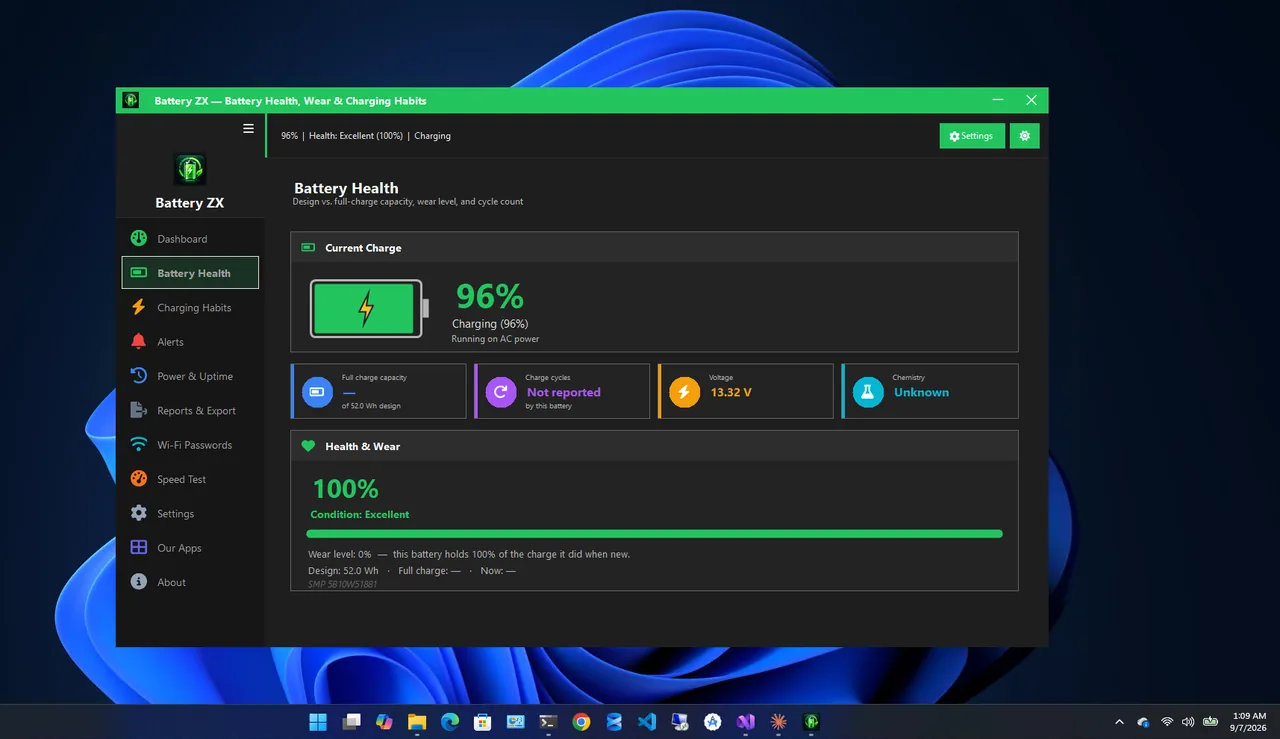
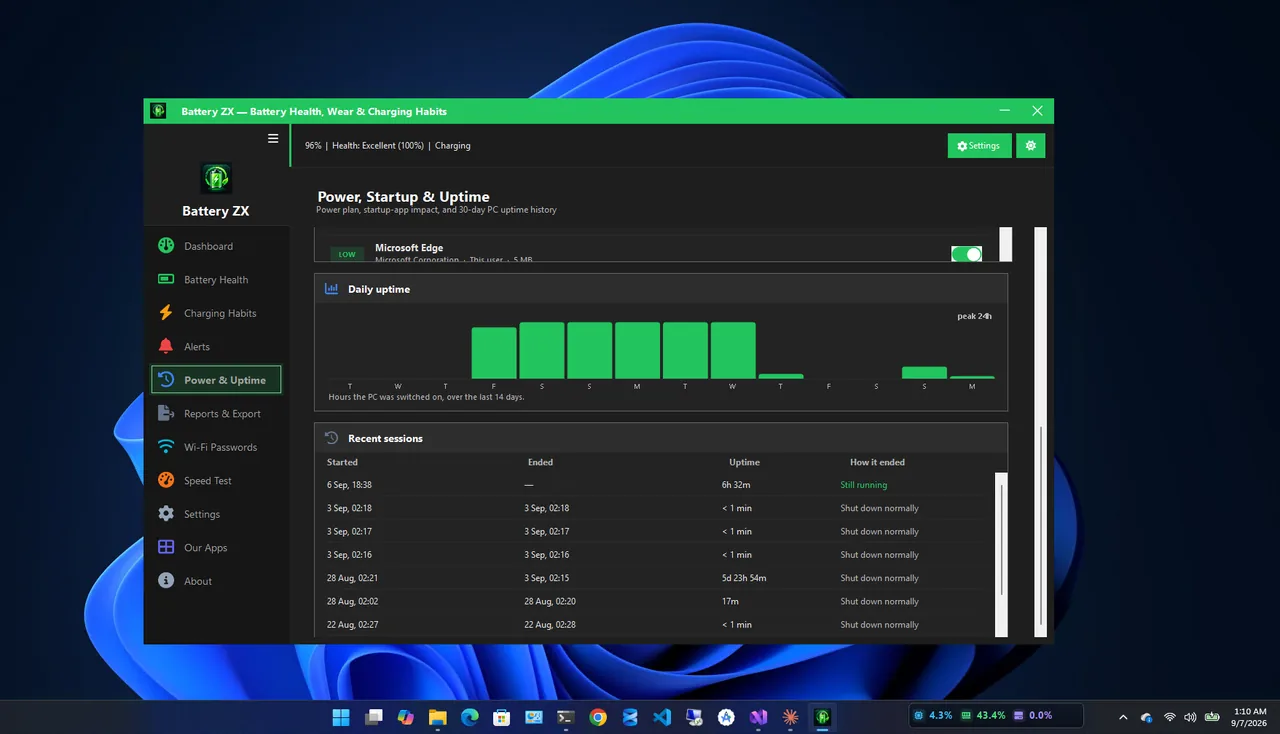
Battery ZX shows battery health, wear level, charge cycles and full-charge capacity in one dashboard, tracks charging habits over time and alerts you at wear thresholds, so you do not need to regenerate a report each time.
What Is a Good Battery Cycle Count?
| Cycle count | Condition (typical laptop) |
|---|---|
| 0–100 | Like new |
| 100–300 | Light use; usually 90%+ capacity |
| 300–500 | Moderate; many batteries near 80–90% |
| 500–1,000 | Heavy; check capacity, replacement may be near |
| 1,000+ | Beyond most ratings; expect reduced runtime |
Cycle count alone is not the whole story. Heat and time spent at 100% age a battery too, so a battery with 200 cycles that lived in a hot, always-plugged-in laptop can be weaker than one with 500. Always look at full charge capacity vs design capacity as well; see check battery health on Windows 11.
Buying a Used Laptop?
- Ask the seller to run
powercfg /batteryreportand share the Installed batteries section. - Health above 80% and fewer than 500 cycles is a good sign.
- Budget for a new battery if health is below 70%.
How to Slow Down Wear
Use a charge limit of about 80% if the laptop is usually plugged in, keep it cool, and avoid regular deep discharges. Brand-by-brand settings are in should I leave my laptop plugged in. If runtime has already dropped, laptop battery draining fast helps you find whether the battery or an app is to blame.
Battery Cycle Count Ratings by Brand
Makers publish how many cycles a battery should last before it drops to about 80% of design capacity. Typical figures:
| Laptop type | Typical rating |
|---|---|
| Budget and mid-range Windows laptops | 300–500 cycles |
| Premium Windows laptops and business models | 500–1,000 cycles |
| Batteries with long-life charging modes enabled | Often well beyond the rating |
Check your model's support page or warranty terms; some makers replace batteries under warranty if capacity drops below a threshold within a set number of cycles.
Track Your Battery Cycle Count Over Time
Run the battery report every few months and save a copy with the date in the name. Comparing reports shows how quickly cycles add up and how capacity drops per hundred cycles. A sudden drop in capacity with few new cycles points to heat or a failing cell rather than normal wear.
FAQ
Why does my battery report not show cycle count?
Some batteries do not report it to Windows. The laptop maker's app or BIOS may still show it.
Does charging to 80% count as a cycle?
It counts as part of one. Cycles add up by percentage used, so 80% of discharge is 0.8 of a cycle.
Can I reset the battery cycle count?
No. It is stored in the battery's controller. Only a new battery starts at zero.
Is 300 cycles a lot?
No. That is about a year of daily use and well within most batteries' rating. Check capacity to confirm health.
Conclusion
powercfg /batteryreport shows your battery cycle count in seconds, along with design and full charge
capacity. Under 500 cycles with 80%+ capacity is healthy for most laptops. Combine the number with capacity to decide
when to replace. Explore more system utilities for Windows 11.