System Explainer
Normal CPU Temperature: Idle, Gaming and Max
What is a normal CPU temperature? Safe ranges for idle, gaming and full load on Intel and AMD desktops and laptops, when to worry and how to cool down.

On this page
A normal CPU temperature is 30–50°C at idle and 60–85°C under heavy load such as gaming or video export. Laptops run 5–15°C hotter. Short spikes to 90°C are acceptable on modern chips, and some (AMD Ryzen 7000/9000, Intel 13th/14th gen and Core Ultra) are designed to boost until they reach 95–100°C. Sustained 90°C+ with throttling, or 70°C+ at idle, means you should improve cooling.
You open a temperature monitor and see 78°C while gaming. Is that fine or is your PC about to cook itself? The answer depends on the processor, the type of PC and what it is doing. This guide explains normal CPU temperature ranges in plain numbers, what the maximum really is, and what to do when your readings are too high.
CPU Temperature Chart
| Situation | Desktop | Laptop | Verdict |
|---|---|---|---|
| Idle / desktop | 30–50°C | 35–55°C | Normal |
| Browsing, office, video | 40–60°C | 45–70°C | Normal |
| Gaming | 60–80°C | 70–90°C | Normal |
| Full load (rendering, stress test) | 70–90°C | 80–95°C | OK if not throttling |
| Sustained above 95°C | Any PC | Too hot: improve cooling | |
What Is the Maximum Safe CPU Temperature?
Every CPU has a maximum junction temperature (TjMax), typically 95–105°C. When the chip reaches it, it slows down (thermal throttling) to protect itself, and if that is not enough, the PC shuts down. So a modern CPU will not damage itself from heat in normal use, but running at the limit costs performance, makes fans loud, and over years can shorten the life of the chip and nearby components.
| CPU family | Typical max (TjMax) |
|---|---|
| Intel Core 12th–14th gen desktop | 100°C |
| Intel Core Ultra (laptop and desktop) | about 100°C (some up to 105°C) |
| AMD Ryzen 5000 desktop | 90–95°C |
| AMD Ryzen 7000 / 9000 desktop | 95°C (boosts up to it by design) |
| AMD Ryzen laptop chips | 95–105°C |
Check your exact model's specification page for its value.
Why Some Modern CPUs Run at 95°C on Purpose
Recent desktop Ryzen and high-end Intel chips boost their clock speed until they hit a temperature or power limit. A Ryzen 9 at 95°C under full load is working as designed, not overheating. What matters is whether it holds its boost clocks and whether temperatures at idle and in games are reasonable.
How to Check Your CPU Temperature
Windows does not show CPU temperature in Task Manager (only GPU temperature). Use a monitoring app. CPU ZX Pro shows each core's temperature with a history chart, plus GPU metrics and alerts when a temperature crosses your limit. Step-by-step: check CPU temperature on Windows 11.
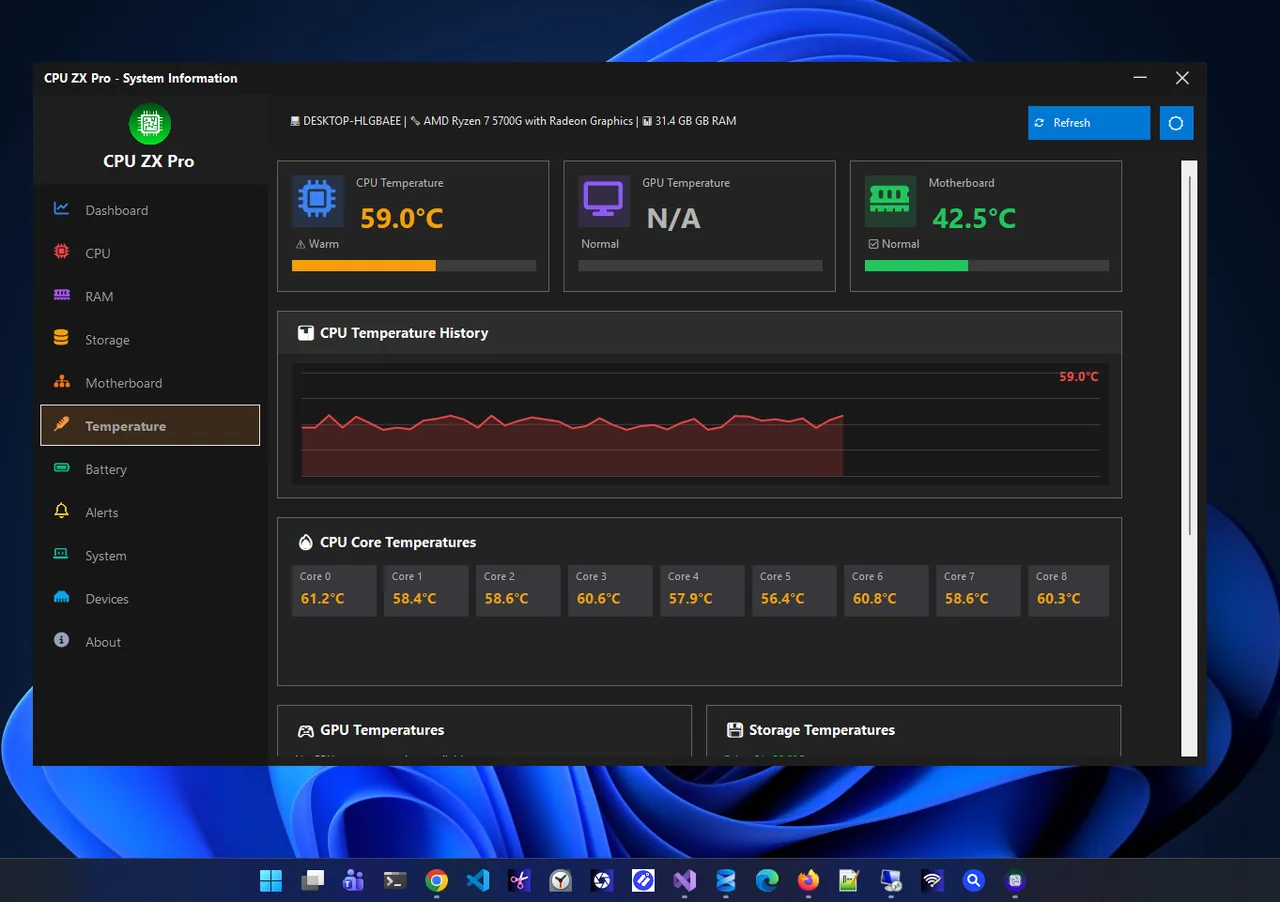
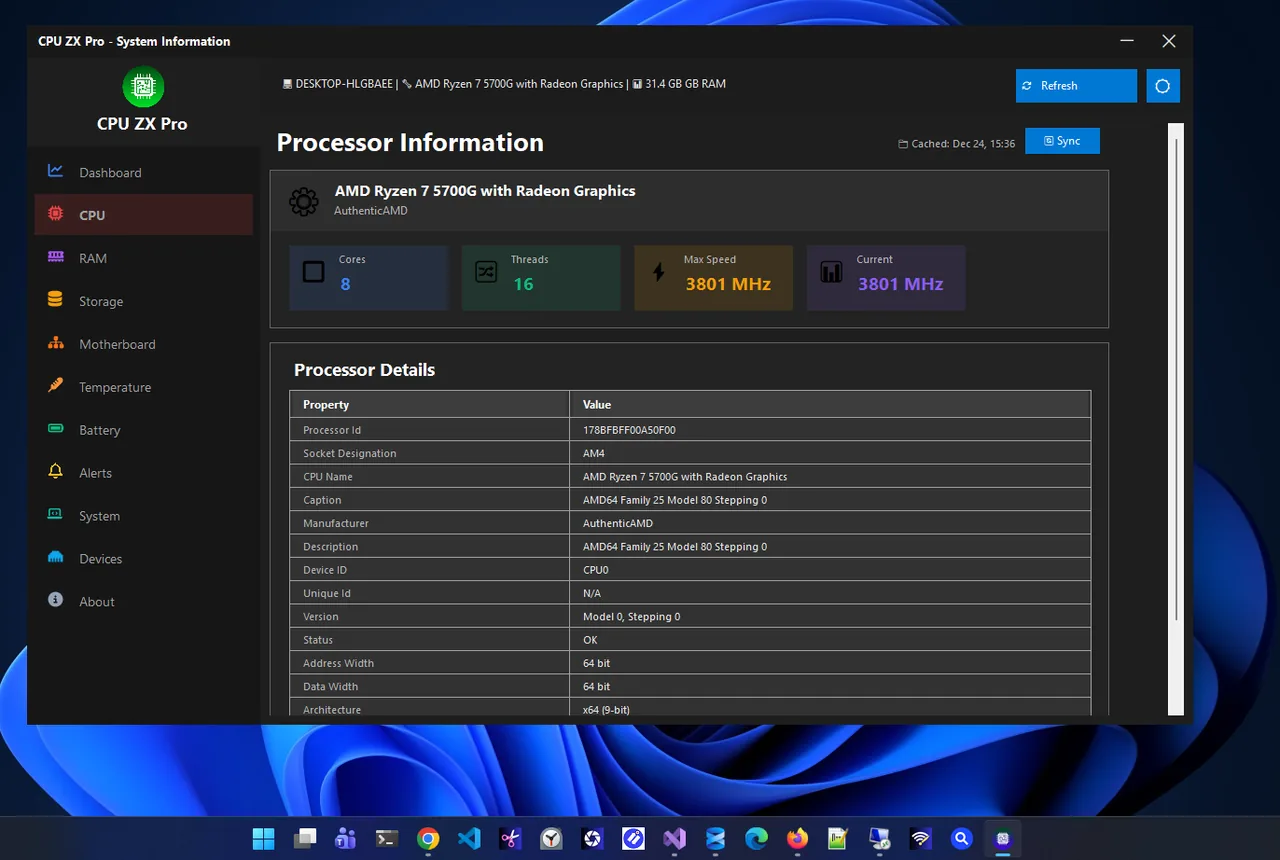
Read temperatures after 10–15 minutes of the activity you care about; the first few seconds of a load show spikes that settle down.
How to Lower CPU Temperature
-
Clean dust out
Dust in heatsinks and fans is the most common cause of rising temperatures. Use compressed air in short bursts, holding fans still.
-
Improve airflow
Keep laptops on a hard, flat surface, not a bed or lap. On desktops, check that case fans pull air in at the front and push it out at the back and top.
-
Use a balanced power mode
Settings > System > Power & battery > Power mode: Balanced. Best performance pushes clocks and heat higher for small gains.
-
Replace thermal paste
Paste dries out after 3–5 years. Fresh paste can drop load temperatures by 5–15°C on older PCs.
-
Upgrade the cooler
Stock coolers struggle with high-end CPUs. A good tower air cooler or a 240 mm liquid cooler keeps gaming temperatures in the 60s and 70s.
Laptop-specific steps are in how to fix laptop overheating, and if the fan is the issue rather than the heat, see laptop fan loud.
Normal CPU Temperature for Laptops
Thin laptops are designed to run hot because they have small coolers. Temperatures of 85–95°C during games are common on gaming and ultrabook models, and the fans and clock speeds adjust to keep the chip safe. What matters is whether performance stays steady and whether the base of the laptop gets uncomfortably hot. Raising the back slightly with a stand often lowers temperatures by a few degrees.
FAQ
Is 80°C too hot for a CPU while gaming?
No. 80°C is normal for gaming, especially on laptops. Keep sustained temperatures below about 90°C for quieter fans and full performance.
Is 60°C at idle bad?
It is high for a desktop and suggests dust, a poorly seated cooler or background load. On a thin laptop it can be normal.
Can high temperature damage my CPU?
Modern CPUs throttle and shut down before damage. Long-term operation at the limit can reduce lifespan, so fix cooling if it is constantly maxed.
Why are my CPU temperatures jumping up and down?
Normal behaviour. CPUs boost briefly for short tasks, causing spikes of 10–20°C that drop within seconds.
Conclusion
Normal CPU temperature is 30–50°C at idle and 60–85°C under load, a little higher on laptops. Some modern chips run up to 95°C by design. Watch for sustained heat with throttling or high idle readings, and fix them with cleaning, airflow and fresh paste. Explore more system utilities for Windows 11.